What Microsoft Edge Needs From a Computer
Microsoft Edge is the default browser in Windows 11 and is also available for Windows 10, macOS, Linux, Android and iOS. Like all modern Chromium-based browsers, Edge is not demanding by itself — it runs comfortably on a dual-core processor with 4GB of RAM — but its real hardware requirements come from what you do inside it. Multiple tabs, web applications, video calls, PDF viewing, and browser-based dashboards all consume memory and CPU time, so the machine underneath matters more than the browser version number.
Recommended Specifications for Edge
For light browsing and email, a 4-core processor with 8GB of RAM is sufficient. For business use — many tabs, Microsoft 365 web apps, Teams calls, and kiosk or digital-signage deployments — 16GB of RAM and a modern 6-core processor give noticeably smoother performance. Storage matters mainly for the operating system and browser cache; a 128GB SSD is workable, while 256GB or more is comfortable for long-term deployments.
| Usage Profile | Processor | RAM | Storage |
|---|---|---|---|
| Basic browsing, email | 4-core (Intel N95/N100) | 8GB | 128GB SSD |
| Business productivity, many tabs | 6-core (Intel Core i3-1215U) | 16GB | 256–512GB SSD |
| Kiosk, signage, VDI endpoint | 4–6 core | 8–16GB | 128GB SSD |
| Heavy web apps, video calls | 6–10 core | 16–32GB | 512GB SSD |
Deployment Notes for Edge
Edge is included with Windows 11 Professional, which many organisations prefer for its management features — Group Policy and registry-based configuration, kiosk mode via Assigned Access, and Internet Explorer mode for legacy internal sites. Edge also supports a dedicated kiosk mode for public-facing terminals. On Linux, Edge is distributed as a .deb or .rpm package and runs on Ubuntu 24.04 LTS without additional drivers in most cases. For thin-client and VDI setups, Edge runs inside the remote session, so the endpoint hardware only needs to be fast enough to decode the display stream.
Hardware Considerations for Always-On Systems
Browsers are often left open for days on industrial PCs, point-of-sale terminals, and information displays. In those settings, fanless designs are valuable: no moving parts means no dust ingress through a fan grille and no bearing wear over years of continuous operation. Wide-voltage DC inputs and industrial temperature tolerance also matter where the machine shares a cabinet with motors, relays, or power supplies. Wired Gigabit Ethernet is generally preferred over Wi-Fi for fixed installations because it is more stable and easier to secure.
Thinvent Products for Microsoft Edge Workloads
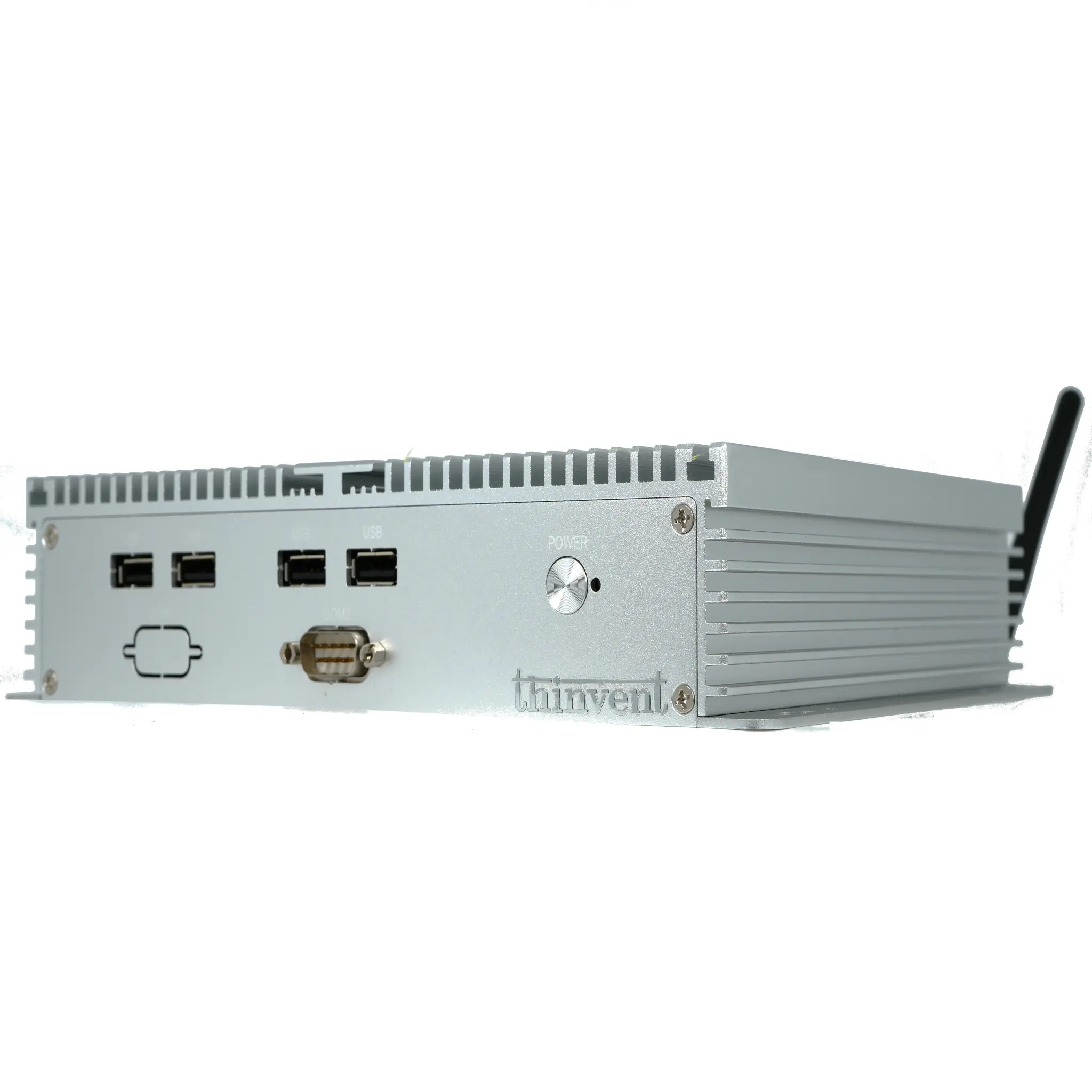
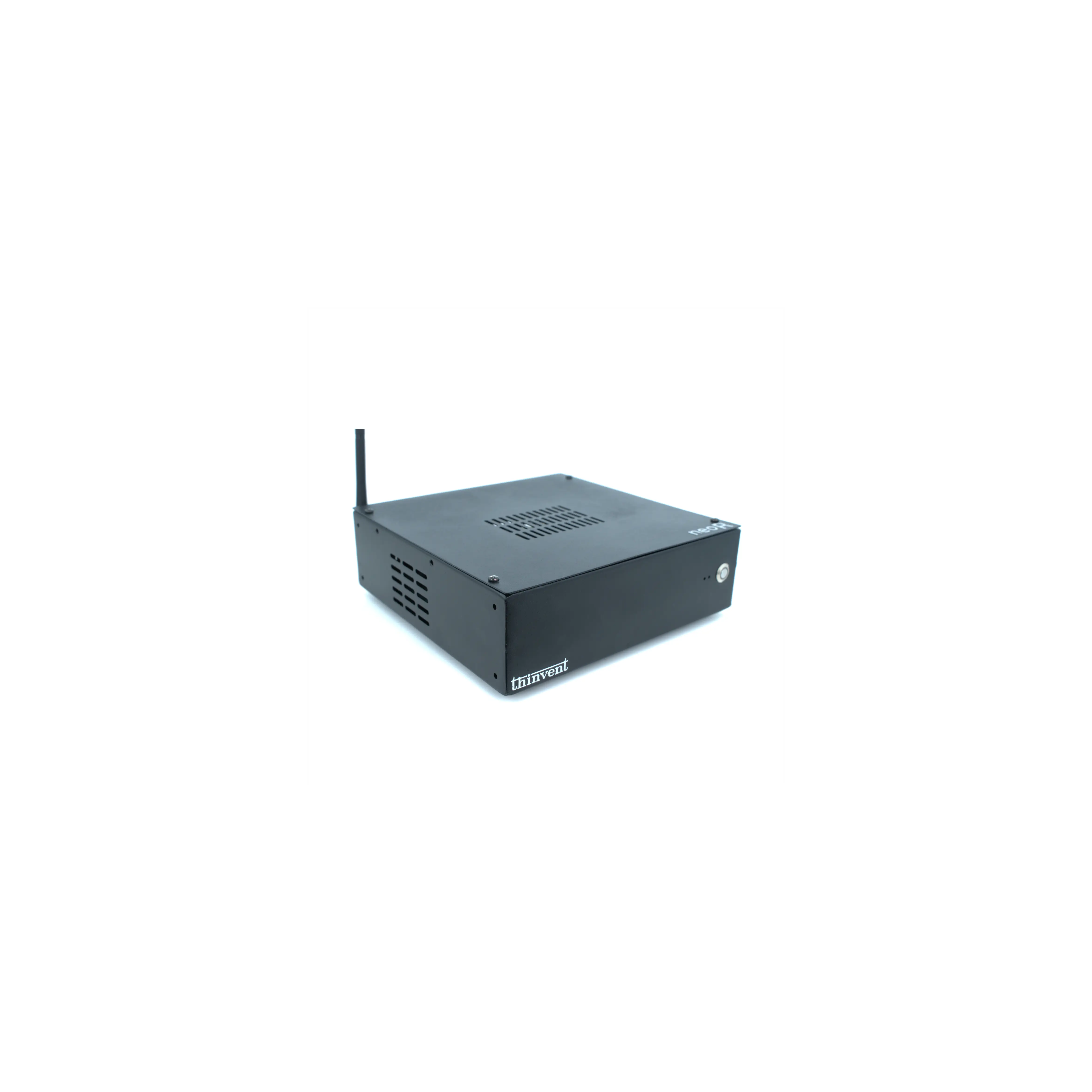
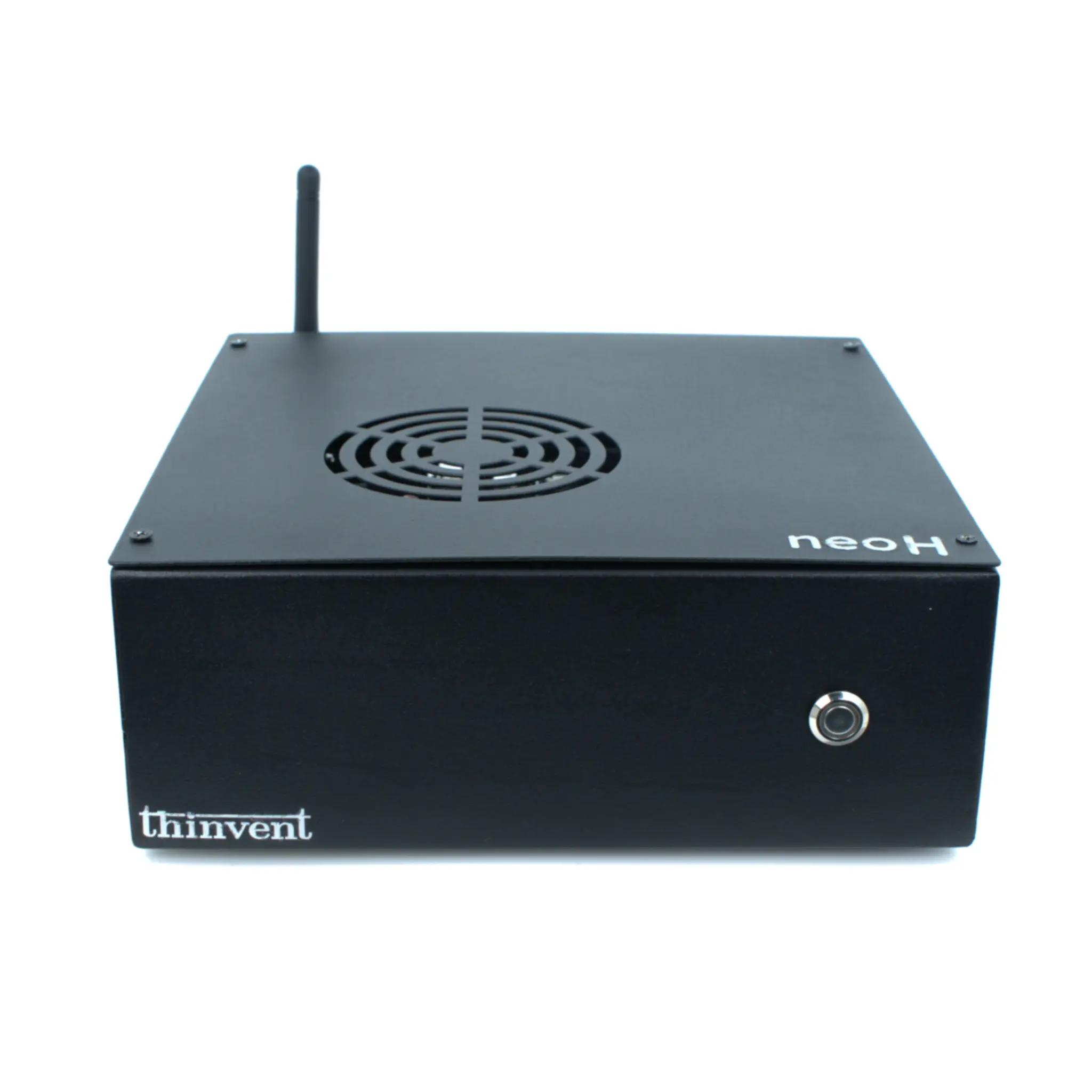
Thinvent's range covers every Edge deployment scenario. Industrial PCs such as the IPC3 series pair Intel Core i3-1215U processors with up to 32GB DDR4 RAM and SSD storage, running Windows 11 Professional or Ubuntu Linux 24.04 LTS — suitable for kiosks, control rooms, and shop-floor terminals. Thin clients are ideal when Edge runs inside a VDI or remote desktop session, keeping endpoint cost and maintenance low. Mini PCs suit office and reception desks, while all-in-one PCs combine the computer and display for space-constrained information points. All Thinvent systems are fanless, support dual Gigabit Ethernet, and are built for continuous duty.