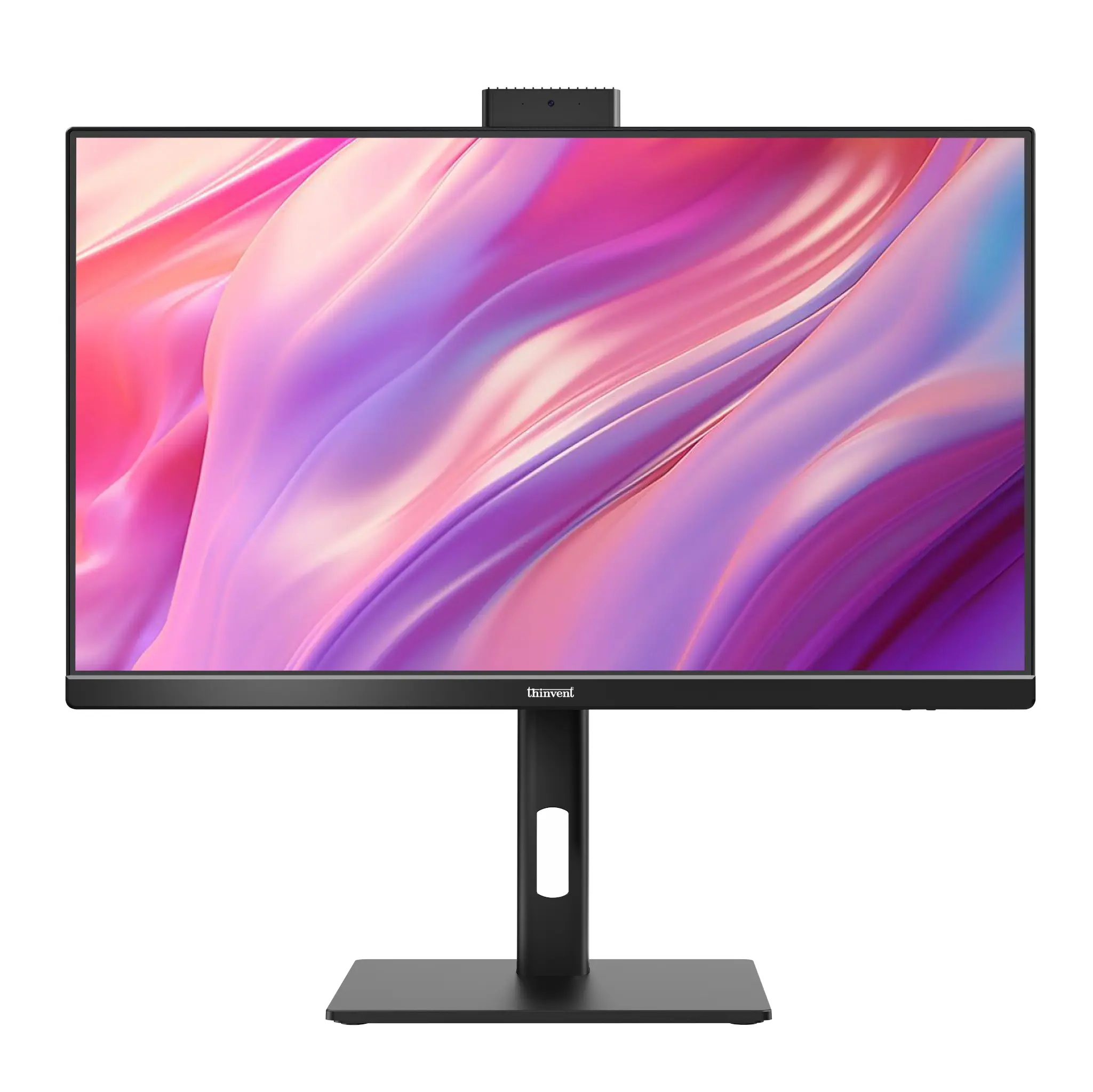
The HCL Beanstalk All In One PC is an all-in-one desktop with an Intel Core i3 processor, a maximum of 2 GB RAM and a maximum of 500 GB storage, running Windows 7 Home Premium. The closest Thinvent match is the Thinvent Uno22 All-in-One PC with Intel Core i3 processors, which has up to 64 GB RAM, up to 2 TB SSD storage and a choice of operating systems including Windows 11 Pro.
HCL Beanstalk All In One PC vs Thinvent Uno22
| HCL Beanstalk All In One PC | Thinvent Uno22 All-in-One (Intel i3 13th 1315U) | |
|---|---|---|
| Processor | Intel Core i3 | Intel Core i3-1315U |
| Cores/Threads | Not confirmed | 6 cores, up to 4.5 GHz, 10 MB cache |
| RAM | Up to 2 GB | Up to 64 GB DDR4 |
| Storage | Up to 500 GB | Up to 2 TB SSD |
| Form Factor | All-in-One | All-in-One, 21.5-inch display |
| Operating System | Windows 7 Home Premium | Windows 11 Pro (also Windows 11 IoT Value, Ubuntu Linux, Thinux Embedded Linux, Without OS, DOS) |
Key differences
-
Memory: The Thinvent Uno22 supports up to 64 GB DDR4 RAM, against a 2 GB maximum on the HCL Beanstalk.
-
Storage: The Thinvent Uno22 supports up to 2 TB SSD, against a 500 GB maximum on the HCL Beanstalk.
-
Operating system: The Thinvent Uno22 ships with Windows 11 Pro, and buyers can choose Windows 11 IoT Value, Ubuntu Linux, Thinux Embedded Linux, or no OS.
-
Wireless: The Thinvent Uno22 is available with or without dual-band Wi-Fi 5 (802.11ac).
-
Display: The Thinvent Uno22 has a 21.5-inch 1920 × 1080 display with 250 nits brightness.
-
Trade-off: We could not confirm the HCL Beanstalk's processor generation, core count or display specifications, so this comparison covers only the points listed above.
Which one should you choose?
Choose the HCL Beanstalk if you need a Windows 7 system for a legacy setup with light, low-memory use. Choose the Thinvent Uno22 if you need more RAM, larger SSD storage, a current Windows 11 Pro system, or a choice of Linux or embedded operating systems.