Which Open Source AI Models Run Well on Local Hardware?
Open source AI models such as DeepSeek R1, Llama, and Qwen can run on a local computer. Local runs keep data on the device and avoid cloud service fees. The model size and the memory of the computer decide which models run well. Larger models need more RAM and a capable processor or graphics unit.
Key Hardware Requirements
Local AI inference depends mainly on memory capacity. A system with 8 GB of RAM runs small quantized models. A system with 16 GB or more runs mid-size models with more room for context. Systems with 32 GB or more handle larger models and multiple tasks at once. Processor core count and cache size affect response speed on CPU-based inference.
| Memory | Model Class | Suitable Thinvent Product |
|---|---|---|
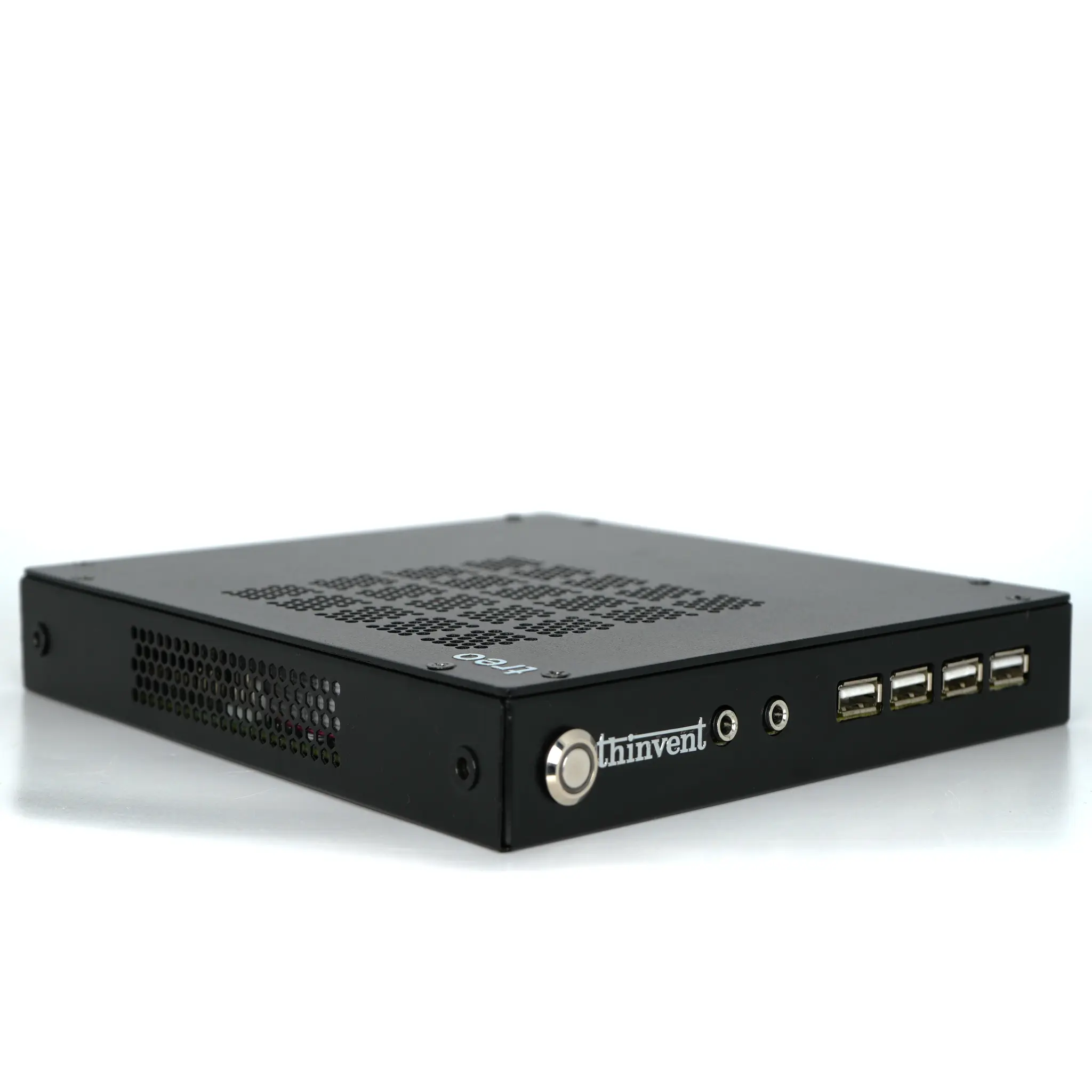
| 4 GB | Small quantized models | Thinvent Treo Mini PC (N5095A) |
| 8 GB | Small to mid-size models | Thinvent Aero Mini PC (i3-1215U) |
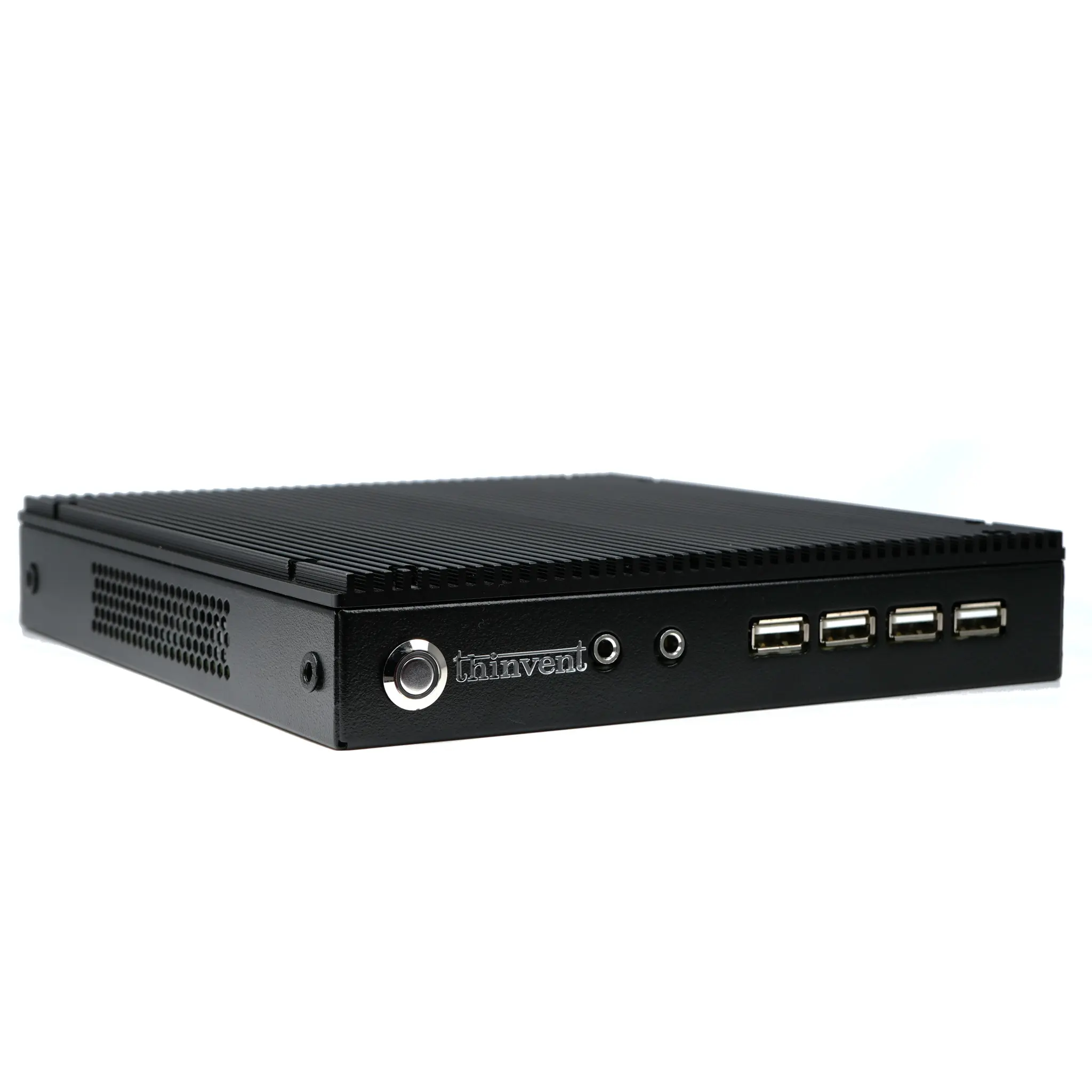
| 16 GB | Mid-size models | Thinvent Aero Mini PC (Core 5 120U), Thinvent IPC5 (i5-1240P, i7-1255U) |
| 32 GB | Larger models and multitasking | Thinvent IPC5 (i7-1255U, 32GB, Ubuntu Linux) |
Tools and Workflows
Common tools for local AI include Ollama, LM Studio, and llama.cpp. Ubuntu Linux is a common operating system for running these tools on a dedicated system. Thinvent products support both Windows 11 and Ubuntu Linux, depending on the model.
Thinvent Products for Local Open Source AI
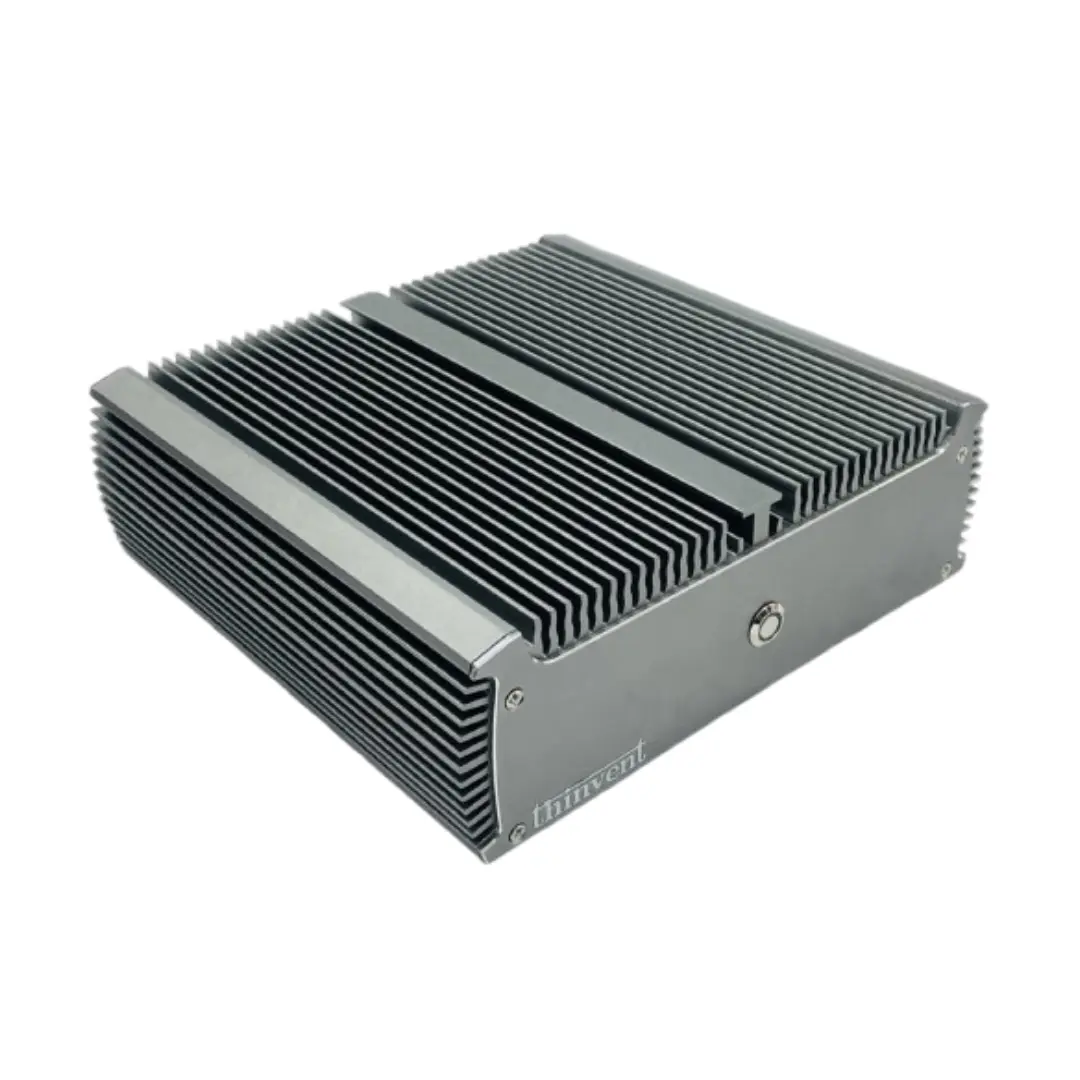
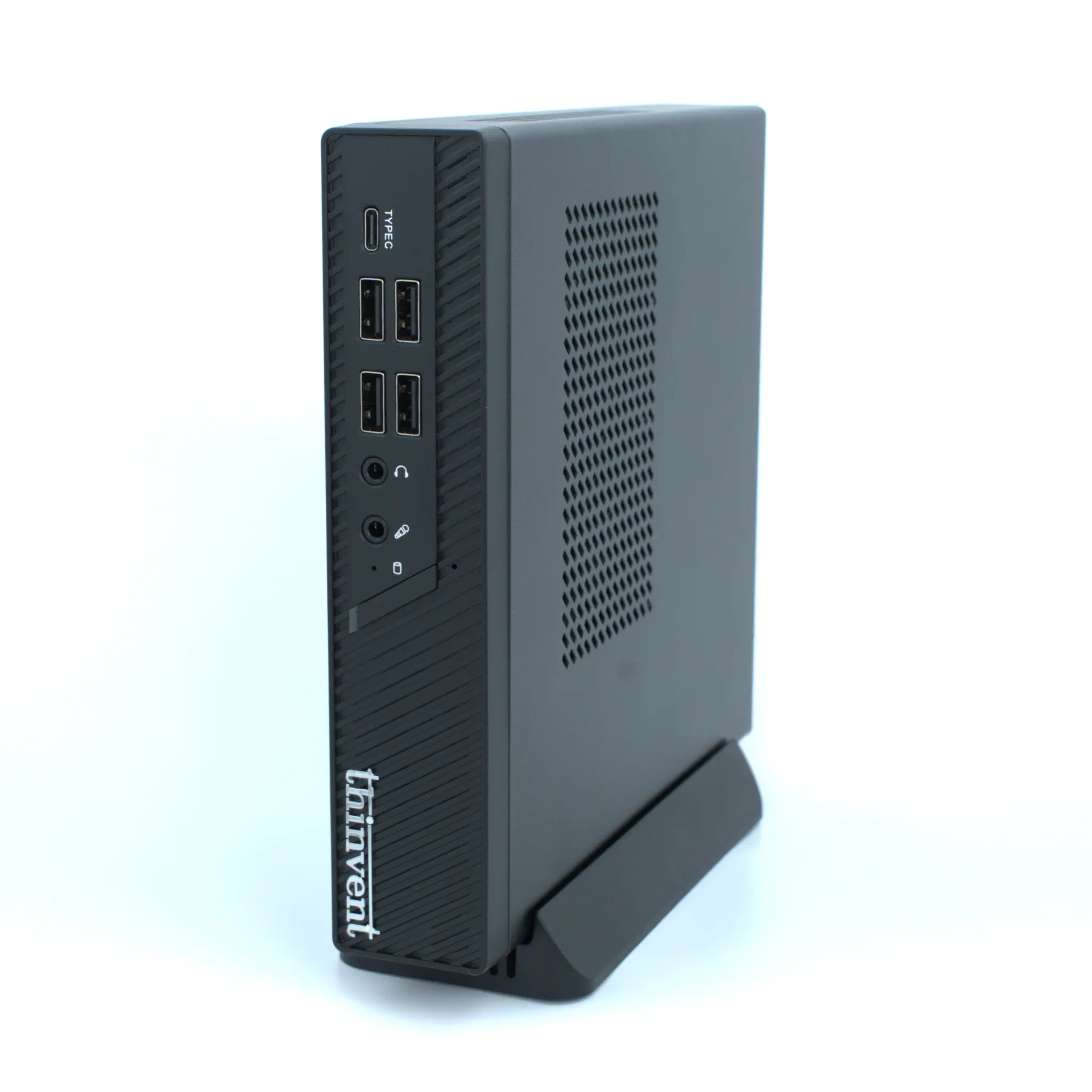
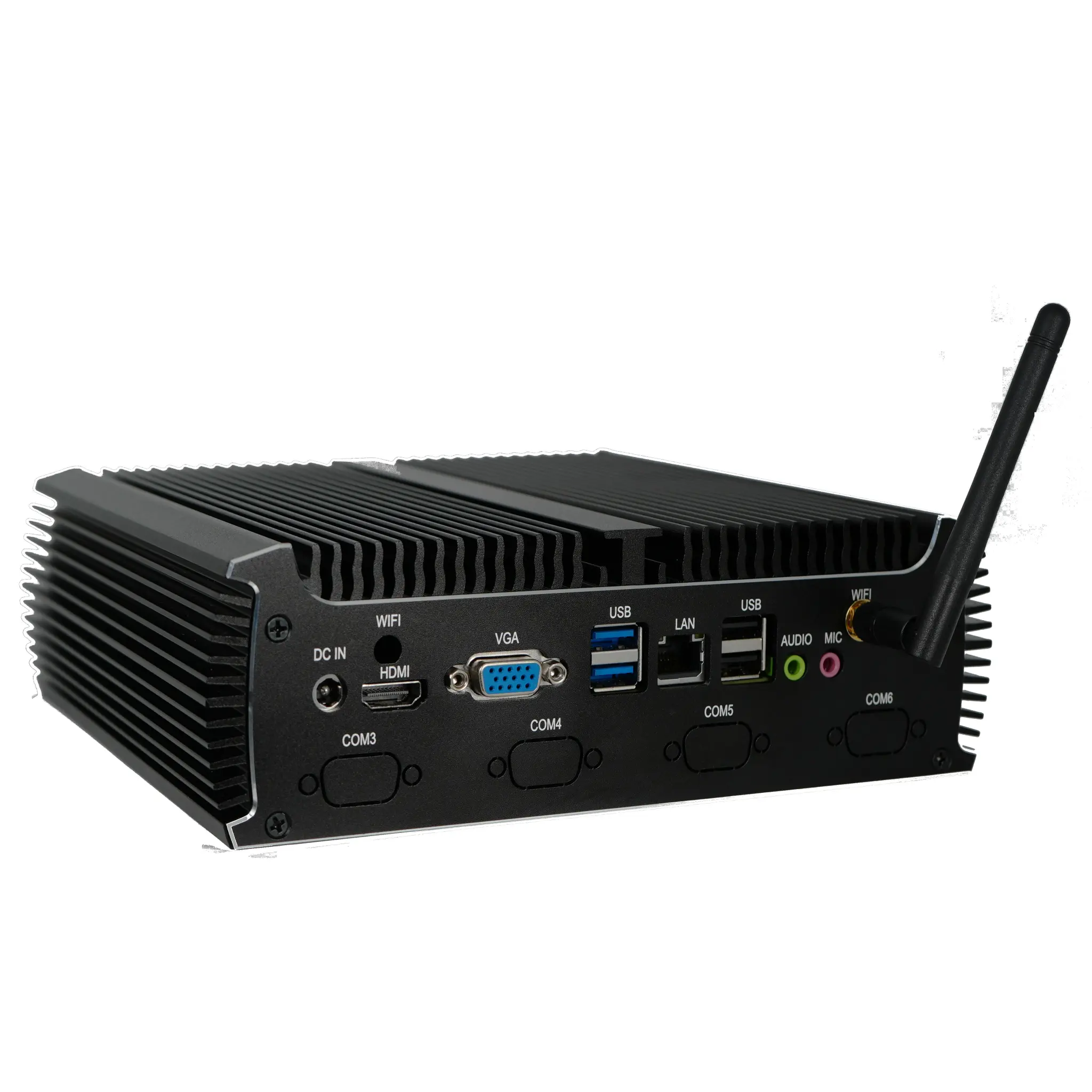
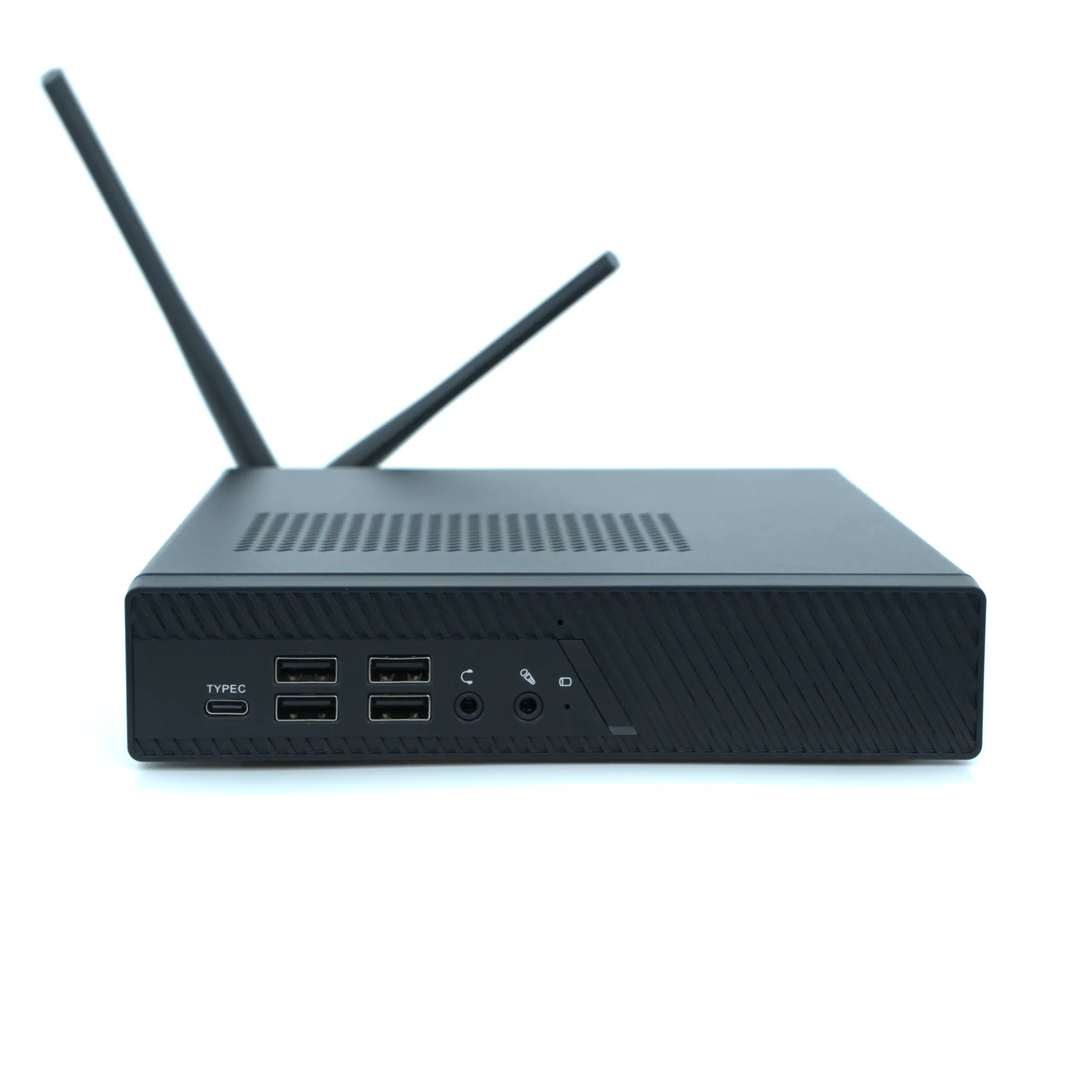
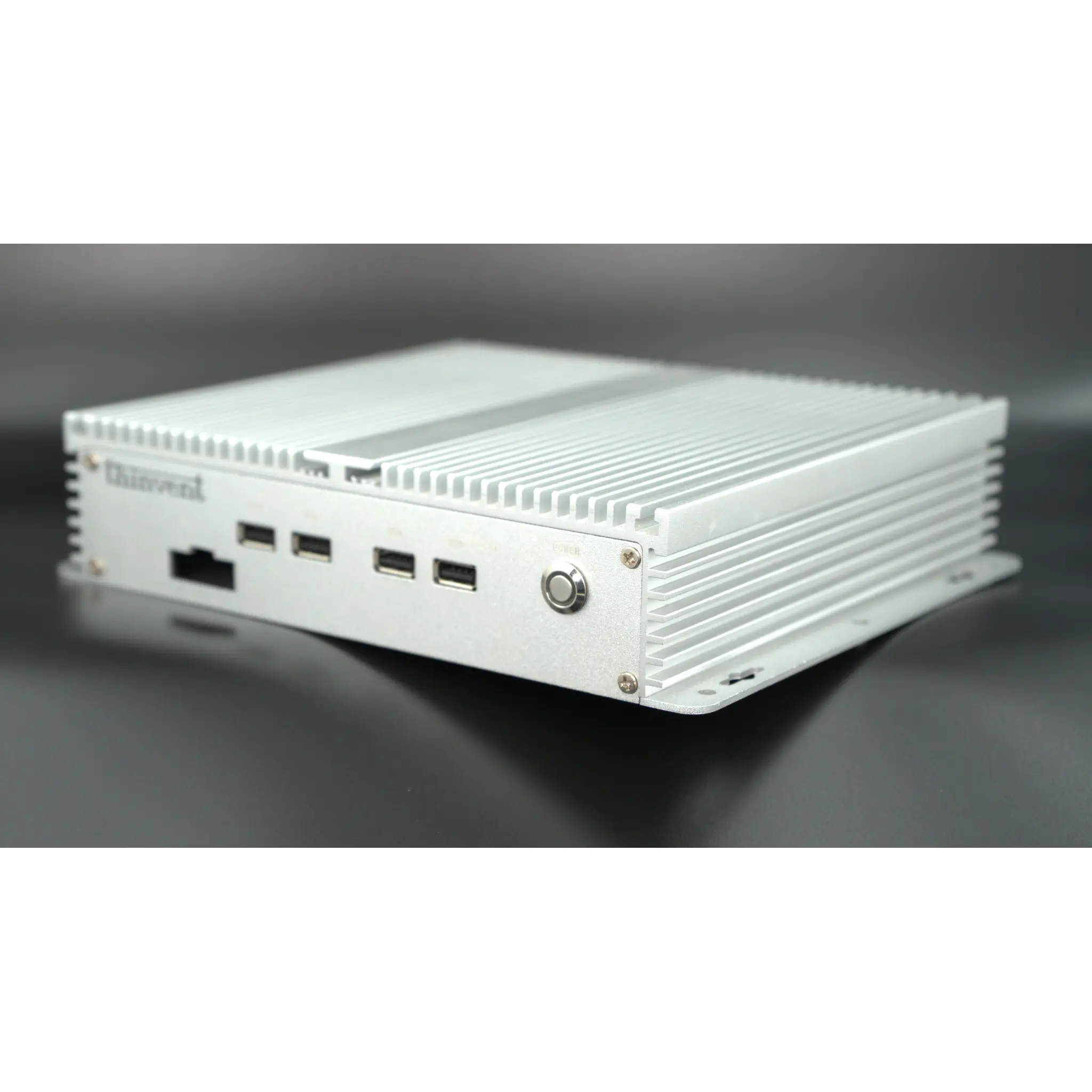
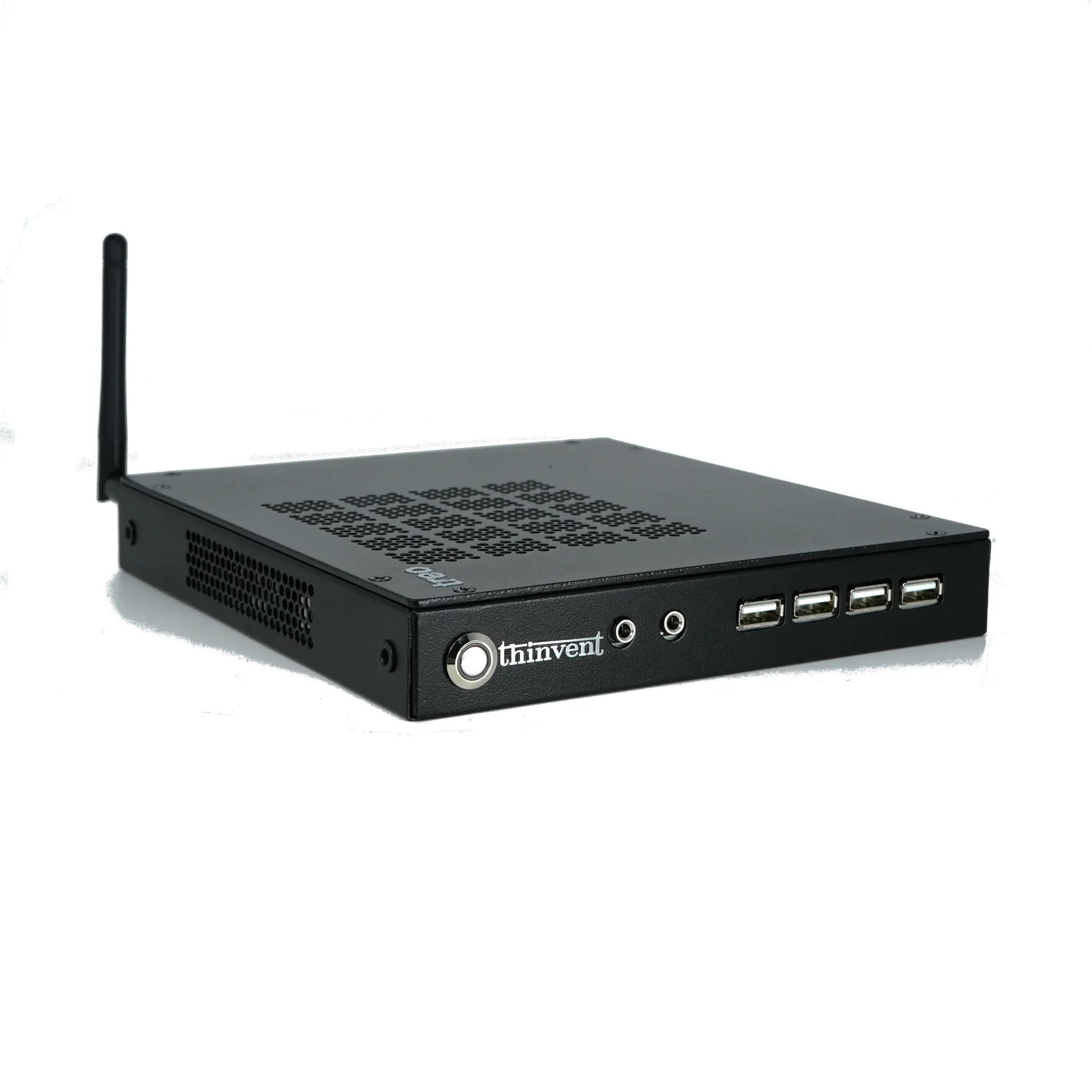
The Thinvent range includes systems with Intel Core i3, i5, i7 and Core 5 processors and an AMD Ryzen 5 7430U processor. The Thinvent IPC5 with Intel Core i7-1255U and 32GB DDR4 RAM runs with Ubuntu Linux and a 1TB SSD. The Thinvent Aero Mini PC with Intel Core 5 120U has 16GB DDR4 RAM and 512GB SSD with Dual Band WiFi. The Thinvent Treo Mini PC with AMD Ryzen 5 7430U has 16GB DDR4 RAM and Dual Band WiFi. The Thinvent range does not include discrete GPUs for accelerated AI inference. CPU-based inference uses the processor cores and system memory.