What is the Best PC for CorelDRAW?
The best PC for CorelDRAW is a system with a modern multi-core processor, ample RAM, and fast SSD storage to handle vector graphics, photo editing, and complex design projects smoothly. CorelDRAW is a CPU-intensive application that benefits significantly from strong single-core performance for interface responsiveness and multi-core performance for rendering and effects. A dedicated GPU, while not strictly required for all tasks, accelerates rendering, improves brush performance in Corel PHOTO-PAINT, and provides a smoother experience when working with high-resolution images and complex illustrations.
Key Specifications for CorelDRAW
For optimal performance, focus on these key components:
-
Processor (CPU): A modern Intel Core i5 or i7 processor (10th generation or newer) is ideal. These offer excellent single-threaded performance for the main application and multiple cores for background tasks. Higher clock speeds (GHz) are crucial.
-
Memory (RAM): 16GB is the recommended minimum for professional work. 32GB or more is advisable for handling large files, multiple applications, or extensive use of effects and bitmaps.
-
Storage (SSD): A fast NVMe SSD (512GB or larger) is essential for quick application launch, fast file saving/loading, and efficient use of scratch disks.
-
Graphics (GPU): While integrated Intel Iris Xe or UHD Graphics can run CorelDRAW, a dedicated GPU from NVIDIA or AMD (with at least 2GB VRAM) will significantly improve performance in GPU-accelerated features.
-
Operating System: Microsoft Windows 11 Pro is the recommended and officially supported OS for the latest versions of CorelDRAW, ensuring stability and compatibility.
Use Cases and Applications
A PC configured for CorelDRAW is perfect for professional graphic designers, illustrators, sign-makers, and print shops. It excels at:
-
Vector Illustration & Logo Design: Creating crisp, scalable graphics.
-
Page Layout & Publishing: Designing brochures, magazines, and multi-page documents.
-
Photo Editing: Using Corel PHOTO-PAINT for bitmap image manipulation.
-
Large-Format Printing & CNC Preparation: Preparing detailed designs for plotters, vinyl cutters, and engraving machines where precision is key.
Recommended System Comparison
| Task Level | Recommended CPU (Series/Gen) | Recommended RAM | Recommended SSD | Graphics Recommendation |
|---|---|---|---|---|
| Entry-Level / Casual Use | Intel Core i3 / 12th Gen+ | 8GB - 16GB | 256GB NVMe SSD | Integrated Intel UHD/Xe Graphics |
| Professional Design Work | Intel Core i5 / i7, 12th Gen+ | 16GB - 32GB | 512GB+ NVMe SSD | Dedicated GPU (e.g., NVIDIA GTX/RTX) |
| Heavy-Demand & Large Files | Intel Core i7 / i9, 13th Gen+ | 32GB+ | 1TB+ NVMe SSD | Powerful Dedicated GPU |
Thinvent PCs for CorelDRAW Design
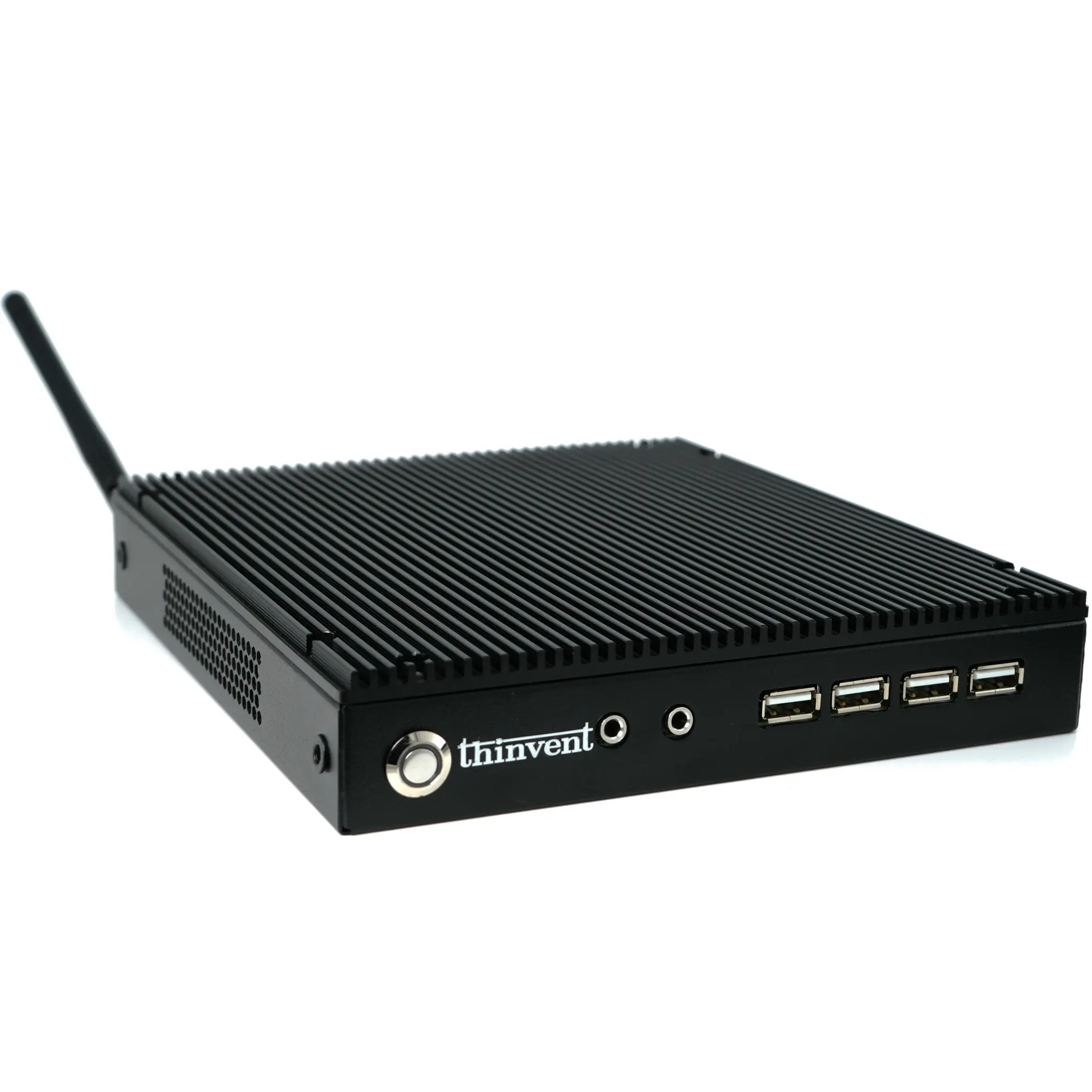
Thinvent offers a range of reliable, fanless industrial computers that provide the stable, high-performance foundation required for design work. Our systems are built for 24/7 operation, ensuring your creative workflow is never interrupted by overheating or system instability. For CorelDRAW users, we recommend our higher-performance Mini PC and Industrial PC lines equipped with powerful Intel Core i5 and i7 processors, configurable with up to 64GB of RAM and high-speed NVMe storage. Their compact, silent design makes them perfect for clutter-free studio environments, while robust connectivity options support multiple high-resolution monitors and peripherals essential for a professional design setup.