What Makes a CPU Ideal for Business?
For business computing, the ideal CPU balances performance, power efficiency, and reliability. Unlike consumer PCs that prioritize raw speed for gaming or content creation, business CPUs must handle productivity applications (Microsoft Office, web conferencing, ERP software), multitasking, and long operational hours without excessive heat or power consumption. The Intel N100 processor, built on the efficient Alder Lake-N architecture, exemplifies this balance with its 4 cores and 6 MB cache, delivering smooth performance for daily office tasks while maintaining a low thermal design power (TDP) of just 6W. This makes it perfect for silent, fanless cooling systems that enhance reliability in office environments.
Key Specifications for Business CPUs
When selecting a CPU for business use, several specifications matter most:
| Specification | Importance for Business | Intel N100 Example |
|---|---|---|
| Core Count | Handles multitasking and background processes | 4 cores (sufficient for office apps + browser + email) |
| Clock Speed | Determines responsiveness in single-threaded apps | Up to 3.4 GHz (snappy for Word, Excel, web) |
| Cache Size | Reduces latency for frequently accessed data | 6 MB (good for business workflows) |
| TDP | Affects cooling requirements and energy costs | 6W (ultra-low, enables fanless designs) |
| Memory Support | Enables smooth multitasking | DDR4/DDR5 support (up to 16GB recommended) |
Business users should prioritize CPUs with at least 4 cores and 6-8 MB cache for comfortable multitasking. The N100's single-thread performance is comparable to 7th-gen Core i5 processors, while its multi-thread performance handles 10+ browser tabs and Office documents simultaneously.
Use Cases and Applications
The Intel N100 processor excels in several business scenarios:
-
Office Productivity: Running Microsoft 365, Google Workspace, and project management tools like Trello or Asana
-
Remote Work: Handling video conferencing (Zoom, Teams, Google Meet) with background blur and screen sharing
-
Point of Sale (POS) Systems: Powering retail terminals with reliable, always-on operation
-
Digital Signage: Driving displays for lobby information or menu boards with 4K output support
-
Thin Client Deployments: Connecting to virtual desktop infrastructure (VDI) or cloud-based applications
For comparison, the N100 offers 45% better performance than the older Celeron N5095 while consuming 50% less power, making it an ideal upgrade for businesses modernizing their IT infrastructure.
Thinvent's Business Computing Solutions
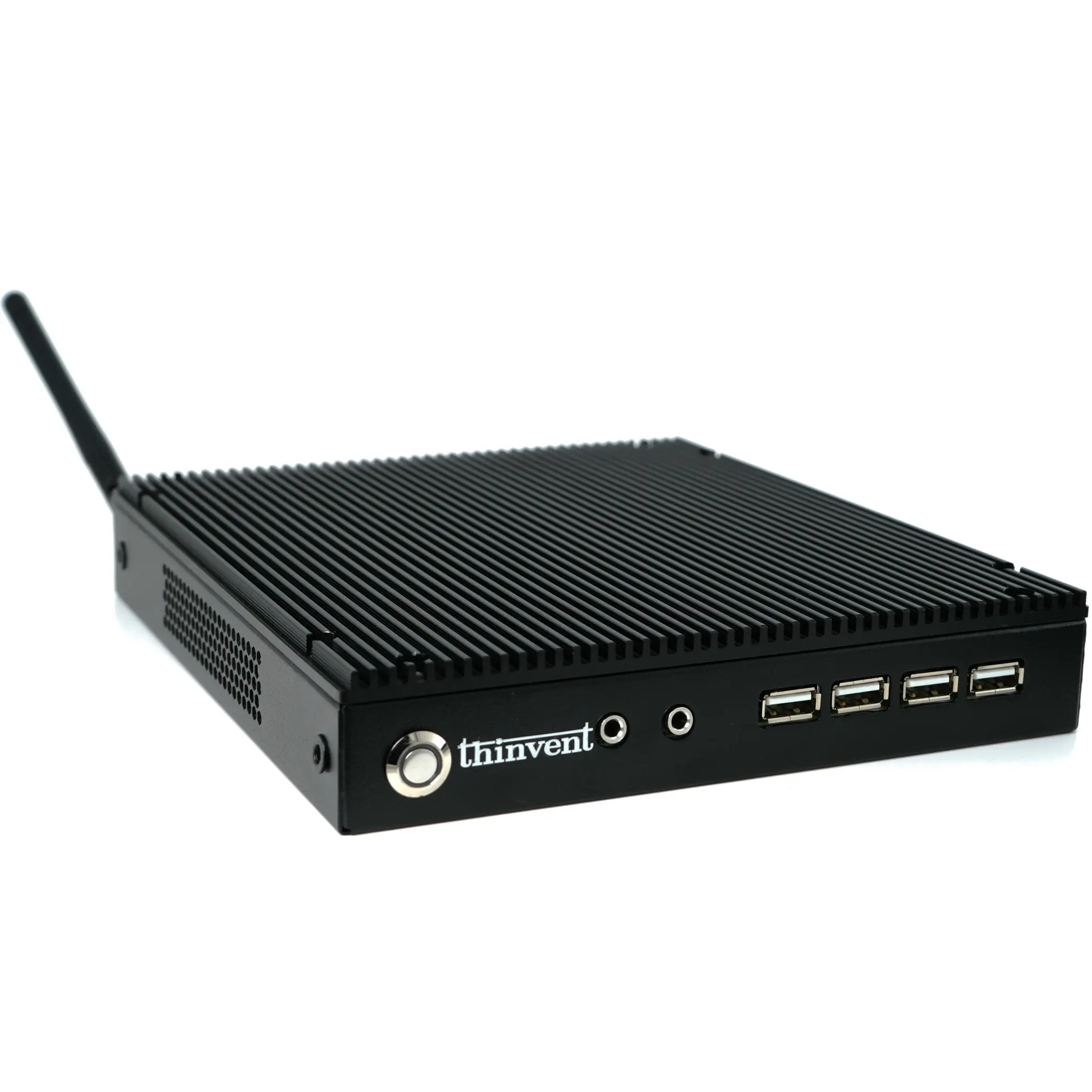
Thinvent offers the Aero Mini PC powered by the Intel N100 processor, perfectly suited for business environments. These systems feature:
-
16GB DDR4 RAM for smooth multitasking across business applications
-
128GB SSD for fast boot times and application loading
-
Multiple OS options: Windows 11 Pro (for Active Directory integration), Windows 11 IoT (for embedded systems), Ubuntu Linux (for cost-sensitive deployments), or DOS (for custom imaging)
-
Compact form factor that saves desk space and enables VESA mounting behind monitors
-
Fanless design ensuring silent operation and zero maintenance from dust accumulation
These configurations are ideal for small to medium businesses, enterprise branch offices, and educational institutions requiring reliable, energy-efficient computing.