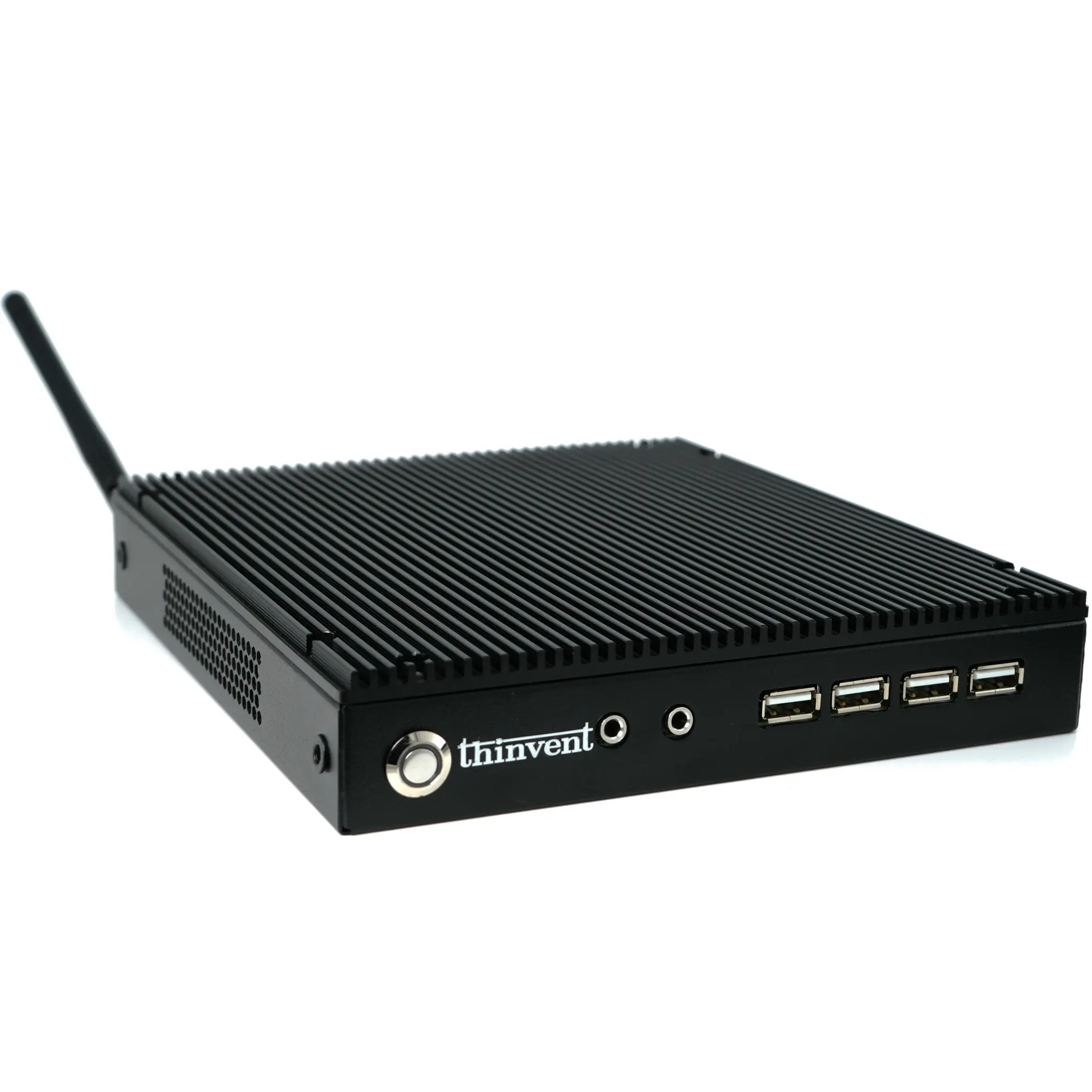
What is a CPU in a Monitor?
A "CPU in a monitor" refers to an All-in-One (AIO) PC, a compact computing solution where the central processing unit (CPU), memory, storage, and other core components are integrated directly behind or within the monitor's housing. This design eliminates the need for a separate desktop tower, creating a streamlined, space-saving workstation with a single power cable and minimal clutter. These systems are engineered for reliability and ease of deployment in environments where desk space is at a premium or a clean, professional appearance is required.
Key Specifications and Technical Details
Modern All-in-One PCs feature efficient, fanless or low-noise cooling systems to ensure silent operation—a critical feature for offices, healthcare, and retail settings. They are built with industrial-grade components for 24/7 reliability. Key specifications to consider include:
-
Processor: Options range from efficient Intel Celeron and N-series chips for basic tasks to powerful Intel Core i3, i5, and i7 processors for demanding applications.
-
Memory (RAM): Typically from 8GB to 32GB to handle multitasking and business software.
-
Storage: Fast Solid State Drives (SSD) from 256GB to 1TB for quick boot times and application loading.
-
Display: High-quality panels, commonly 21.5" or 23.8" in size, with Full HD (1920x1080) resolution.
-
Connectivity: Comprehensive I/O including multiple USB ports (often USB 3.2 and USB-C), HDMI for a second display, and Gigabit Ethernet for stable network connections.
Applications and Use Cases
The integrated design of AIO PCs makes them ideal for a wide range of commercial and industrial applications:
-
Digital Signage & Kiosks: Perfect for retail point-of-sale, interactive information displays, and self-service terminals due to their sleek, vandal-resistant designs.
-
Office Workstations: Provide a tidy, professional setup for general office productivity, video conferencing, and administrative tasks.
-
Healthcare: Used in nurse stations and patient rooms where quiet operation and easy sanitation of surfaces are important.
-
Light Industrial & Control Rooms: Their robust build and compact form factor suit environments like manufacturing floors or security monitoring centers.
Comparison: All-in-One PC vs. Traditional Desktop + Monitor
| Feature | All-in-One PC | Traditional Desktop + Monitor |
|---|---|---|
| Footprint | Minimal, single unit. | Larger, requires space for two separate units. |
| Cable Management | Very clean (often just power). | More cables for power, video, and peripherals. |
| Portability | Easier to move and deploy as one piece. | More cumbersome to relocate and set up. |
| Upgradability | Generally limited; often only RAM and storage. | Highly customizable and upgradeable. |
| Aesthetics | Sleek, modern, and professional. | Functional; can appear cluttered. |
| Ideal For | Space-constrained, fixed-function, and tidy environments. | Users requiring high performance upgrades or specific component choices. |
Thinvent All-in-One PC Solutions
Thinvent offers a range of robust All-in-One PCs designed for commercial durability and performance. Our AIO systems integrate reliable Intel processors into high-brightness, anti-glare displays, built for continuous operation. They feature fanless cooling for silent performance, industrial-grade construction for longevity, and flexible I/O options to connect to various peripherals. Whether for a digital menu board, a clinic reception desk, or a factory HMI station, Thinvent's All-in-One PCs deliver a powerful, integrated computing solution in a compact and reliable package.