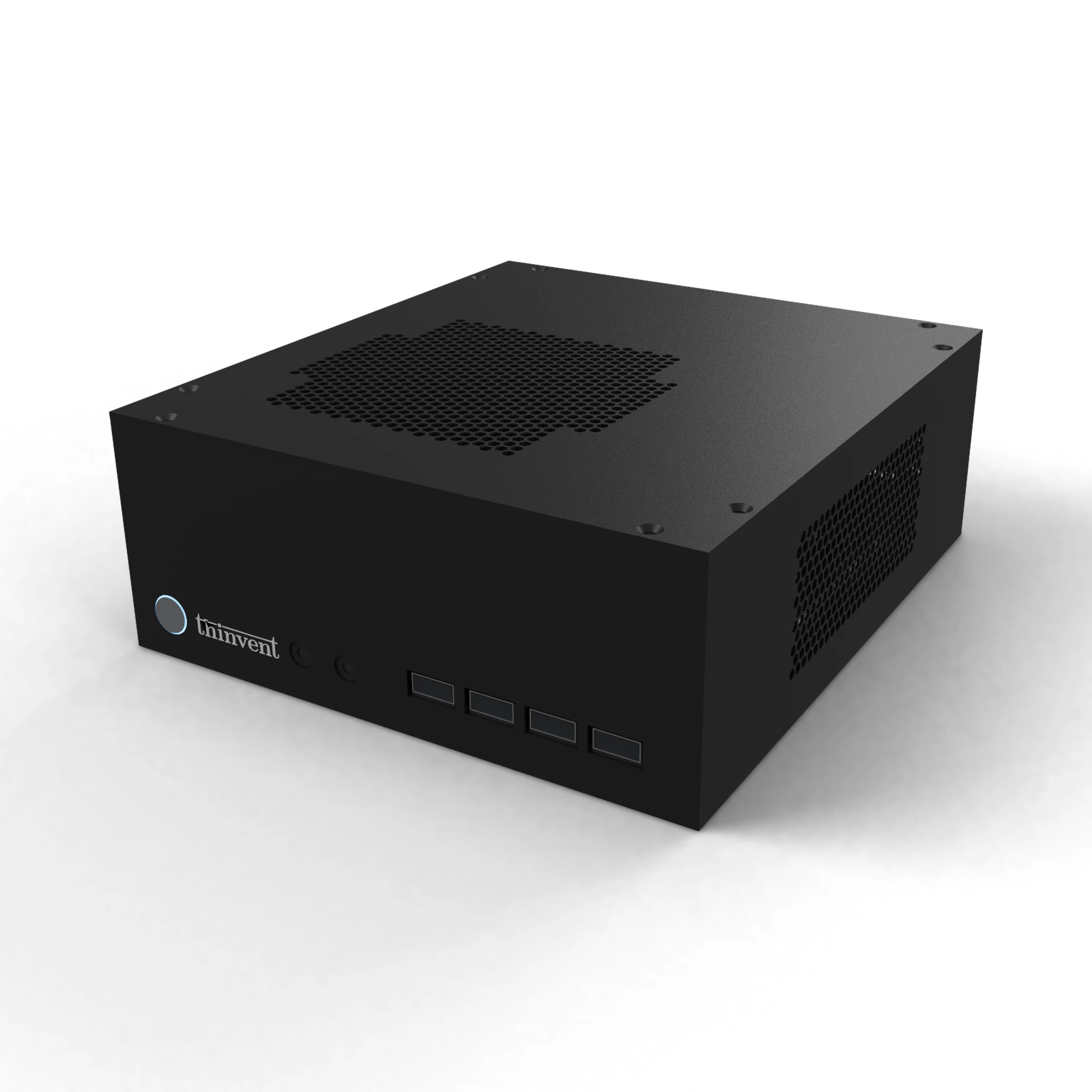
What Is a Mini PC?
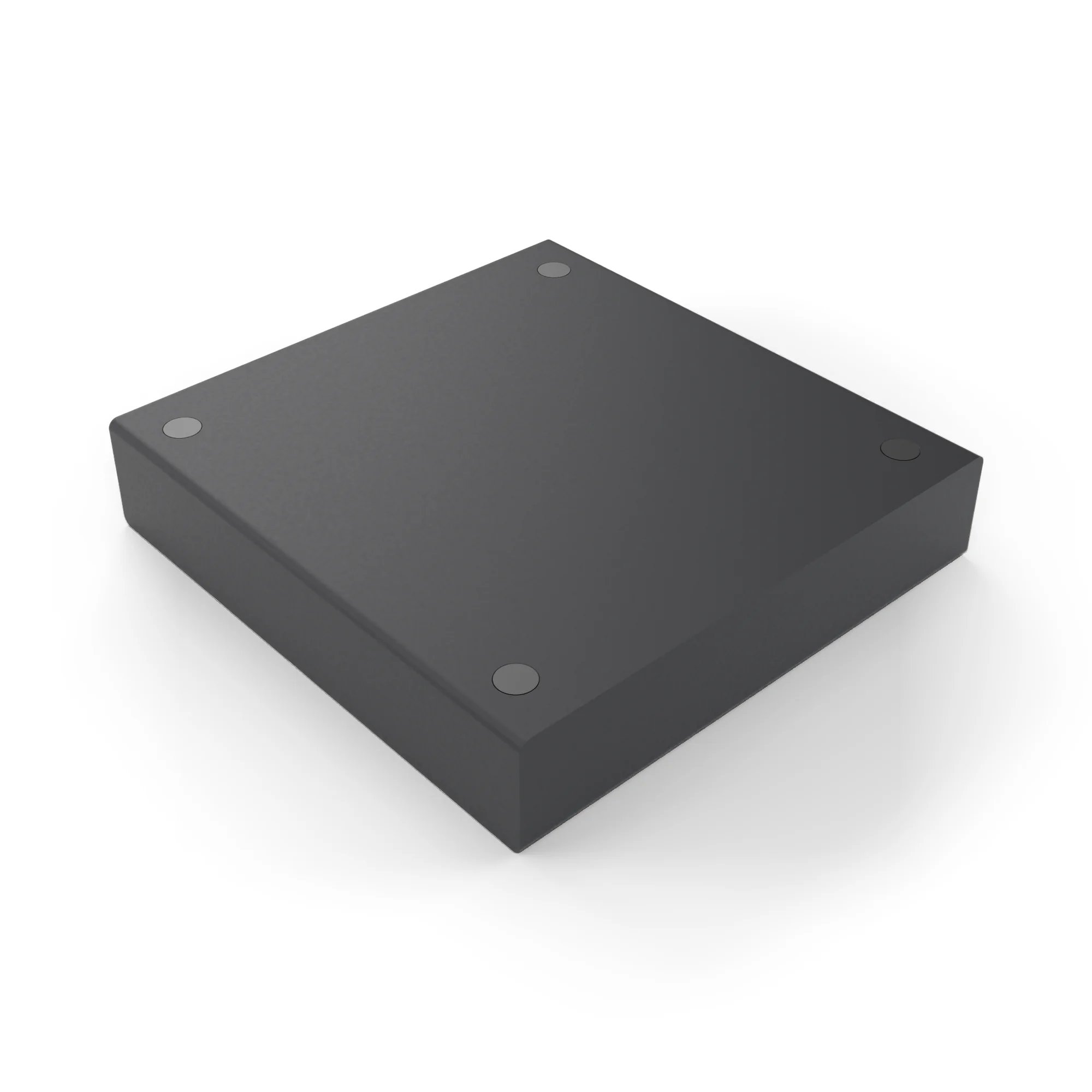
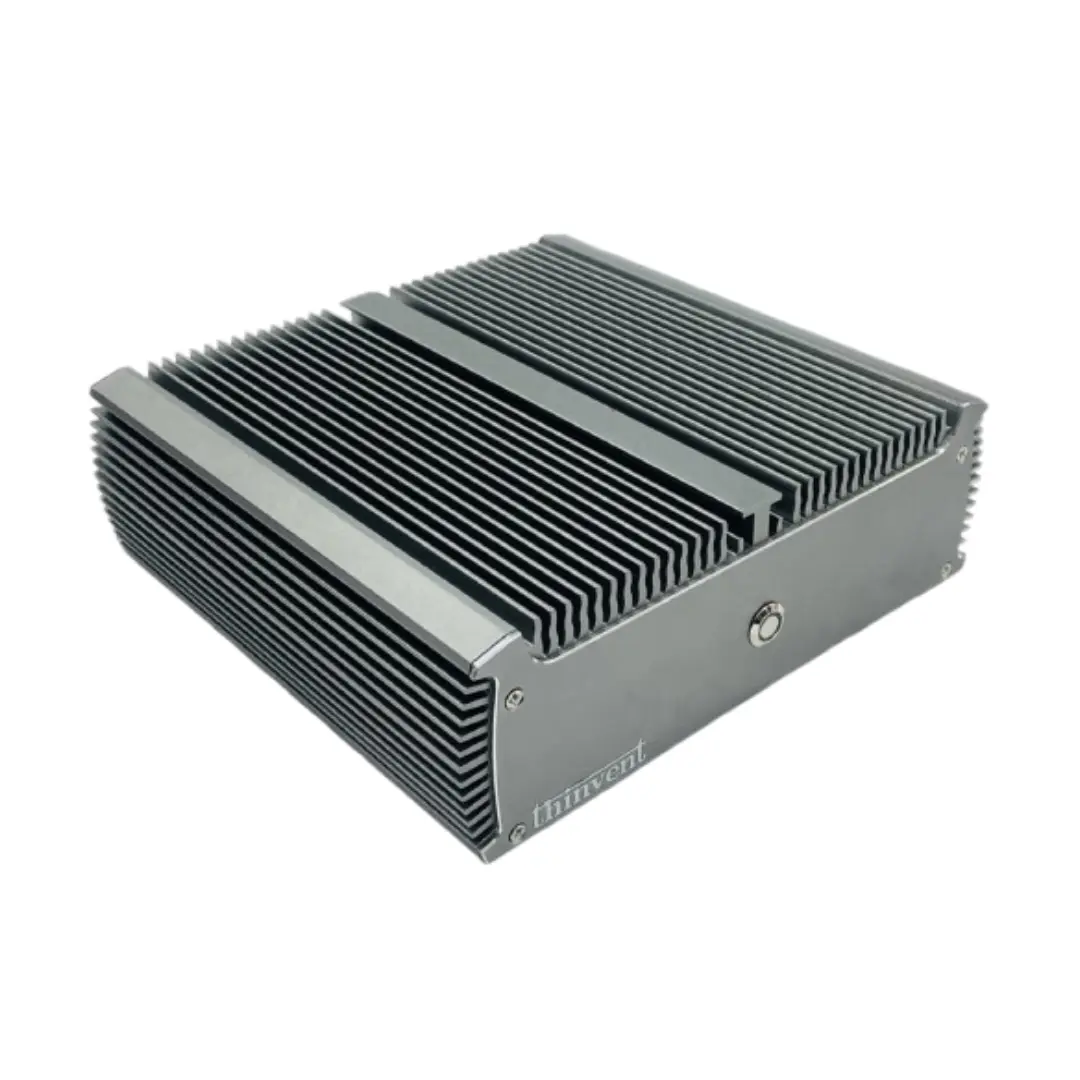
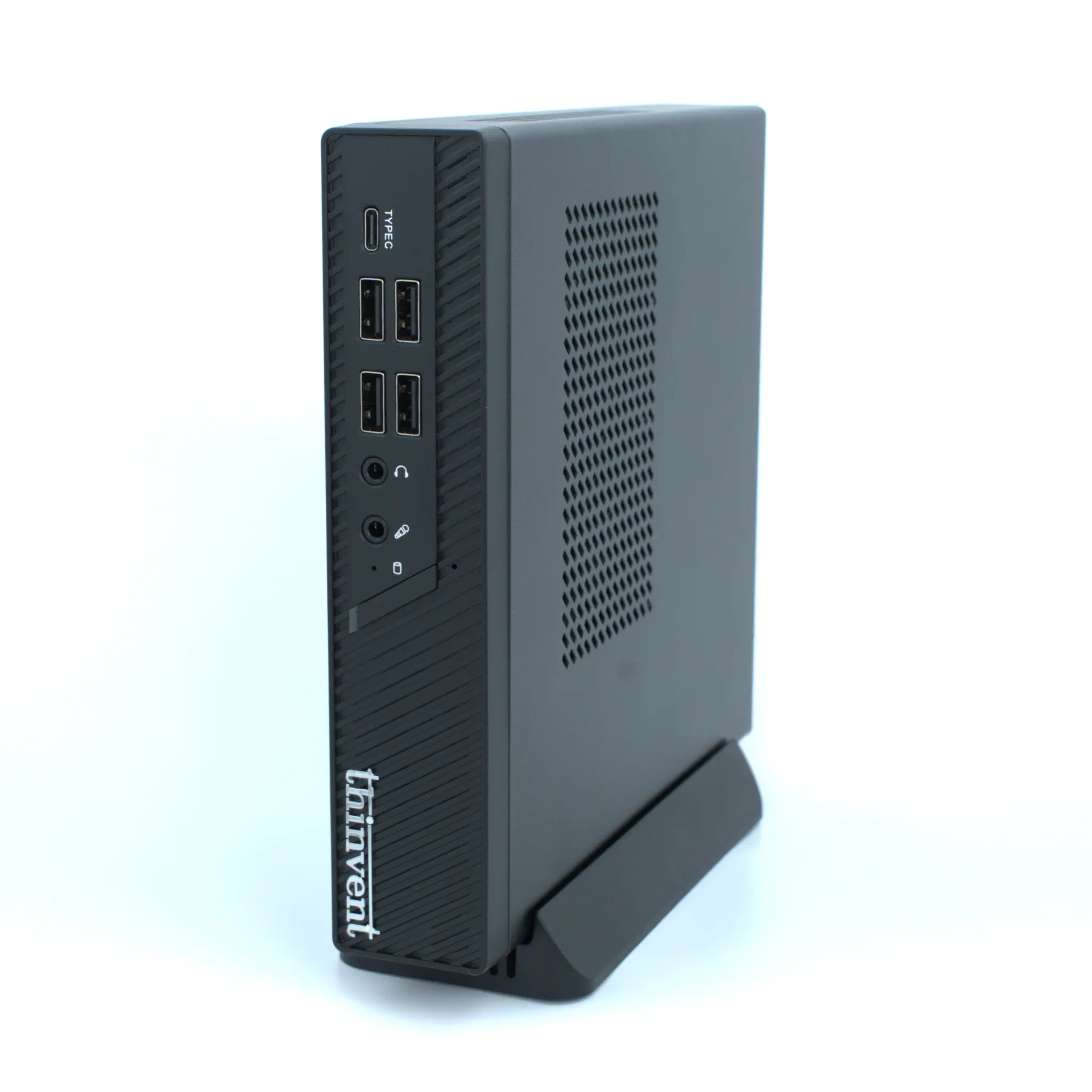
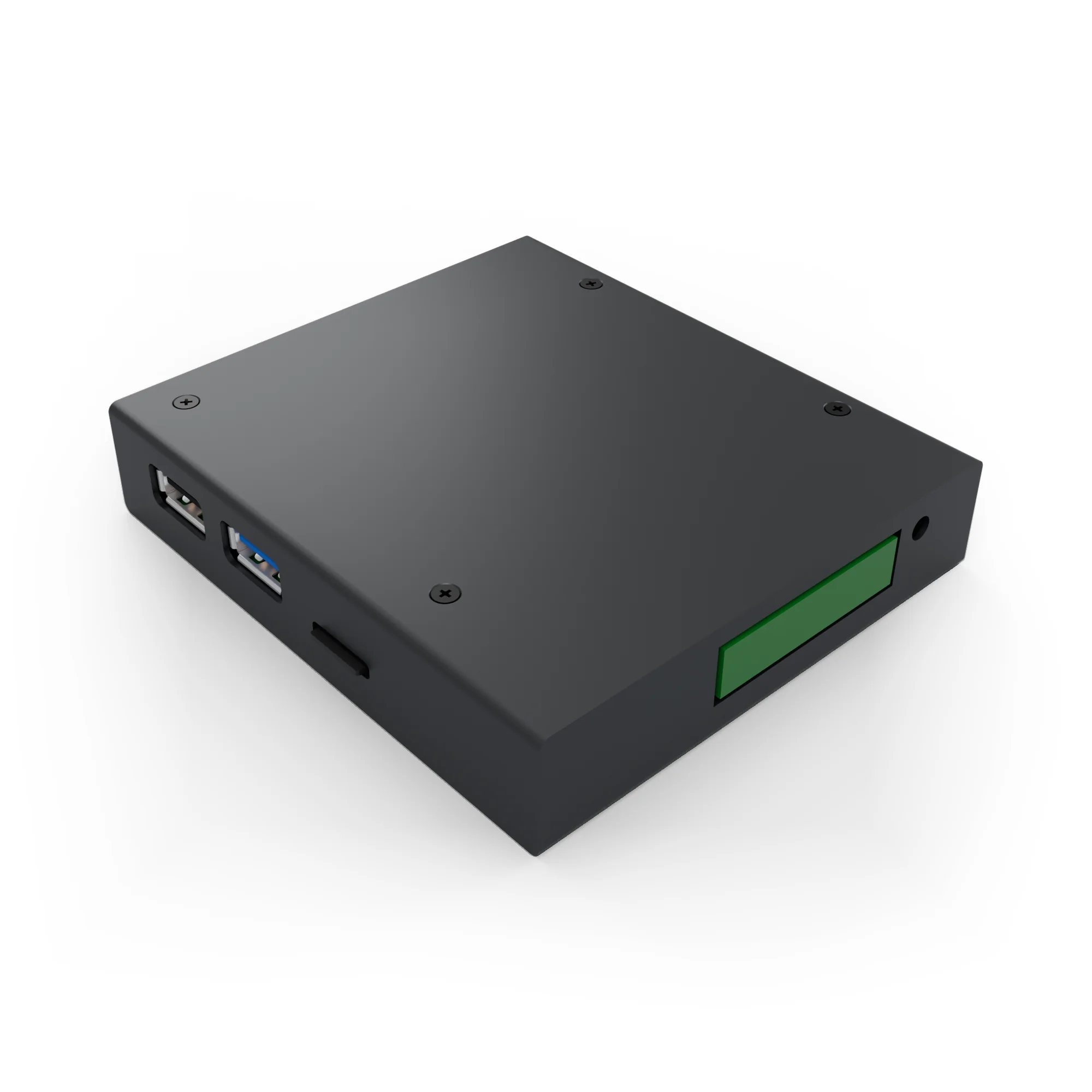
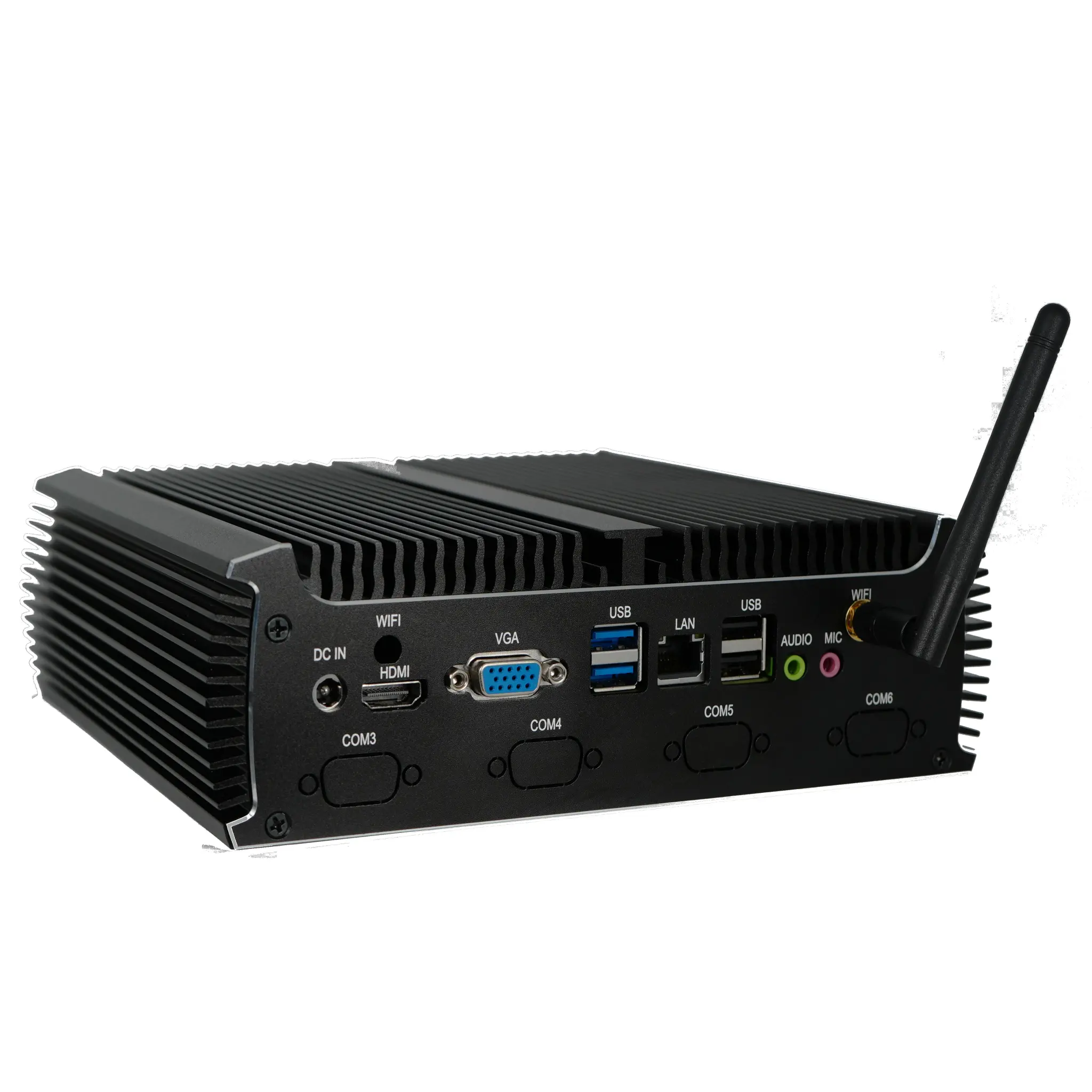
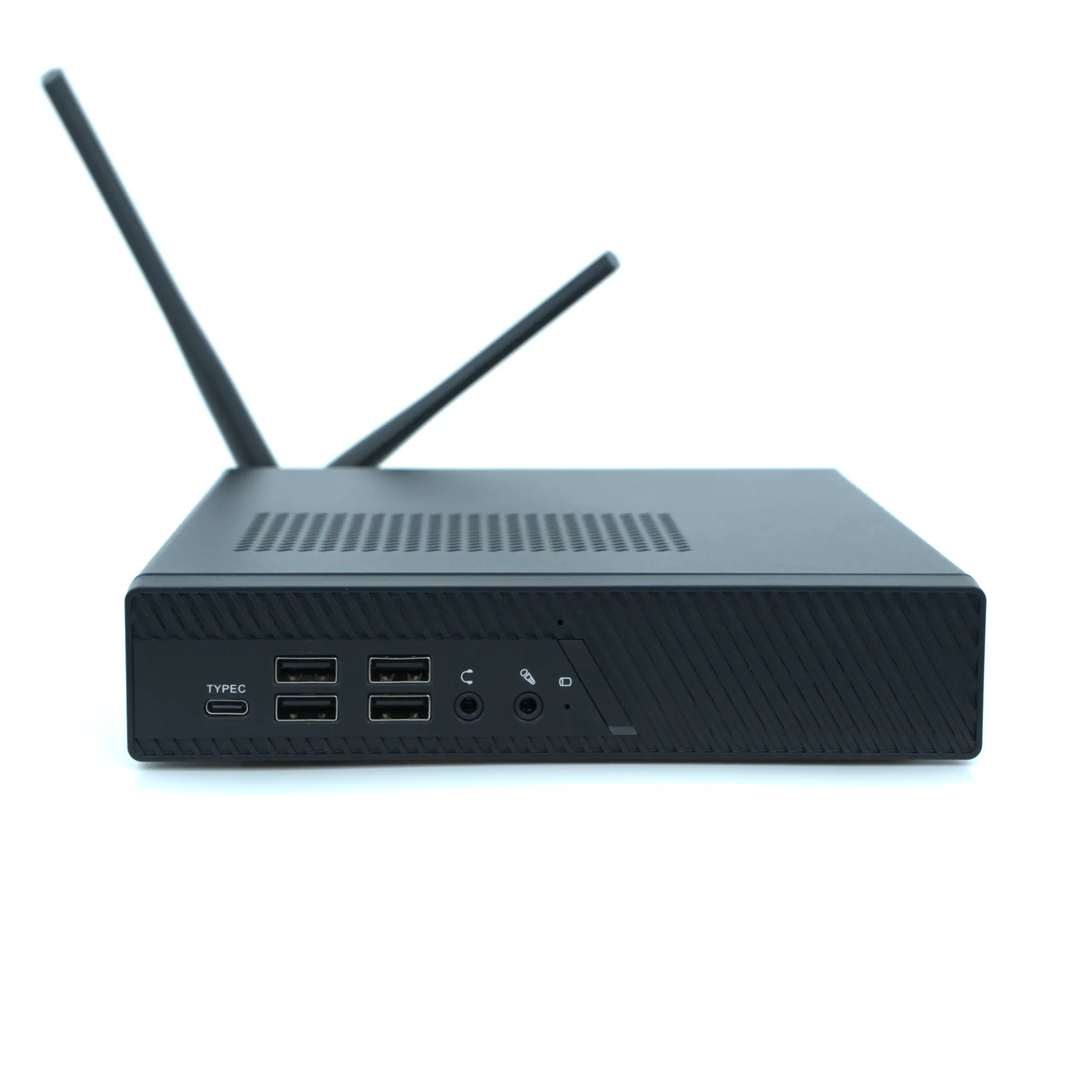
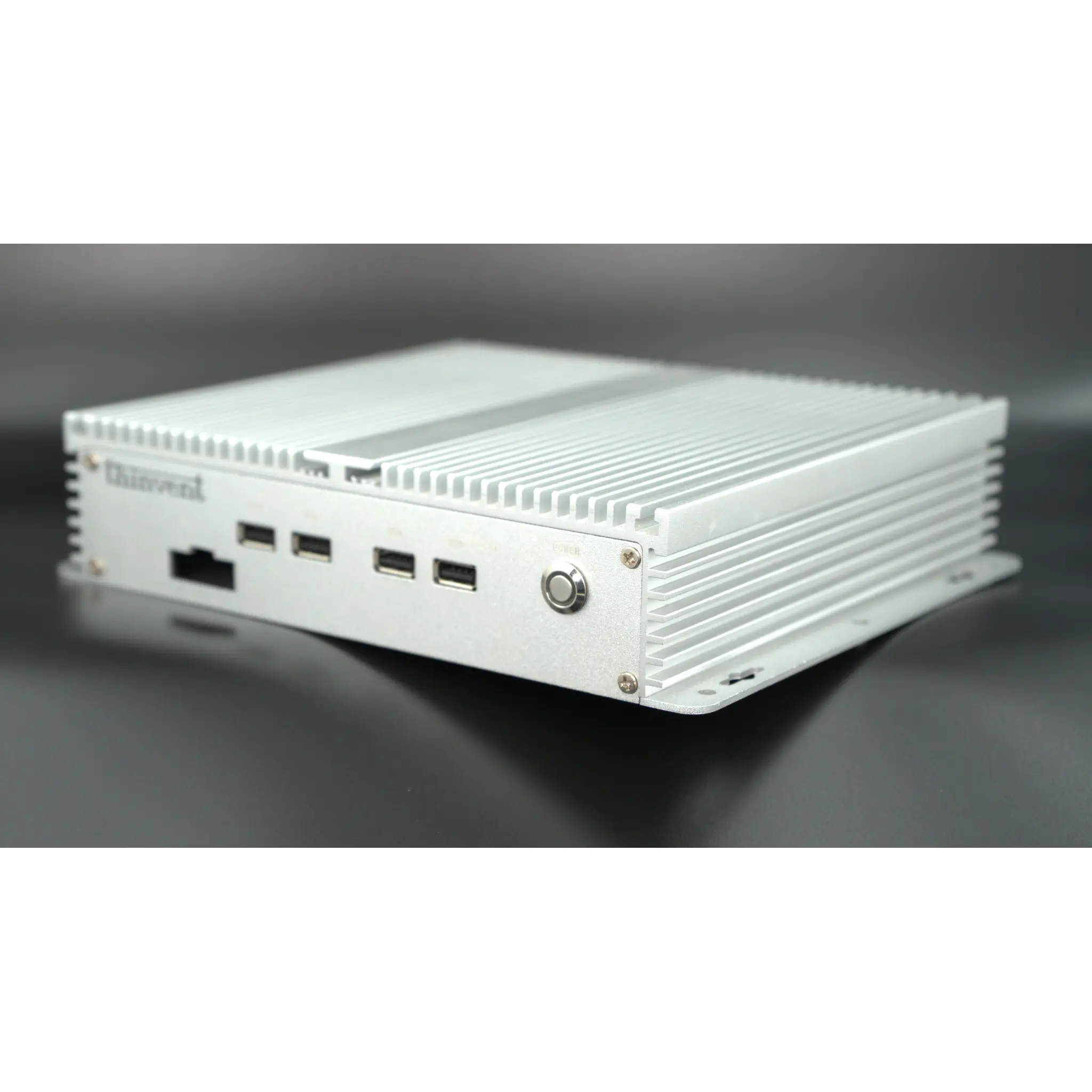
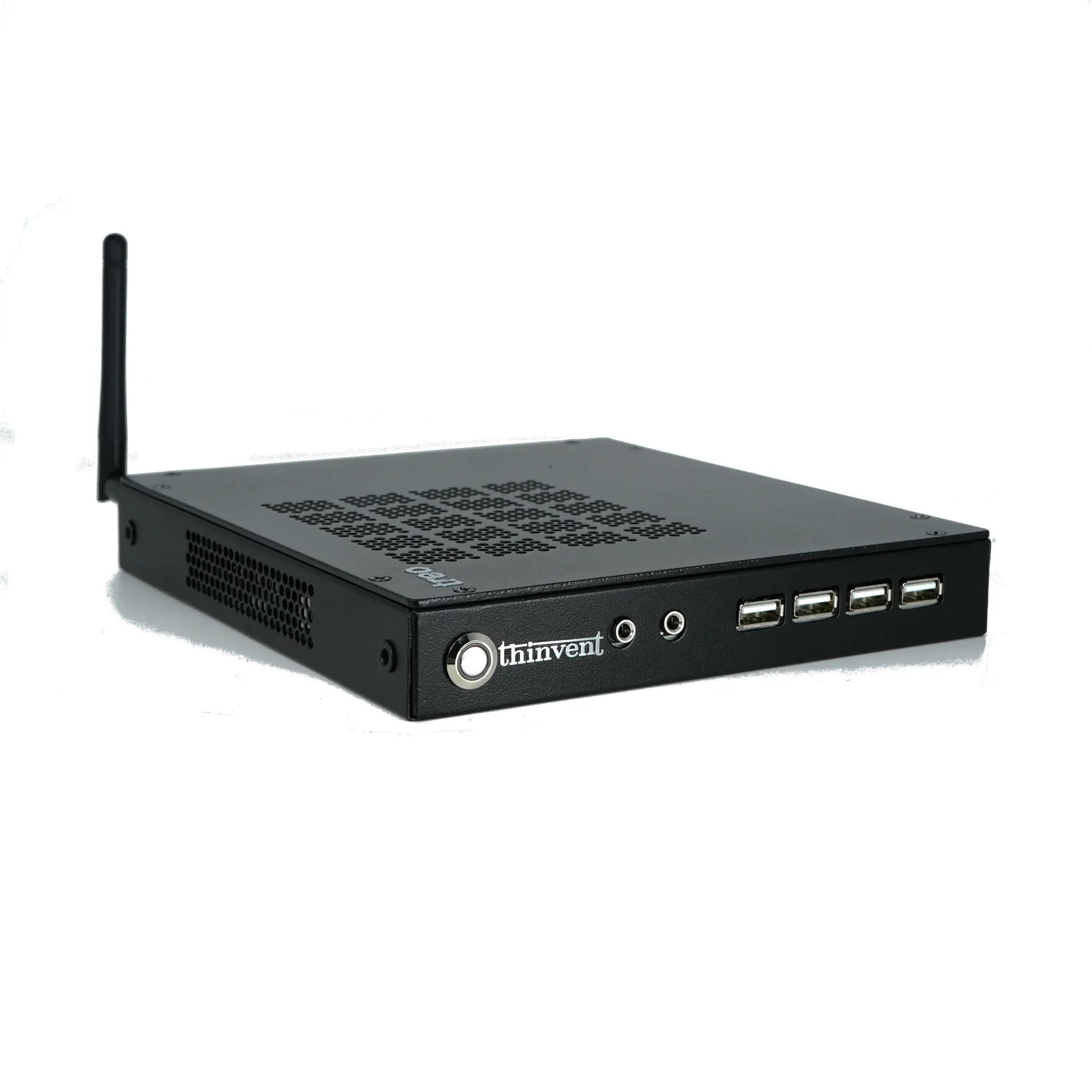
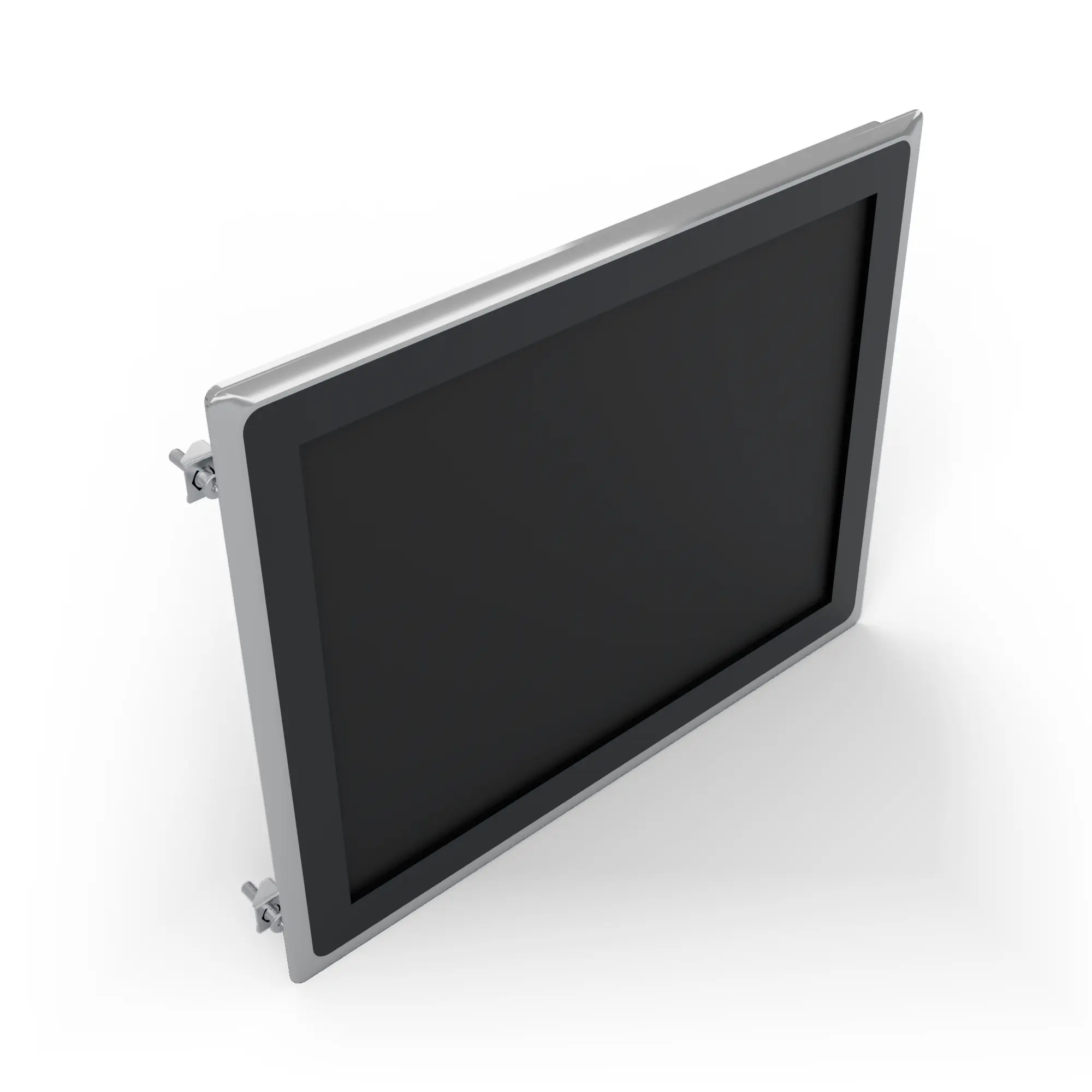
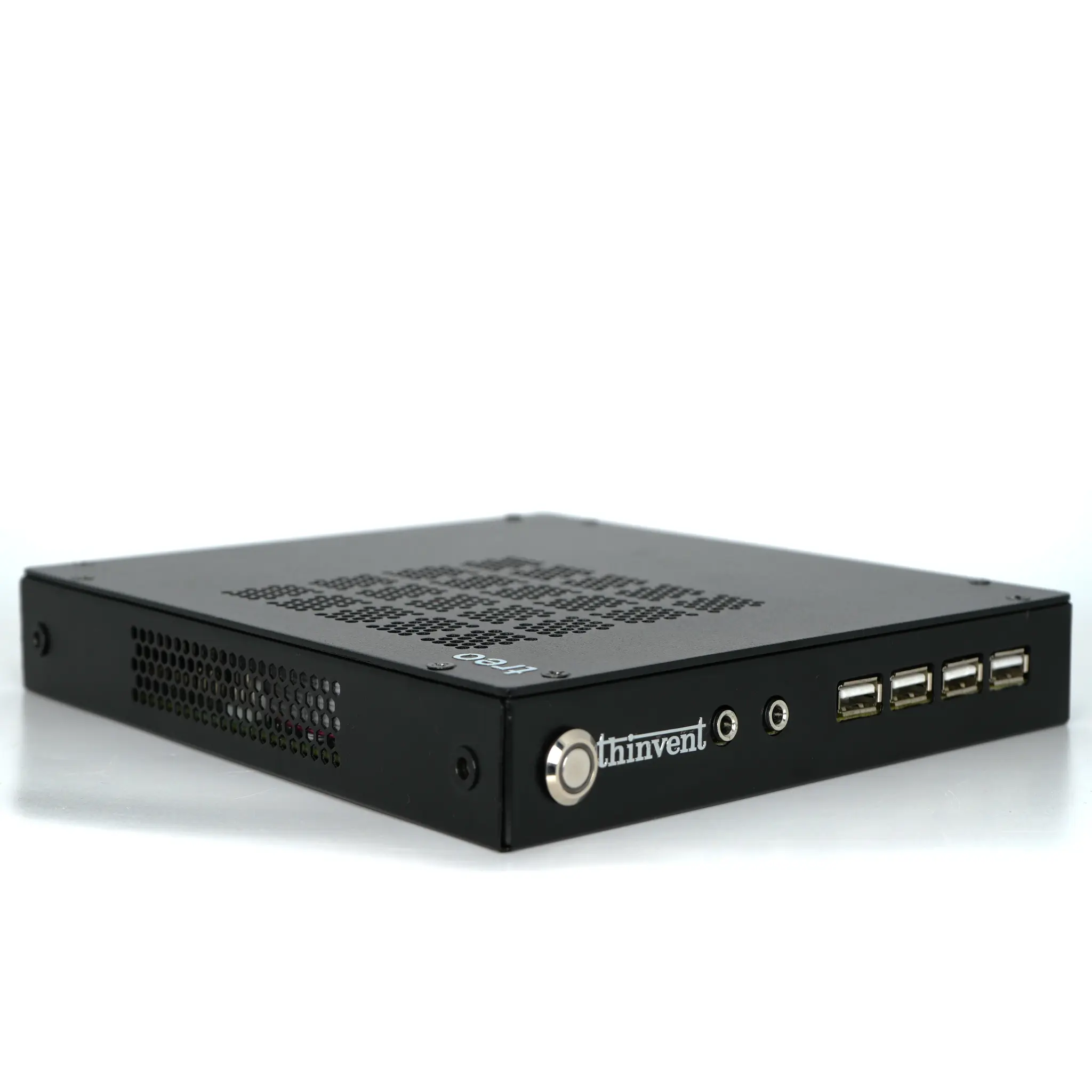
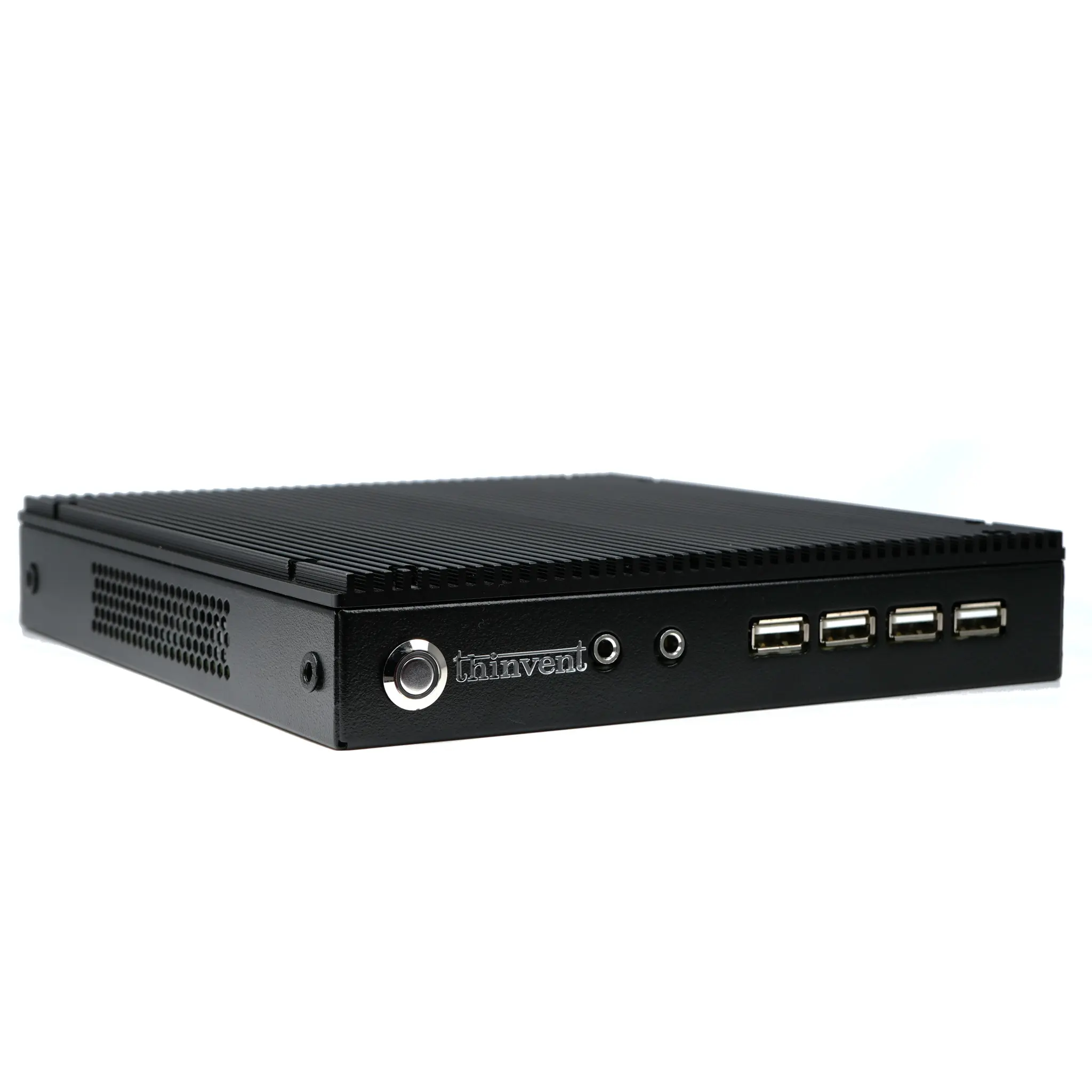
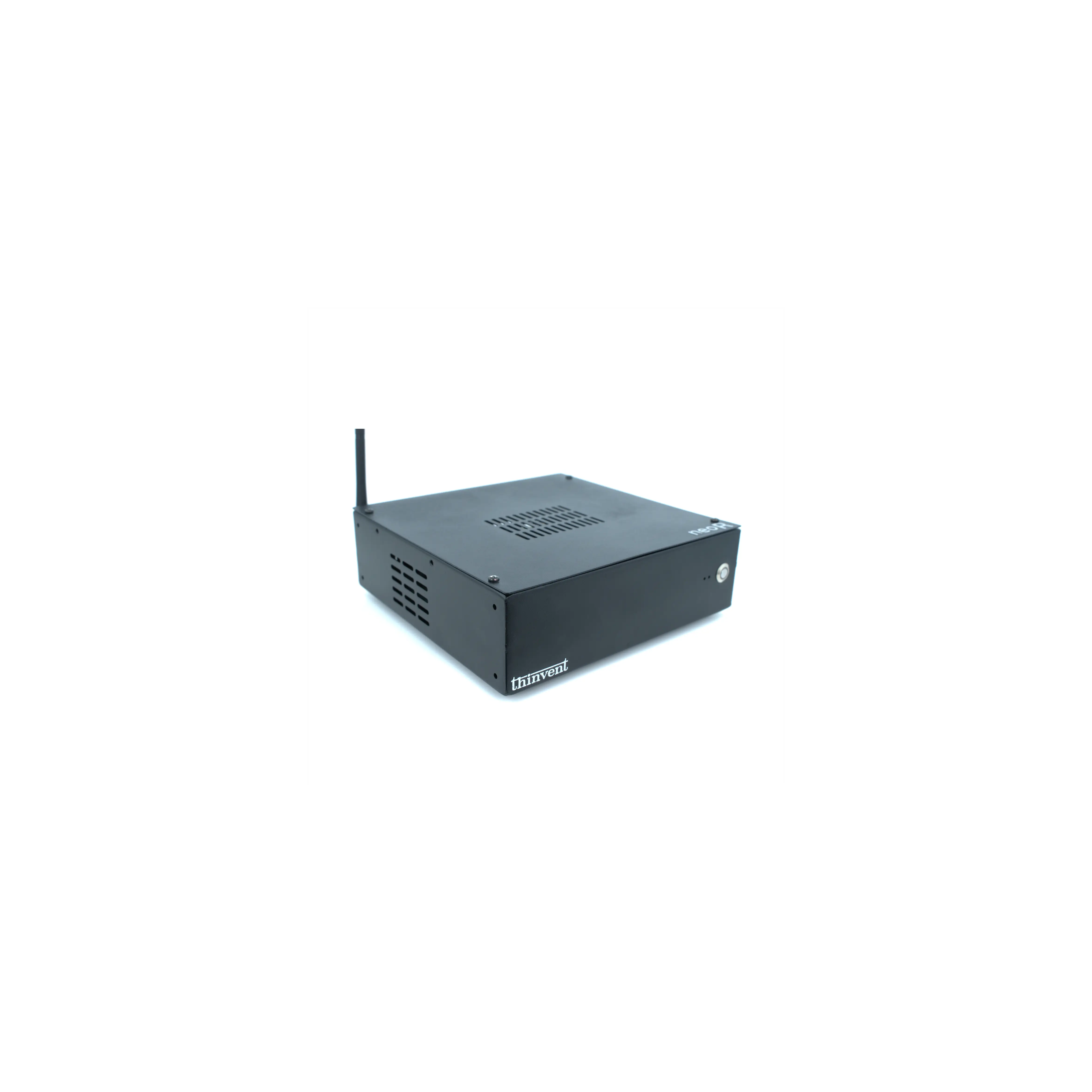
A mini PC is a complete desktop computer built into a very small chassis — typically a fraction of the size of a traditional tower — yet capable of running the same operating systems and applications as a full-sized desktop. Instead of a bulky case with expansion slots, a mini PC integrates the processor, memory and storage on a compact board, drawing power from a small external adapter. Because the components are tightly integrated and often cooled without a fan, mini PCs are quiet, energy-efficient and easy to tuck behind a monitor, under a counter or inside a kiosk.
Key Specifications to Consider
When evaluating a mini PC, a few specifications matter most:
| Specification | What It Affects | Typical Options |
|---|---|---|
| Processor | Overall speed, multitasking | Intel Celeron, N-series, Core i3/i5 |
| Cores | Parallel workloads, virtual desktops | 4, 6, 10, 12 |
| Memory (RAM) | Number of apps open at once | 4 GB to 64 GB DDR4/DDR5 |
| Storage (SSD) | Boot speed, local data capacity | 128 GB to 1024 GB |
| Cooling | Noise, dust tolerance, lifespan | Fanless or active |
| Ports | Displays, peripherals, networking | HDMI, USB 3.2, USB-C, Gigabit Ethernet |
| Operating System | Software compatibility | Windows 11 Pro, Linux, DOS, without OS |
Fanless designs are especially valuable in dusty, hot or vibration-prone environments, because there is no fan intake to clog and no moving part to wear out. Low-power Intel processors — such as the Celeron and N-series — keep heat output modest, which is what makes silent, fanless operation practical in the first place.
Where Mini PCs Are Used
Mini PCs have become the default choice for many deployments where a full tower is unnecessary or impractical:
-
Office and back-office desktops — word processing, spreadsheets, email, browser-based ERP and CRM.
-
Thin client and VDI setups — a small local device connecting to a central server or cloud desktop.
-
Retail and hospitality — point-of-sale terminals, billing counters and self-service kiosks.
-
Digital signage — driving displays in stores, lobbies, transport hubs and showrooms.
-
Industrial and edge installations — data collection, machine monitoring and gateway duties on the factory floor.
-
Education and labs — computer labs and libraries where desk space and power draw matter.
Because they mount behind a display or inside an enclosure, mini PCs also reduce cable clutter and physical security risk — the unit itself can be locked away while the user sees only a monitor, keyboard and mouse.
Choosing the Right Configuration
The right configuration depends on the workload. Light office and kiosk tasks run comfortably on a 4-core Intel processor with 8–16 GB of RAM and a 128–256 GB SSD. Multitasking users, virtual desktop sessions and light content work benefit from 16–32 GB of RAM and a faster Core i3 or i5 processor. Storage should be sized for the operating system plus local data, with network or cloud storage handling the rest. Operating system choice is equally important: Windows 11 Pro for standard business software, Linux for kiosks and embedded control, or no OS at all when you plan to deploy your own image.
Thinvent Mini PCs
Thinvent builds mini PCs for exactly these roles — compact, energy-efficient and engineered to keep running in demanding environments. The Thinvent Aero Mini PC pairs an Intel processor with up to 16 GB DDR4 RAM and SSD storage in a small, mountable chassis, and is available with Windows 11 Pro, Windows 11 IoT, Linux or DOS, with or without a keyboard and mouse set. Alongside the Aero range, Thinvent manufactures thin clients, all-in-one PCs and industrial computers, so the same deployment can be standardised across office desks, shop floors and factory lines.