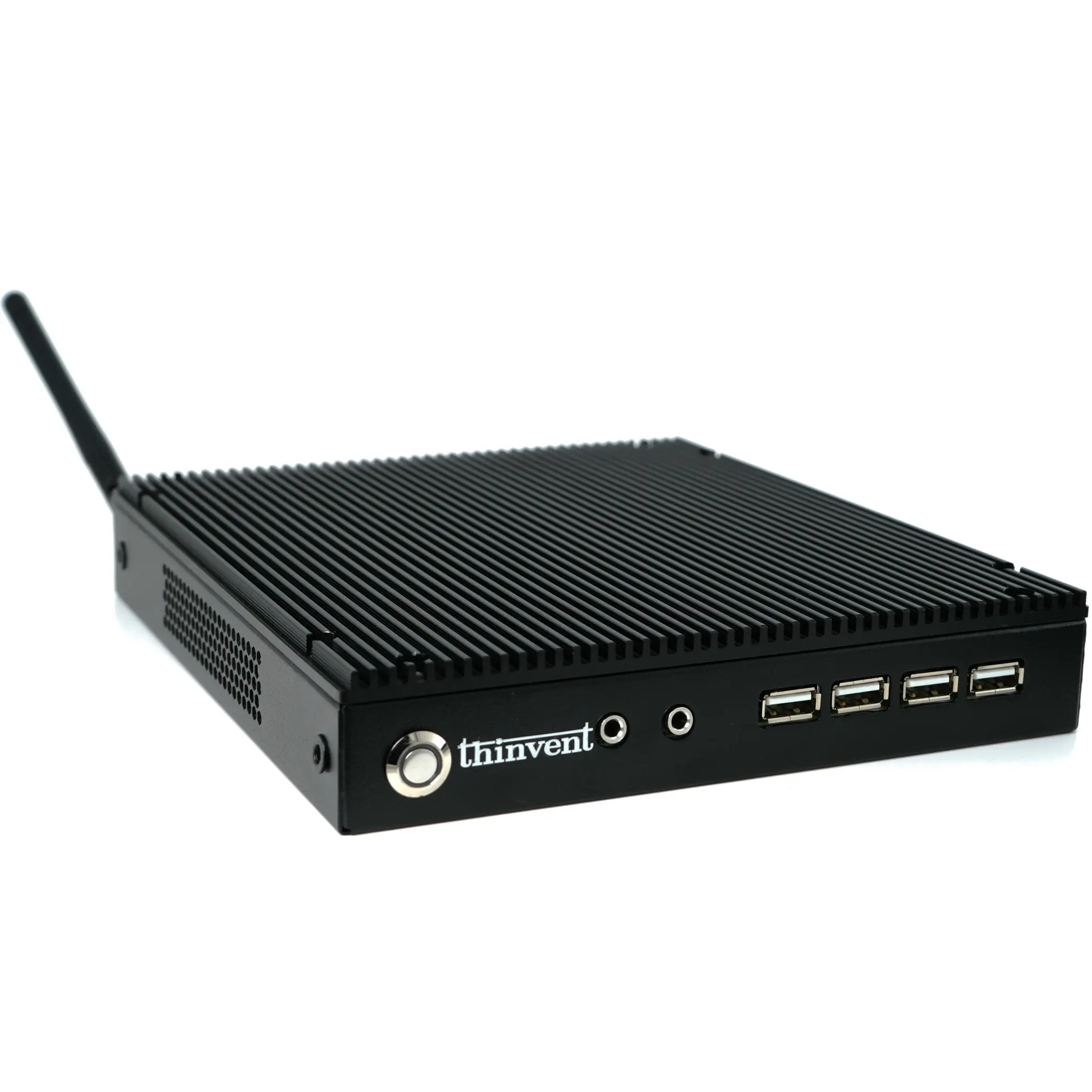
An office work computer is a computing system optimized for professional environments, balancing performance, reliability, and cost-effectiveness. It is designed to handle standard productivity tasks such as word processing, spreadsheet management, email, video conferencing, and web browsing. Key characteristics include stable performance for multitasking, robust connectivity for peripherals, and often a compact or space-saving form factor. Modern office PCs prioritize energy efficiency and quiet operation, with many utilizing fanless cooling for a silent workspace.
Key Specifications for Office Computers
For general office use, a balanced configuration is ideal. A modern quad-core processor (like Intel's N-series or Core i3) provides ample power for daily applications. At least 8GB of RAM is recommended for smooth multitasking between office suites and multiple browser tabs. Storage should be a solid-state drive (SSD) for fast boot and application load times; 256GB is a common starting point. Essential connectivity includes multiple USB ports for keyboards, mice, and external drives, HDMI or DisplayPort for monitors, and reliable Gigabit Ethernet or Wi-Fi for network access.
Use Cases and Applications
Office computers are deployed across various professional settings:
-
General Administration: Running office suites (Microsoft 365, Google Workspace), managing databases, and handling communication.
-
Front Desk & Reception: Operating customer management software, handling check-ins, and managing schedules.
-
Call Centers: Powering CRM software and VoIP telephony applications.
-
Educational & Training Rooms: Facilitating e-learning platforms and presentation software.
-
Digital Signage & Kiosks: Displaying information, menus, or advertisements in lobbies.
Comparing Office Computer Form Factors
| Form Factor | Key Advantages | Ideal Office Use Case |
|---|---|---|
| Mini PC | Extremely compact, energy-efficient, quiet (often fanless), clutter-free desks. | Space-constrained offices, hot-desking, behind-monitor mounting. |
| Thin Client | Centralized management, high security, low power consumption, lower upfront cost. | Call centers, task workers accessing virtual desktops or cloud applications. |
| All-in-One PC | Integrated display reduces cables, sleek aesthetic, simplified setup. | Reception desks, executive offices, shared workspaces where a clean look is priority. |
| Traditional Desktop | Maximum upgradability and serviceability, highest performance potential. | Designated workstations for power users in engineering, finance, or data analysis roles. |
Thinvent Office Computing Solutions
Thinvent offers a comprehensive range of industrial-grade computers perfectly suited for demanding office environments. Our systems are built for 24/7 reliability with fanless, solid-state designs that ensure silent operation and longevity. From the compact Aero Mini PC series with efficient Intel processors for everyday tasks to more powerful industrial PCs for intensive applications, Thinvent devices provide stable performance. They come with flexible operating system options, including Windows 11 Pro and Linux, and are designed to integrate seamlessly into professional IT infrastructure worldwide.