An online desktop, often referred to as a cloud desktop or virtual desktop, is a computing environment where the operating system, applications, and data are hosted on a remote server and accessed over a network. For the local endpoint hardware, this means the physical computer needs reliable connectivity, efficient processing for display protocols, and robust security features, but does not require high-end local storage or graphics processing power. This architecture is central to modern IT strategies like Desktop-as-a-Service (DaaS) and Virtual Desktop Infrastructure (VDI).
The ideal hardware for an online desktop endpoint is a compact, energy-efficient, and reliable device. Key specifications include a modern, low-power processor (such as Intel's N-series), sufficient RAM (typically 8GB or 16GB) for smooth operation of the client software, and fast network connectivity via Gigabit Ethernet. Since all processing and storage occur remotely, local SSD requirements are minimal, often just enough for the host OS and client software. A fanless, solid-state design is highly advantageous for silent operation, reduced maintenance, and deployment in diverse environments.
Primary Use Cases and Applications:
-
Remote & Hybrid Work: Provides secure, consistent access to corporate desktops from any location.
-
Call Centers & Office Workstations: Centralized management simplifies software updates, security patches, and reduces total cost of ownership.
-
Education & Thin Client Labs: Students can access powerful lab software from low-cost, durable endpoints.
-
Digital Signage & Kiosks: Reliable devices for displaying dynamic content streamed or updated from a central server.
-
Healthcare Point-of-Care: Enables access to Electronic Health Records (EHR) systems on compact, cleanable devices.
Key Hardware Considerations for Online Desktops:
| Feature | Importance for Online Desktop | Recommended Spec |
|---|---|---|
| Processor | Handles display decoding & encryption; efficiency is key. | Intel N100, N95, or similar low-TDP CPUs. |
| Memory (RAM) | Crucial for running the connection client and local OS smoothly. | 8GB minimum; 16GB for optimal multi-tasking. |
| Storage (SSD) | Minimal local storage needed for OS and cache. | 128GB is typically sufficient. |
| Connectivity | Essential for a lag-free experience. | Dual Gigabit Ethernet ports for redundancy/failover. |
| Form Factor | Space-saving and flexible mounting options. | Mini PC or Thin Client form factors. |
| Cooling | Silent operation and reliability for 24/7 use. | Fanless, vented aluminum chassis. |
Thinvent Solutions for Online Desktop Endpoints
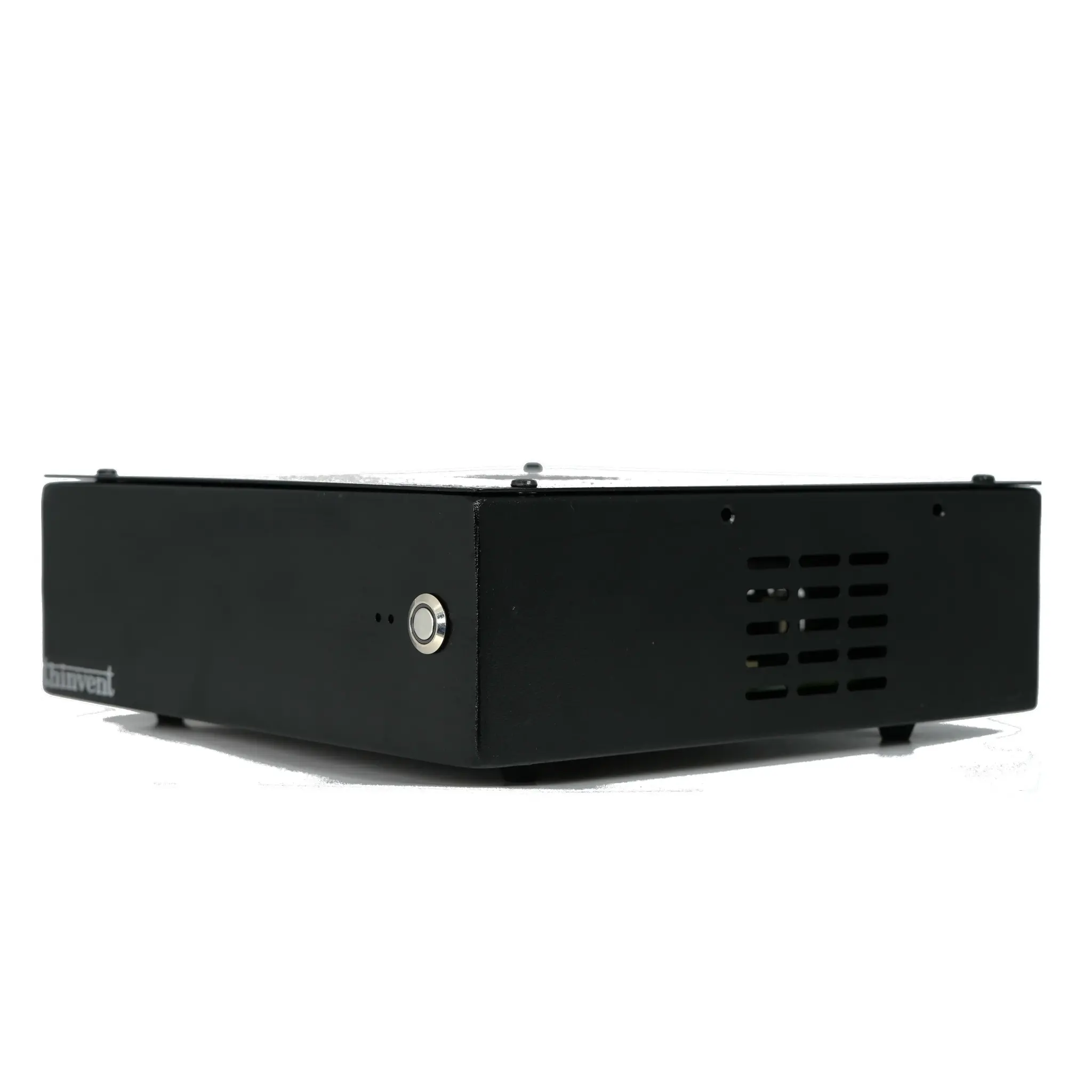
Thinvent specializes in manufacturing industrial-grade compact computers perfectly suited as endpoints for online desktop environments. Our range of fanless Mini PCs, like the Aero series, are engineered for this exact purpose. They feature efficient Intel processors, configurable memory and storage, and robust connectivity options including Gigabit Ethernet. Built with durability and silent operation in mind, these devices are ideal for deploying a scalable, manageable, and secure online desktop infrastructure across enterprise, education, and industrial settings. Explore our catalog to find the reliable hardware foundation for your VDI or DaaS implementation.