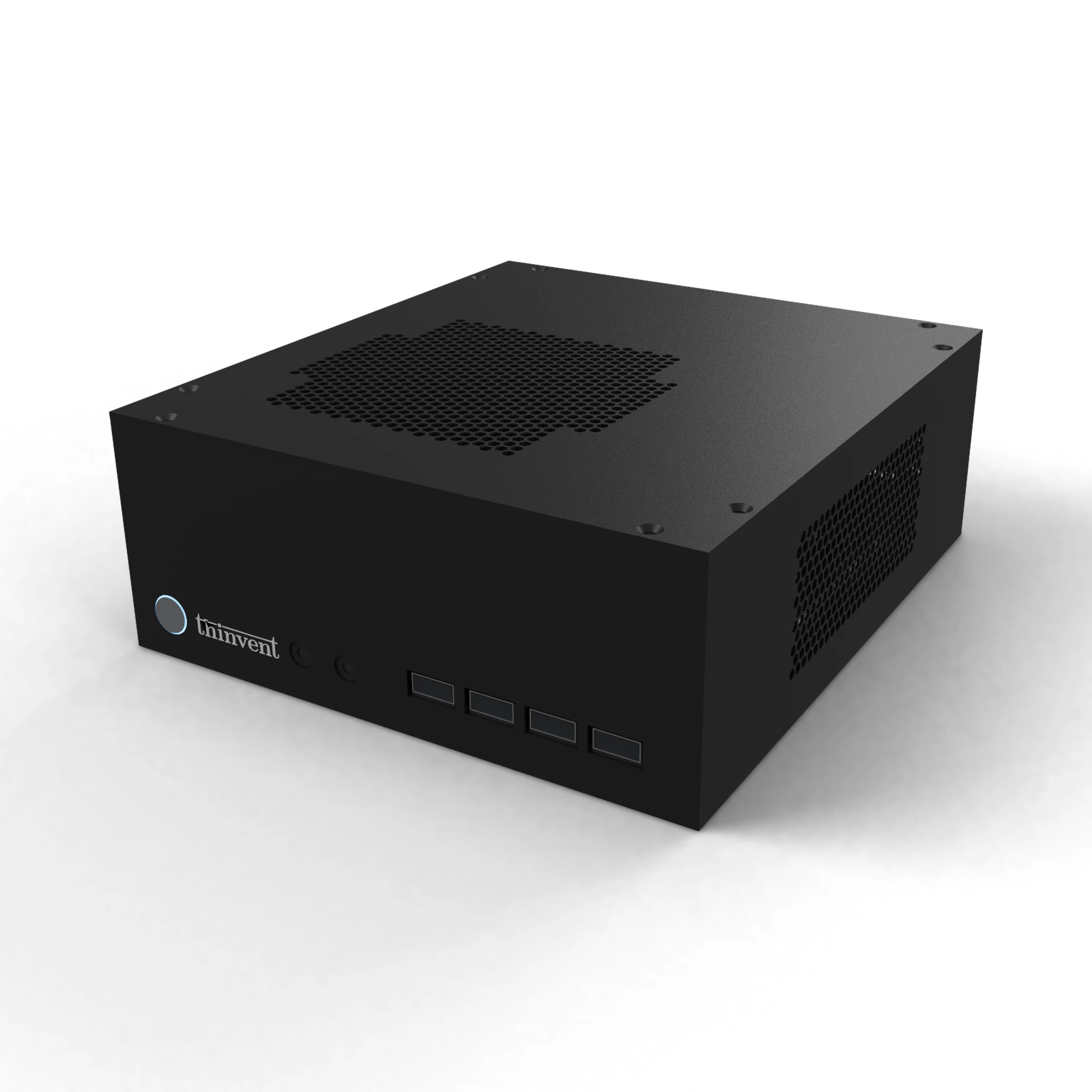
What Makes a Good Mini PC for a Roon Media Server?
A Roon media server (Roon Core) is the brain of a Roon setup: it indexes your local music library, manages streaming services such as TIDAL and Qobuz, handles DSP and upsampling, and streams audio to network endpoints (Roon Ready devices, AirPlay, Chromecast and USB DACs). Because Roon Core runs continuously, often in a listening room or living space, the ideal host is a compact, quiet, low-power computer that can stay on 24/7 without distracting noise.
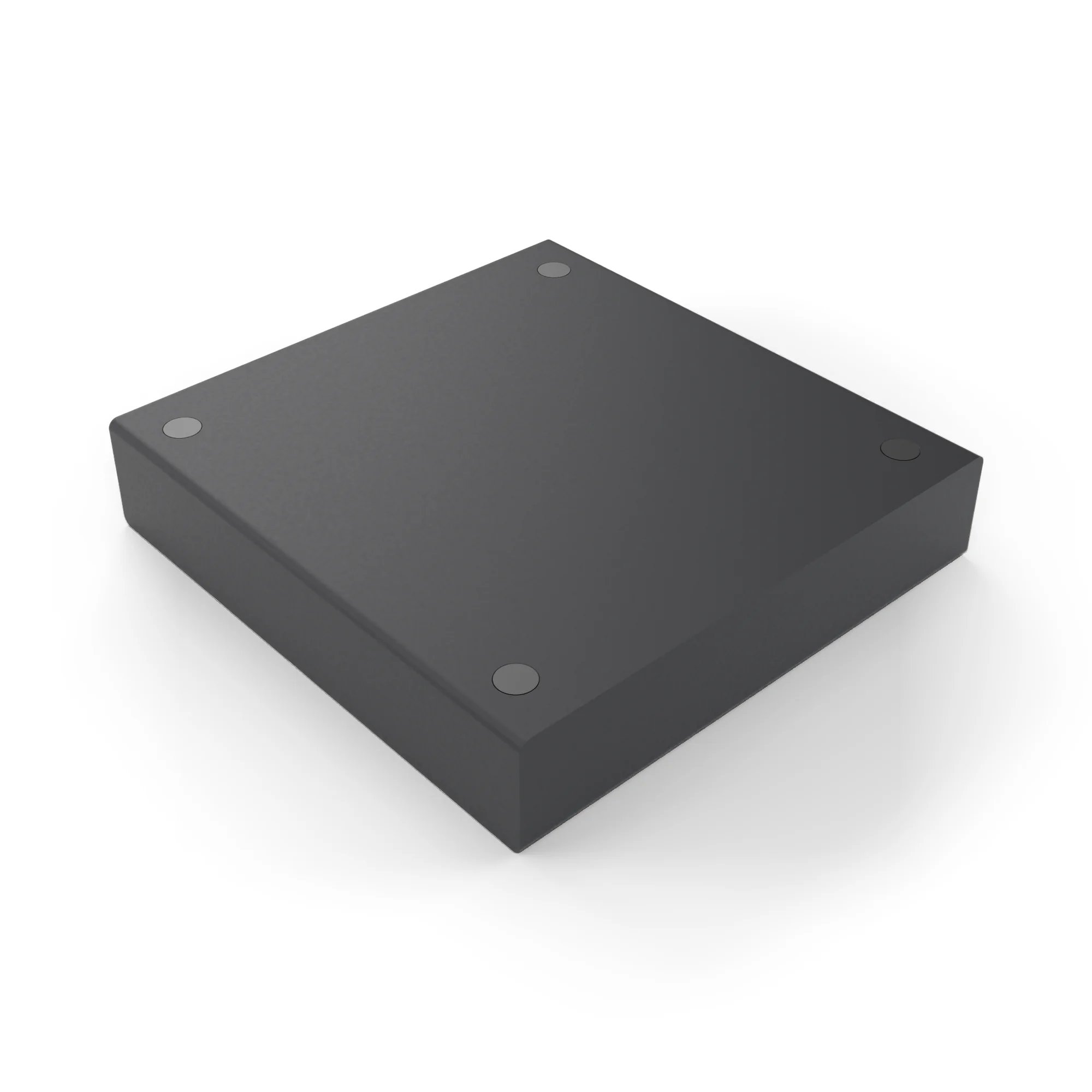
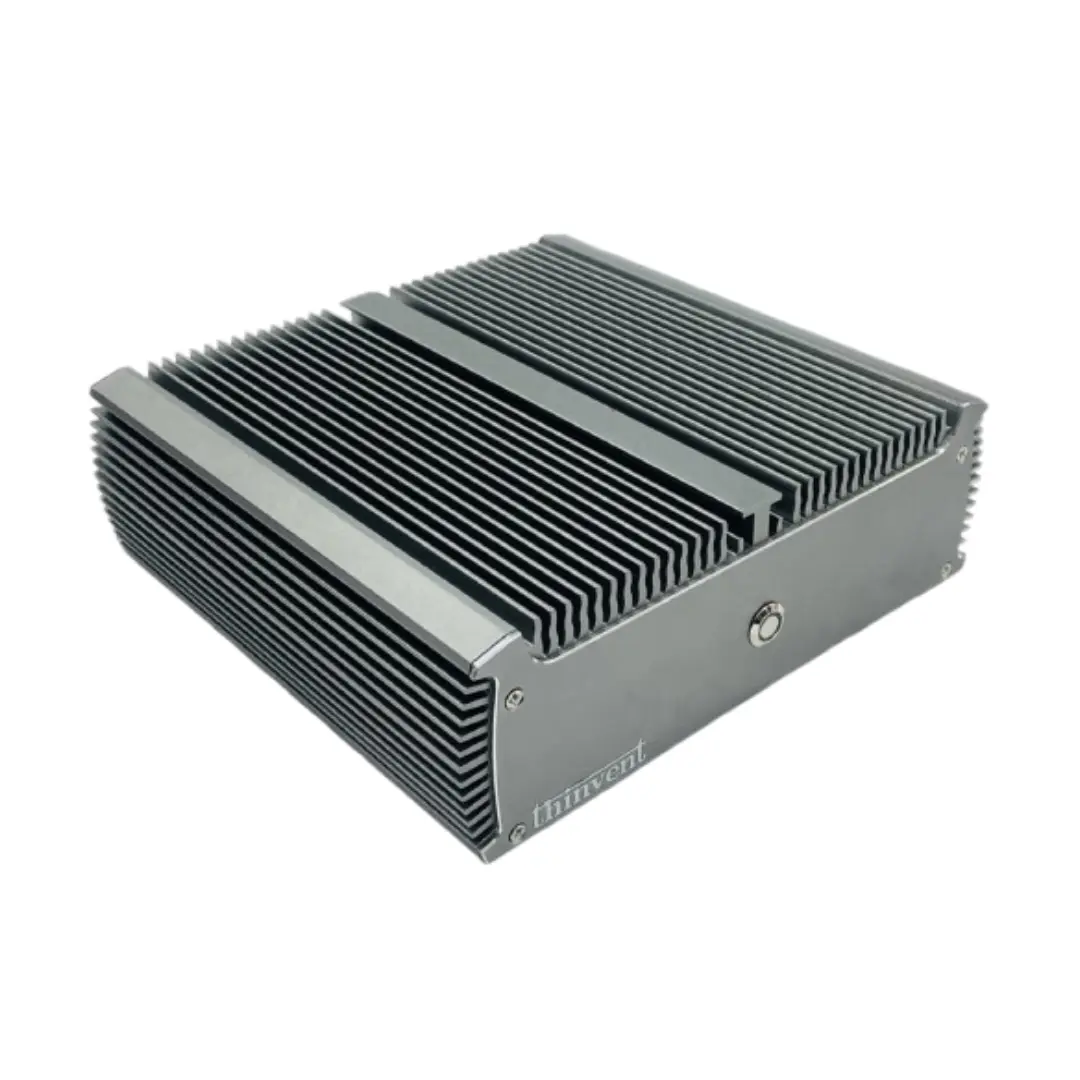
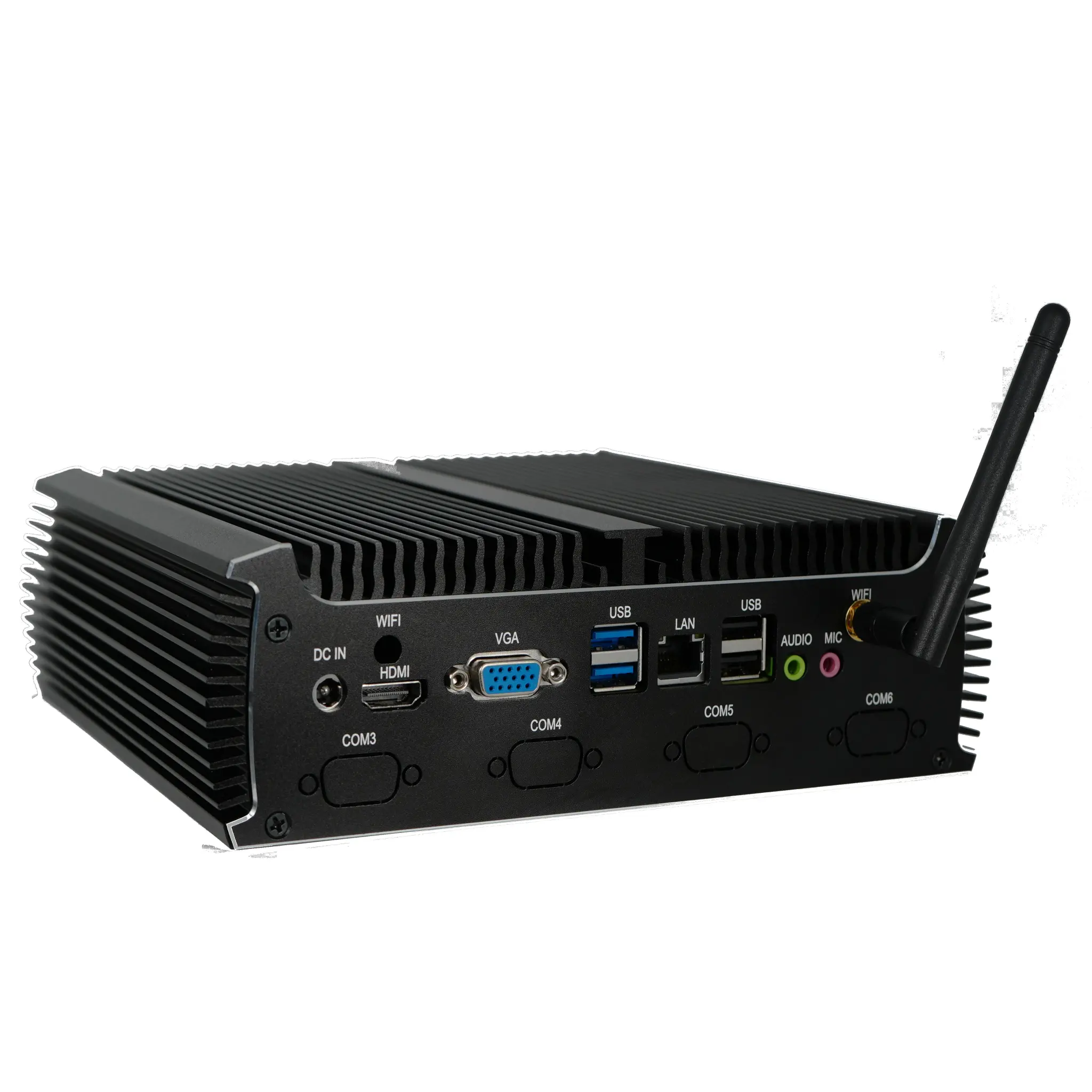
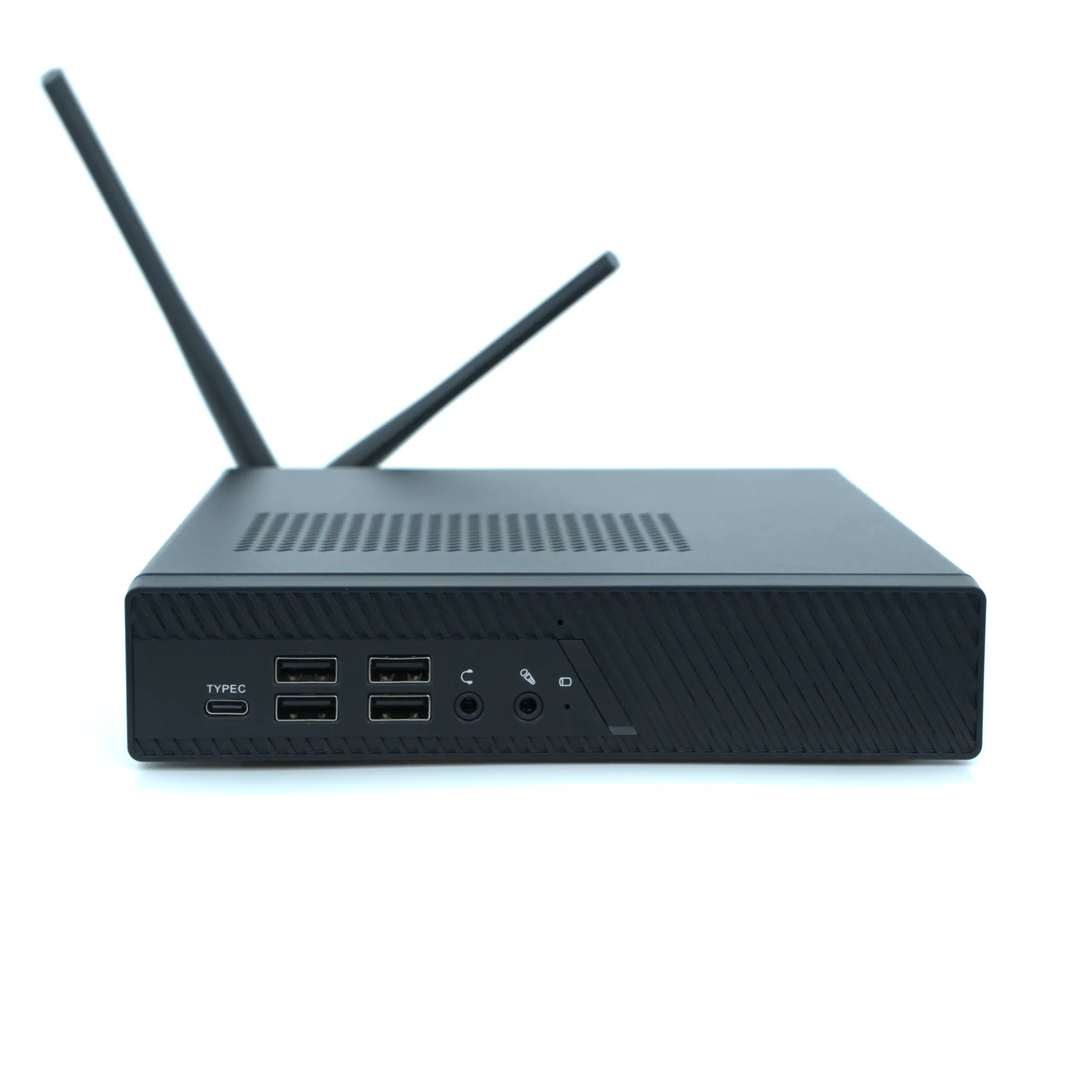
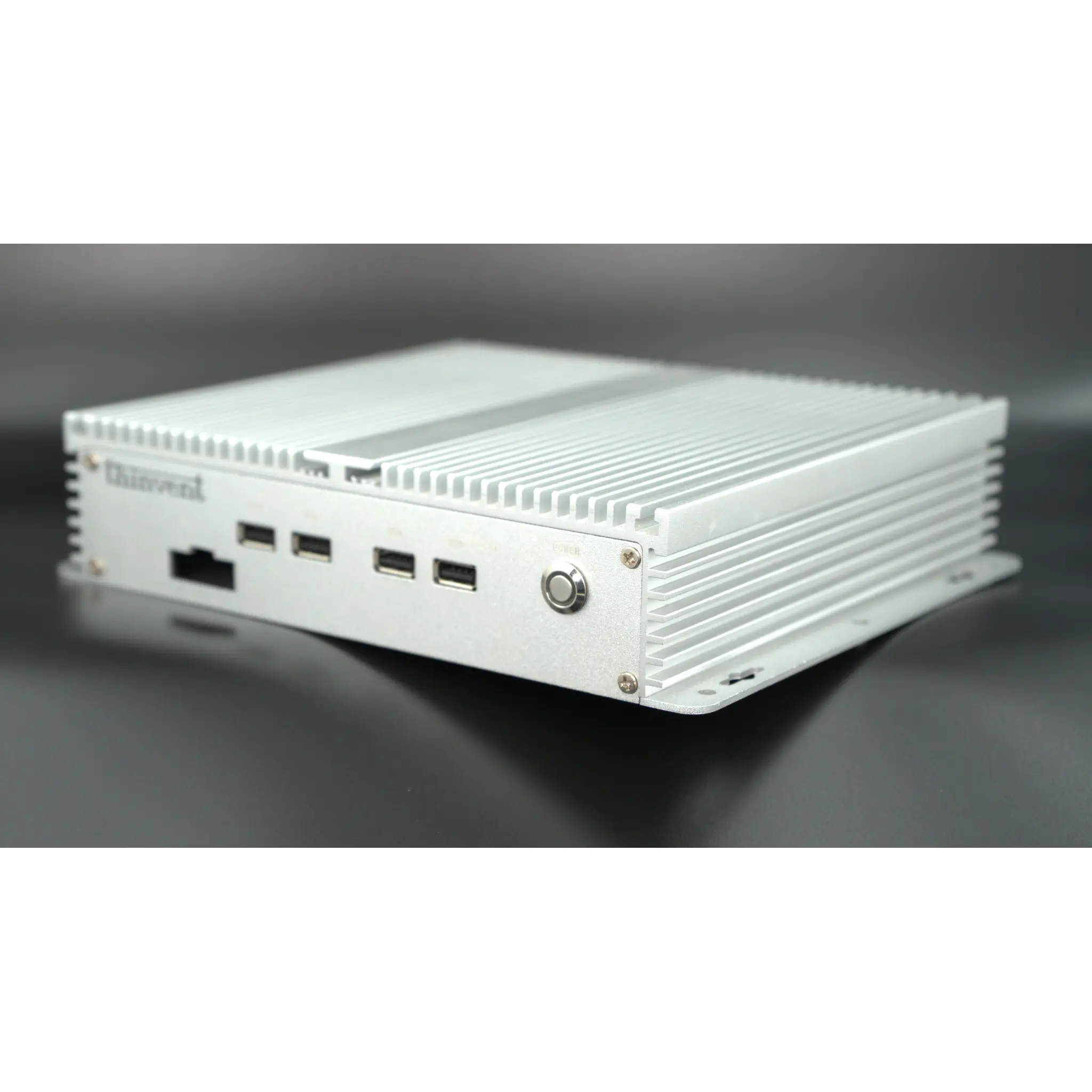
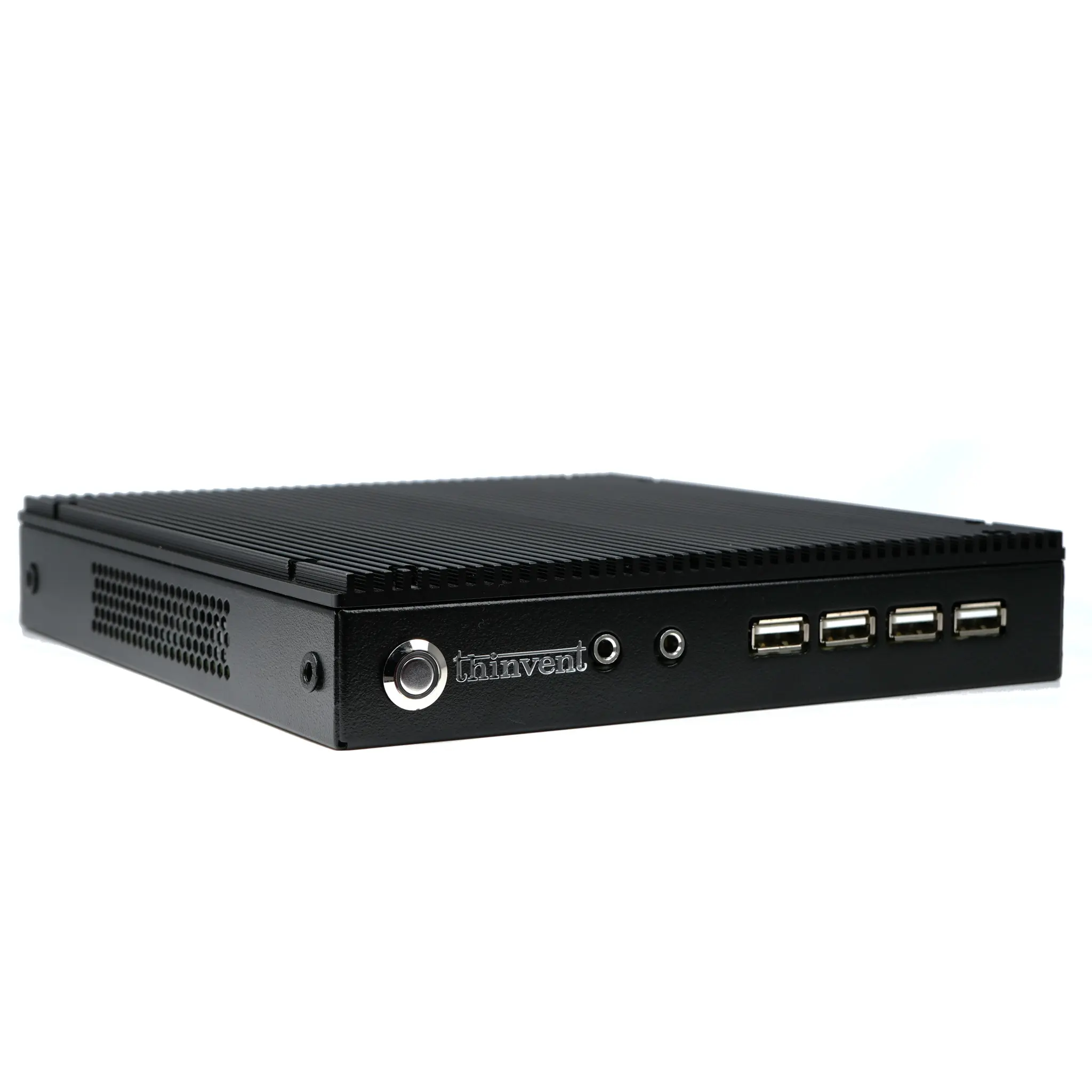
Fanless mini PCs are particularly well suited to this role. With no spinning fans or mechanical drives, they run silently, produce no audible hum during quiet passages, and avoid drawing dust into the chassis. A fanless industrial mini PC with an SSD and a modest, power-efficient Intel processor delivers exactly the kind of stable, always-on performance Roon needs.
Key Specifications for Roon Core
Roon's own guidance is straightforward: for most libraries, a modern Intel Core i3 or faster processor with 8 GB of RAM is comfortable, and 16 GB gives headroom for large libraries, heavy DSP (convolution filters, upsampling to DSD) and multiple simultaneous zones. Storage matters too — Roon's database benefits from a fast SSD, while a separate drive can hold the music library itself.
| Requirement | Recommended | Why It Matters |
|---|---|---|
| Processor | Intel Core i3 (e.g. 1215U, 6 cores) | Handles indexing, DSP and multi-zone streaming smoothly |
| Memory | 8–16 GB DDR4 | Large libraries and DSP headroom |
| Storage | 256 GB–1 TB SSD | Fast database, silent operation |
| Cooling | Fanless | No audible noise, no dust ingress |
| Network | Gigabit Ethernet | Reliable streaming to endpoints |
| OS | Windows 11 Pro, Linux or headless | Roon Server runs on all three |
A 6-core Intel Core i3-1215U, for example, offers up to 4.4 GHz burst frequency and 10 MB cache — far more than Roon Core typically needs, which means low CPU utilisation, low heat and long service life.
Operating System and Setup Options
Roon Server can run on Windows, macOS and Linux, and many enthusiasts prefer a dedicated, headless machine. Windows 11 Pro is a convenient choice for users who also want a familiar desktop, while Linux (including embedded distributions) suits those who want a minimal, appliance-like system that boots straight into Roon. A machine supplied without an OS (DOS/FreeDOS) is ideal if you plan to install Roon's own Roon OS or a lightweight Linux build yourself.
Use Cases and Applications
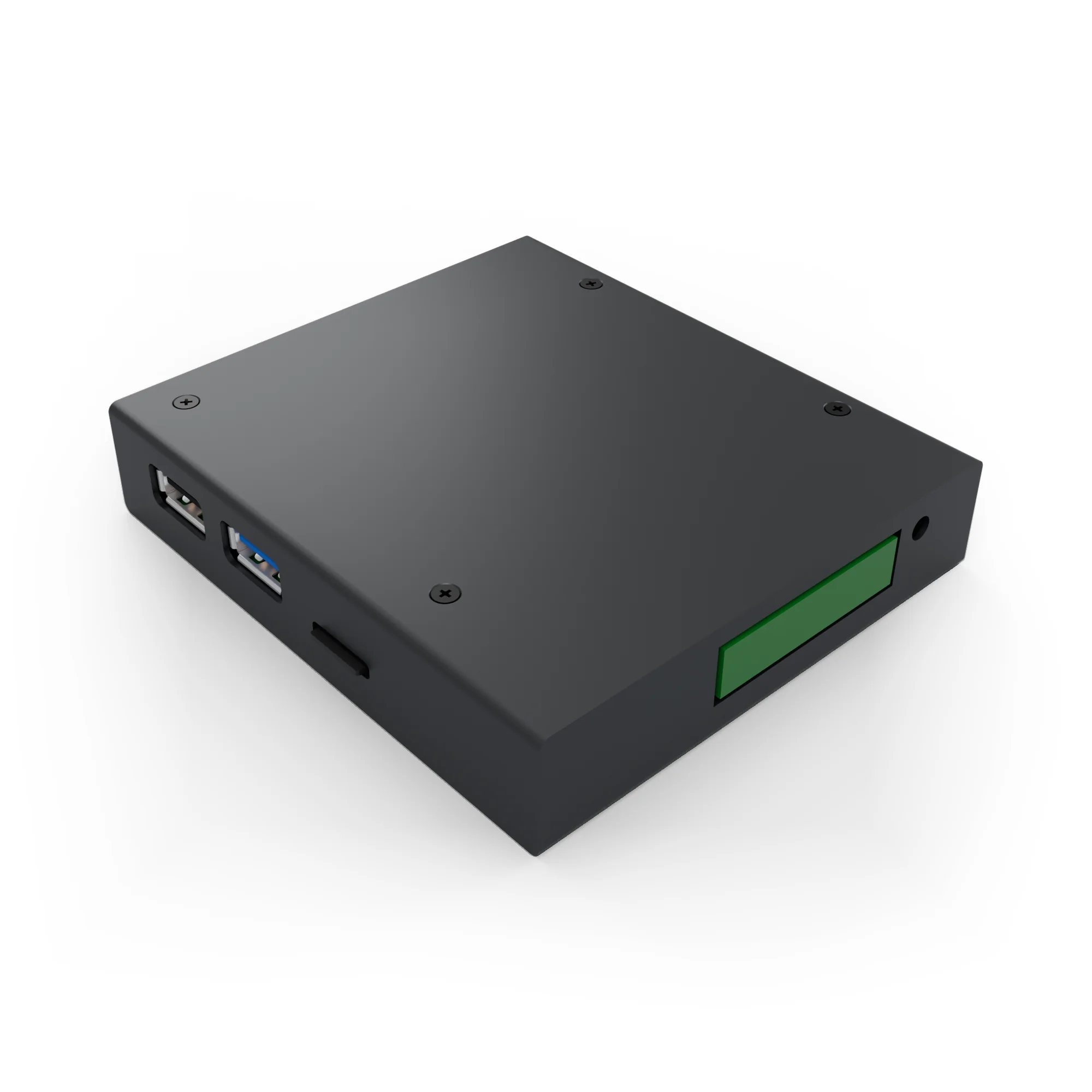
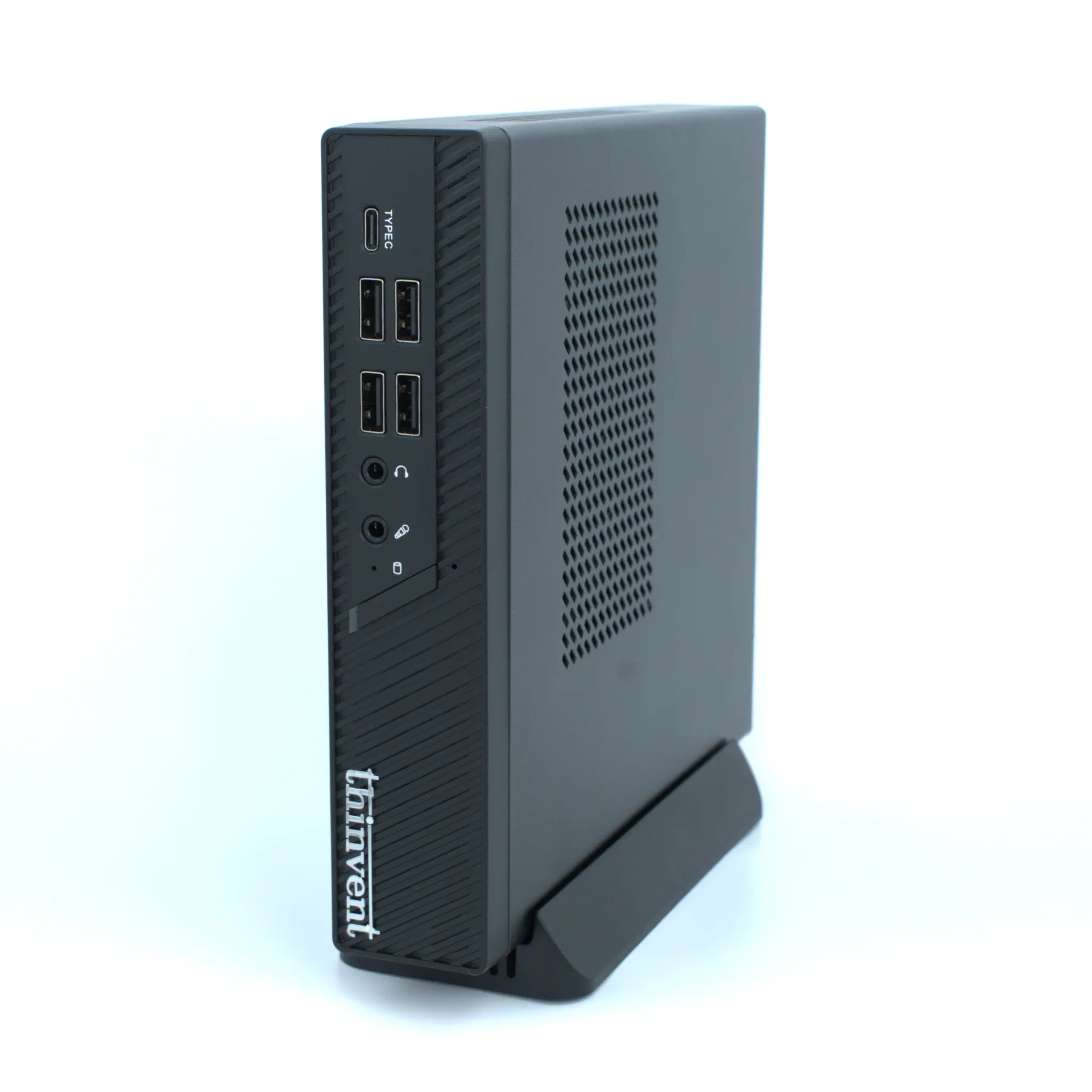
Beyond Roon, a silent mini PC in this class is a versatile home media hub: it can act as a Plex or Jellyfin server, a NAS front-end, a Home Assistant host, or a general-purpose always-on computer. The same fanless, SSD-only design that keeps a listening room quiet also suits offices, clinics and retail spaces where noise and dust are unwelcome. Multiple video outputs and Gigabit Ethernet make it easy to connect a display for setup and a wired network for stable streaming.
Thinvent Products for Roon and Media Servers
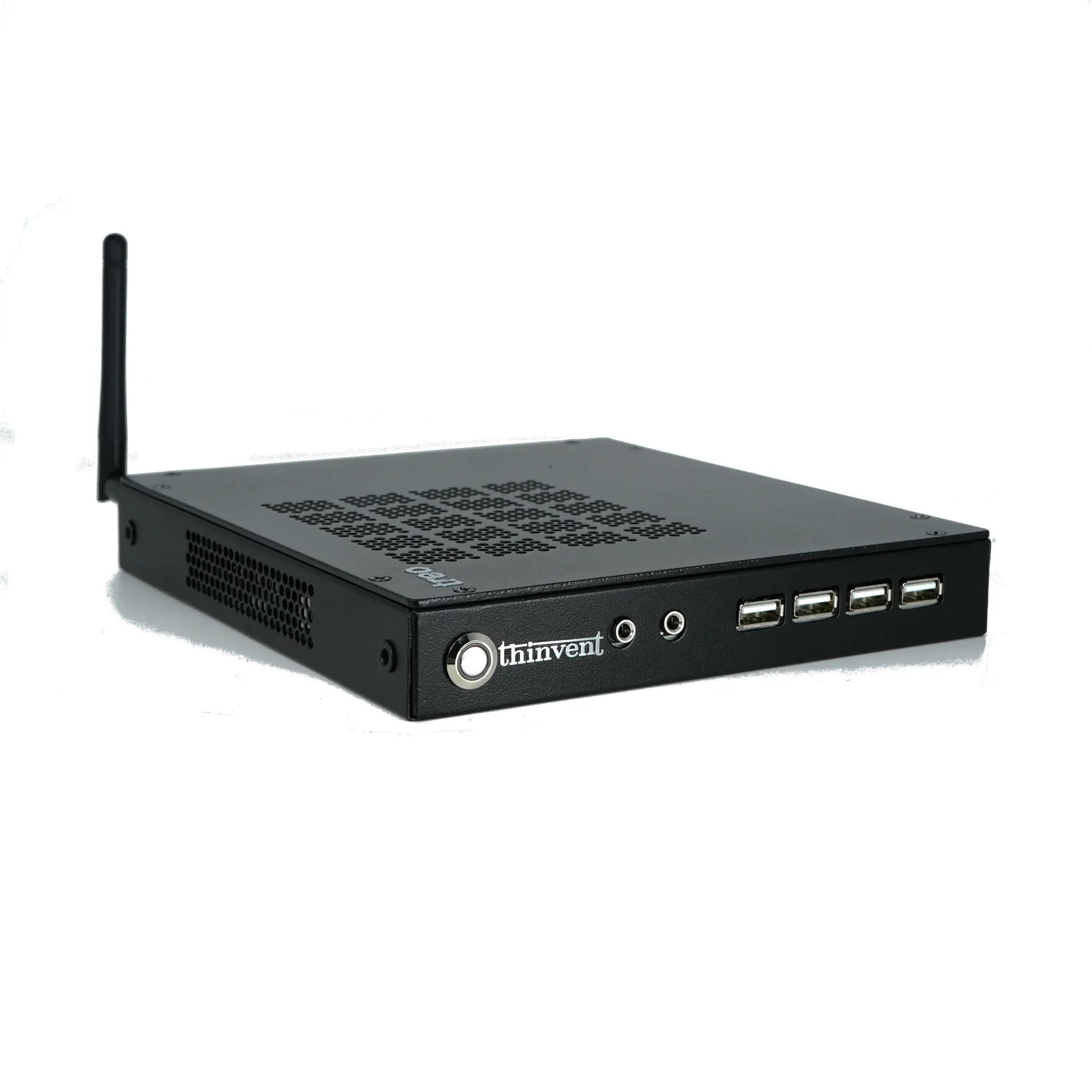
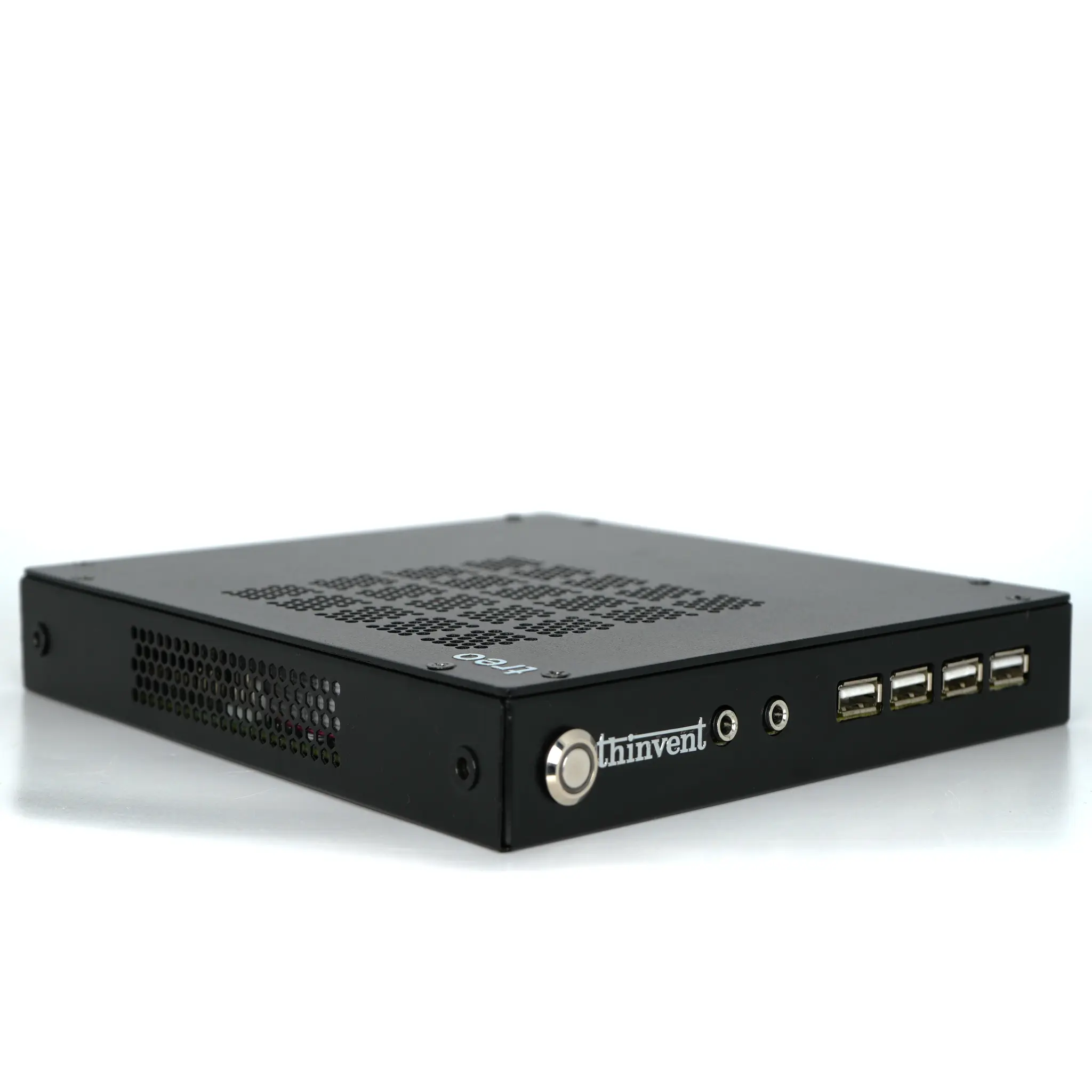
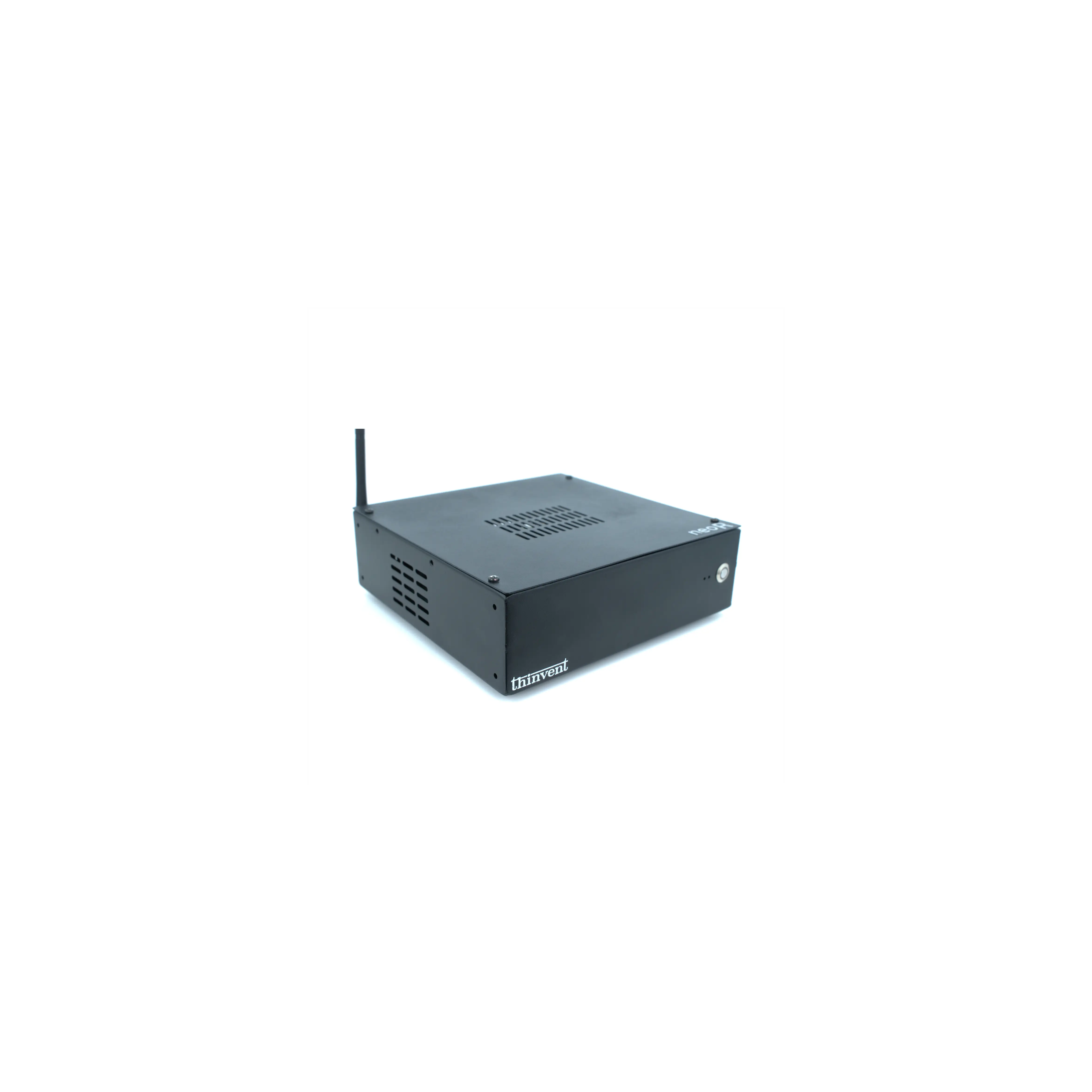
Thinvent's fanless mini PCs and industrial computers are built for silent, continuous operation and are well suited to Roon Core and home media server duties. Configurations pair Intel Core i3 processors (such as the 6-core i3-1215U) with up to 16 GB DDR4 RAM and up to 1 TB SSD, and are available with Windows 11 Pro, Linux or no operating system. Their compact, vent-free chassis keeps the listening room quiet while Gigabit Ethernet and multiple display outputs keep your library and endpoints connected.