Connecting Printers to a Compact Mini PC
A compact mini PC can serve as a dedicated print server, print controller, or shared network print host when it is paired with the right connectivity — built-in Ethernet, dual-band Wi-Fi, and USB or Wi-Fi/LAN dongles. The goal is simple: keep one small, always-on machine that receives print jobs over the network and forwards them to one or more printers, whether those printers sit next to the PC or across the office.
There are two common ways to attach printers:
-
Direct wired connection — USB (or serial/parallel via adapter) from the mini PC to the printer. Reliable, no network configuration on the printer itself.
-
Network connection — the printer has its own Ethernet or Wi-Fi interface, or you add a Wi-Fi/LAN dongle to a printer that lacks networking. The mini PC then communicates with it over TCP/IP.
A Wi-Fi/LAN dongle (USB-to-Ethernet or USB Wi-Fi adapter) is the practical fix when a printer has only a USB port but needs to sit on the network, or when you want the mini PC itself to join a wireless LAN without relying on a single onboard radio. Dual-band Wi-Fi (2.4 GHz and 5 GHz) on the host keeps the link stable while 1000 Mbps Ethernet handles high-volume jobs.
What to Look For in the Host Mini PC
| Requirement | Why it matters for printing |
|---|---|
| Dual-band Wi-Fi | Stable wireless link to printers or the office LAN |
| Gigabit Ethernet (1000 Mbps) | Fast transfer of large print spool files |
| Dual LAN ports | Separate print network from the office network |
| USB 3.2 Gen 2 / USB-C | Fast connection to printers and dongles |
| Fanless or low-power design | Quiet, dust-tolerant, runs 24/7 near a printer |
| Windows 11 Pro / Linux | Print server roles, driver support, remote management |
For most print-server roles, a modest processor is enough — the workload is light and continuous rather than bursty. Where the same machine also runs point-of-sale, label design, or queue-management software, a faster multi-core CPU and more memory help keep jobs moving without lag.
Typical Use Cases
-
Shared office printing — one mini PC hosts multiple printers for a whole floor.
-
Retail and warehouse labels — mini PC drives label and receipt printers at the counter or packing station.
-
Print kiosks and self-service counters — a small, lockable PC manages job queues and user authentication.
-
Legacy printer networking — a Wi-Fi/LAN dongle plus mini PC brings an older USB-only printer onto the network.
-
Remote and branch sites — compact, low-power hosts that tolerate dust and heat and keep running unattended.
Deployment Notes
Choose a host with enough USB ports for both the printer and a dongle, and confirm the operating system has drivers for your printer model or supports generic IPP/CUPS printing. On Windows, the built-in print server role handles sharing and queueing; on Linux, CUPS is the standard. Keeping the host on wired Gigabit Ethernet while the printer uses Wi-Fi (or vice versa) is a common, robust split. Fanless designs are worth considering where the PC sits in a dusty or warm print room, since there is no fan to draw in debris.
Thinvent Mini PCs for Printer Connectivity
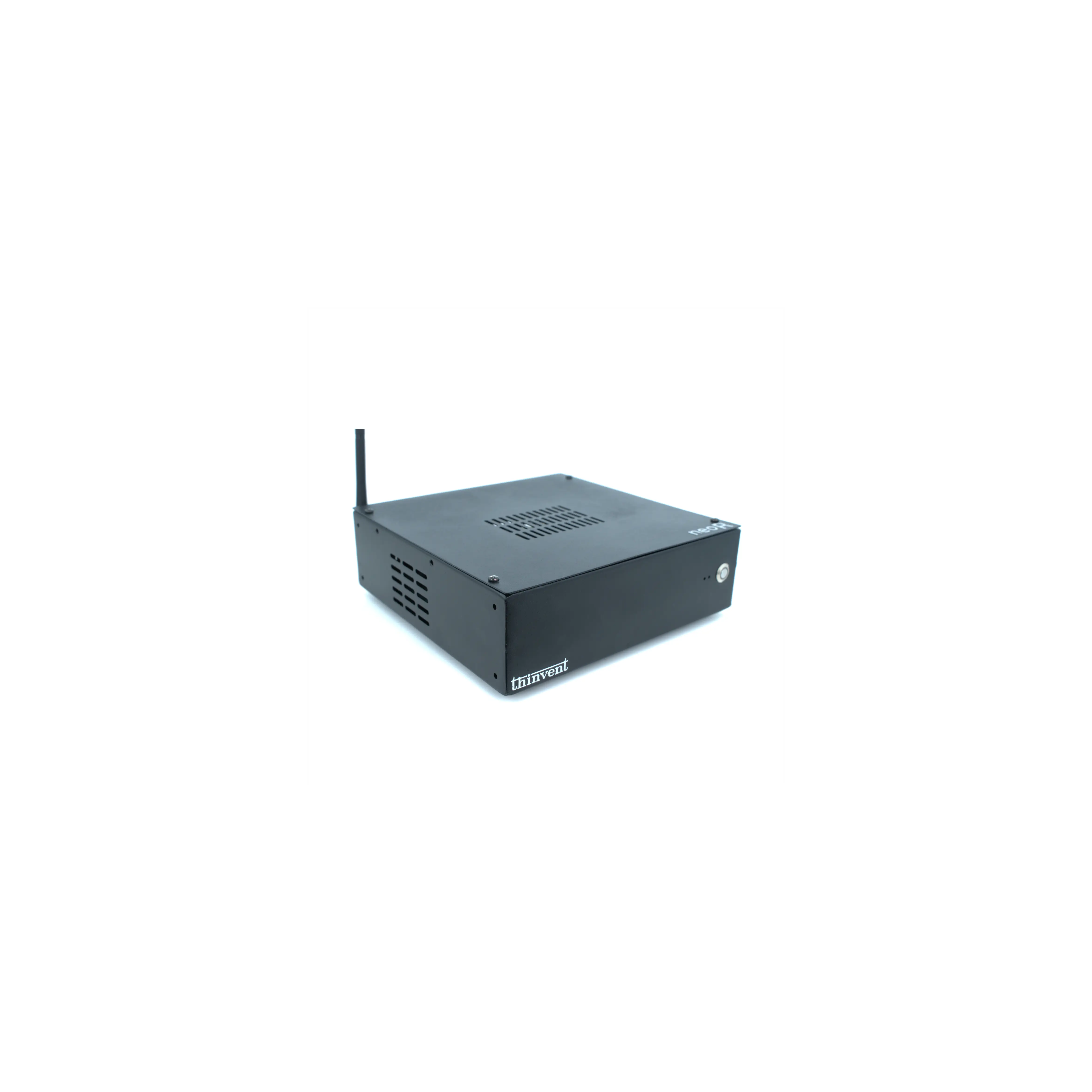
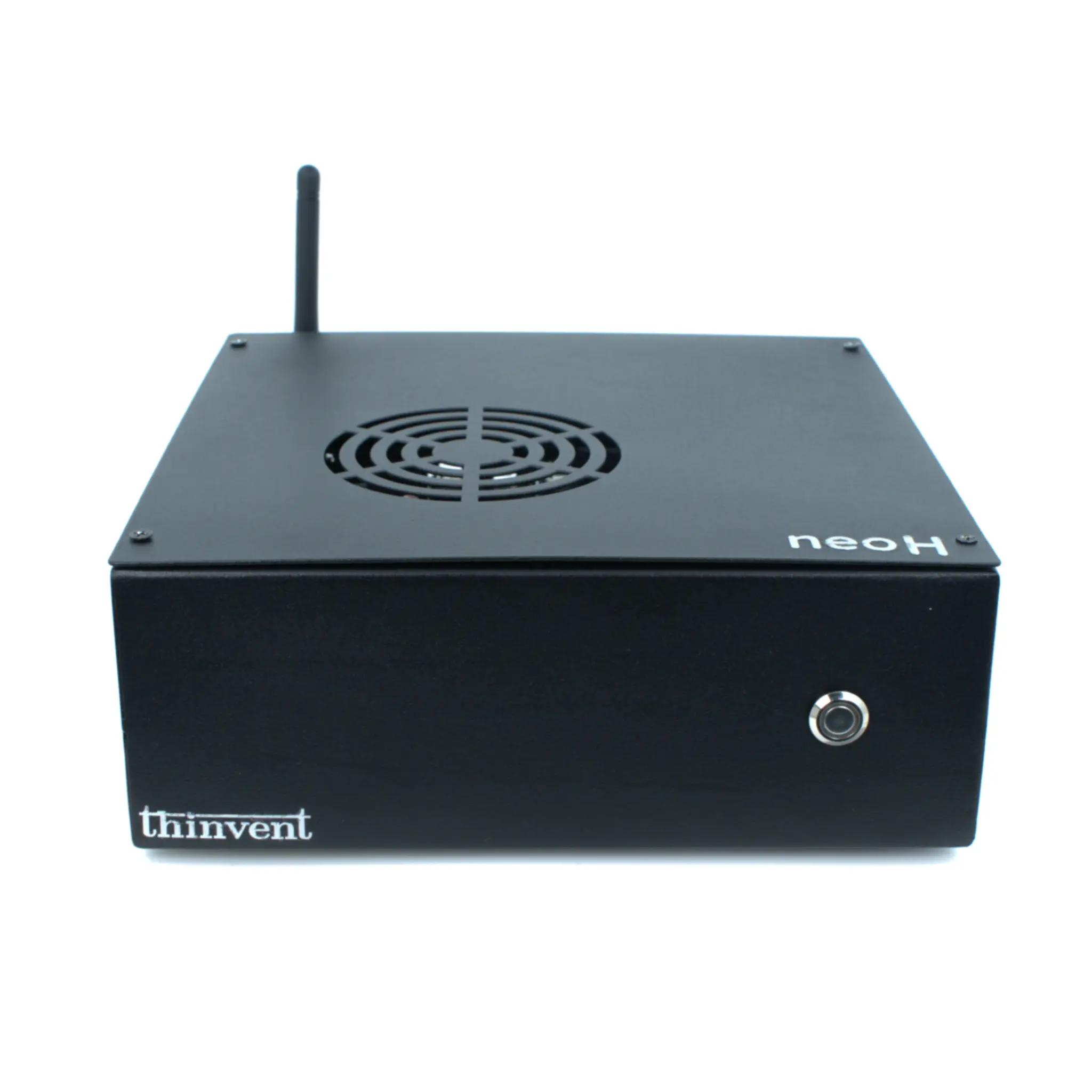
Thinvent builds compact mini PCs suited to print-server and printer-connectivity roles, including the Treo Mini PC series with Intel® Core™ Ultra 5 processors, dual LAN for separating print and office networks, dual-band Wi-Fi, and generous USB for printers and Wi-Fi/LAN dongles. They are available with Windows 11 Pro, Windows 11 IoT, DOS, or Thinux™ Embedded Linux, so you can match the host to your existing print infrastructure. For lighter, always-on print tasks, Thinvent's Intel Celeron and N-series mini PCs offer a low-power, fanless-friendly option that keeps running quietly beside the printer.