What Is a Compact Computer for Gaming and Entertainment?
A compact computer for gaming and entertainment is a small-form-factor PC built to run arcade titles, casual games, emulators, media playback and kiosk entertainment software without occupying the space of a traditional tower. The query "ارخص شاشة كمبيوتر للالعاب" (most affordable computer screen for games) reflects a common need: a display-and-computer combination that is cost-effective, reliable and ready for long hours of use.
The most practical answer for this need is not a separate cheap monitor plus a bulky desktop, but an all-in-one PC or a mini PC paired with a standard HDMI display. An all-in-one computer integrates the screen, processor, memory and storage in a single unit, which reduces total cost, cabling and failure points. A mini PC, on the other hand, lets you reuse any existing monitor or TV and upgrade the display independently later.
Key Specifications That Matter for Gaming and Entertainment
Entertainment and light gaming workloads are driven more by integrated graphics performance, memory bandwidth and storage speed than by raw core count.
| Component | Recommendation | Why It Matters |
|---|---|---|
| Processor | Intel® Celeron®, N-series or Core™ i3 | Handles emulators, 2D/arcade games, HD video |
| Cores | 4 to 6 | Smooth multitasking, background updates |
| Memory | 8 GB minimum, 16 GB preferred | Prevents stutter in browser games and media apps |
| Storage | 256 GB SSD or higher | Fast load times, room for game libraries |
| Display output | HDMI 1.4/2.0 | Connects to TVs, monitors, arcade panels |
| Ethernet | Gigabit (1000 Mbps) | Stable online play and content streaming |
| Cooling | Fanless or quiet active cooling | Silent operation for home and kiosk use |
For emulator-based retro gaming, a 6-core Intel® Core™ i3-1215U with 16 GB DDR4 and an SSD delivers responsive performance at low power. For pure media playback and browser-based games, an Intel® N100 or N150 mini PC with 8 GB RAM is sufficient and very energy-efficient.
Use Cases and Applications
-
Home entertainment centres – Connect a mini PC to a TV for streaming, retro gaming and media libraries.
-
Gaming cafés and arcades – Fanless industrial PCs tolerate dust, heat and continuous operation far better than consumer desktops.
-
Kiosks and digital signage – All-in-one PCs with 21.5" or 23.8" screens serve as self-contained entertainment or information terminals.
-
Education and training – Low-cost mini PCs drive learning games and interactive content in classrooms.
-
Hospitality – In-room entertainment systems built on compact, reliable computers.
Choosing Between an All-in-One and a Mini PC
If your priority is the lowest total cost with the fewest components, an all-in-one PC is the simplest path: one power cable, one unit, no separate monitor. If you already own a screen, or you want to place the computer behind a TV or inside a cabinet, a fanless mini PC or industrial PC is more flexible. Industrial-grade units add wide-temperature operation, vibration resistance and long-term availability, which matters for commercial entertainment deployments that run every day.
Thinvent Products Featuring This Technology
Thinvent builds a complete range of compact computing hardware suited to gaming, entertainment and kiosk deployments:
-
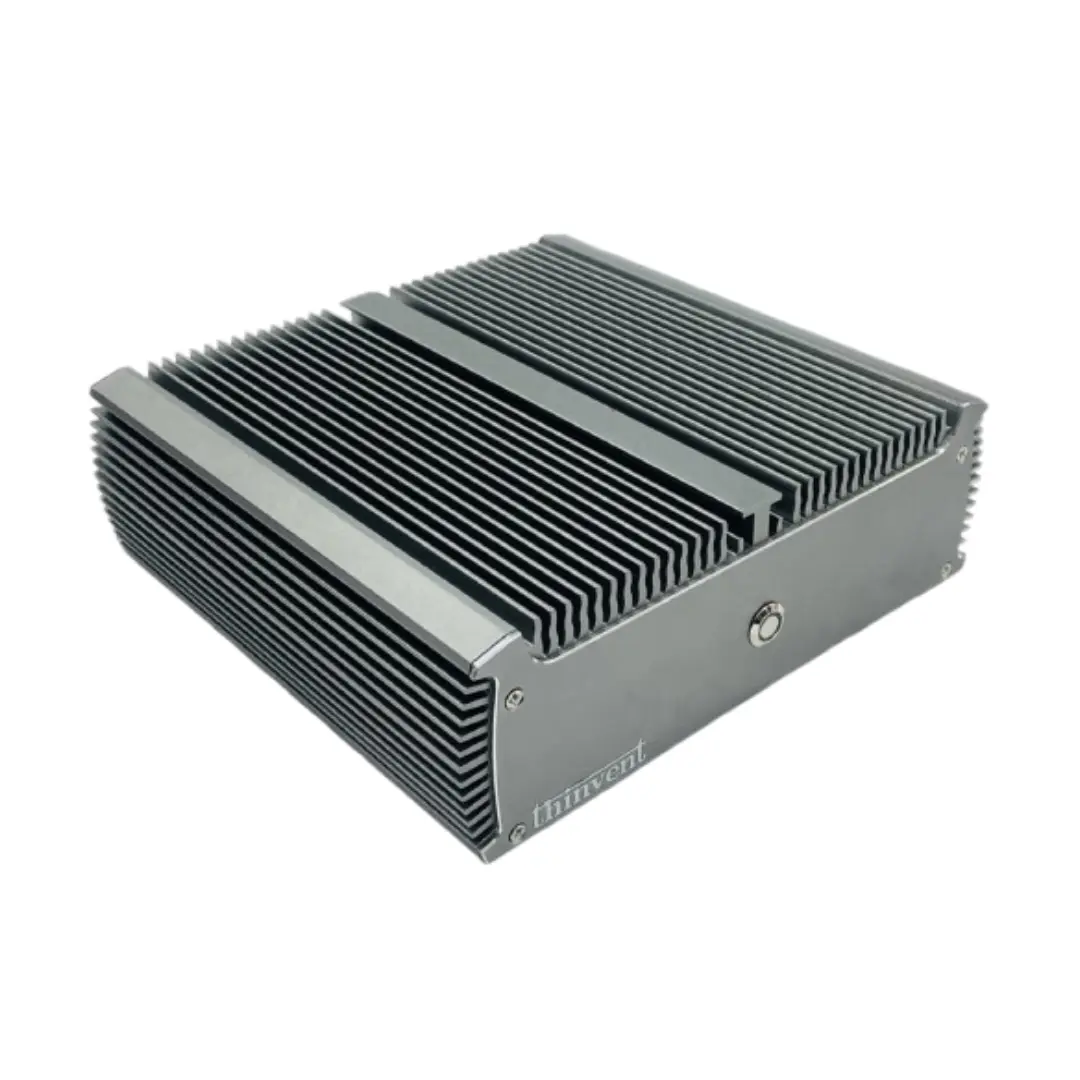
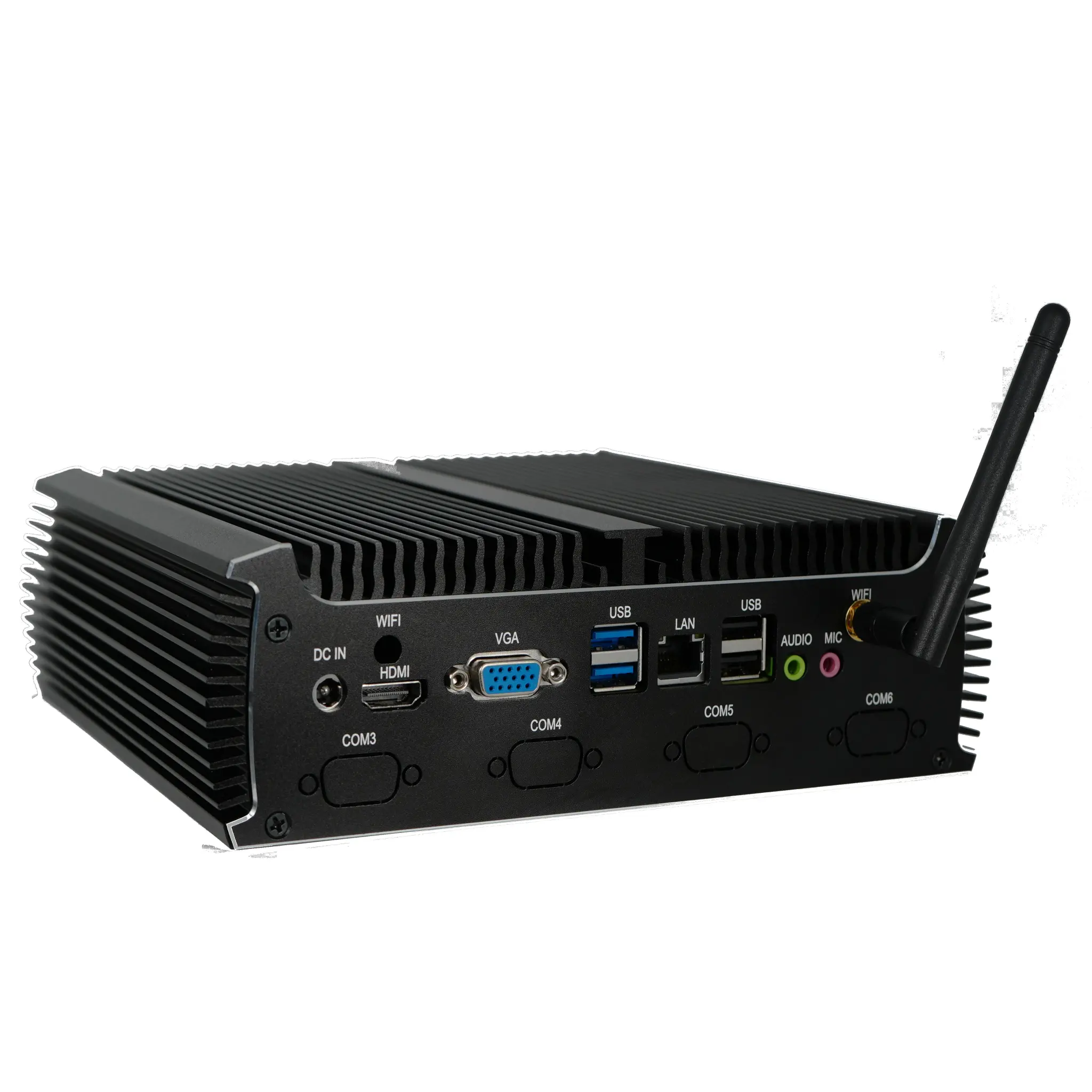
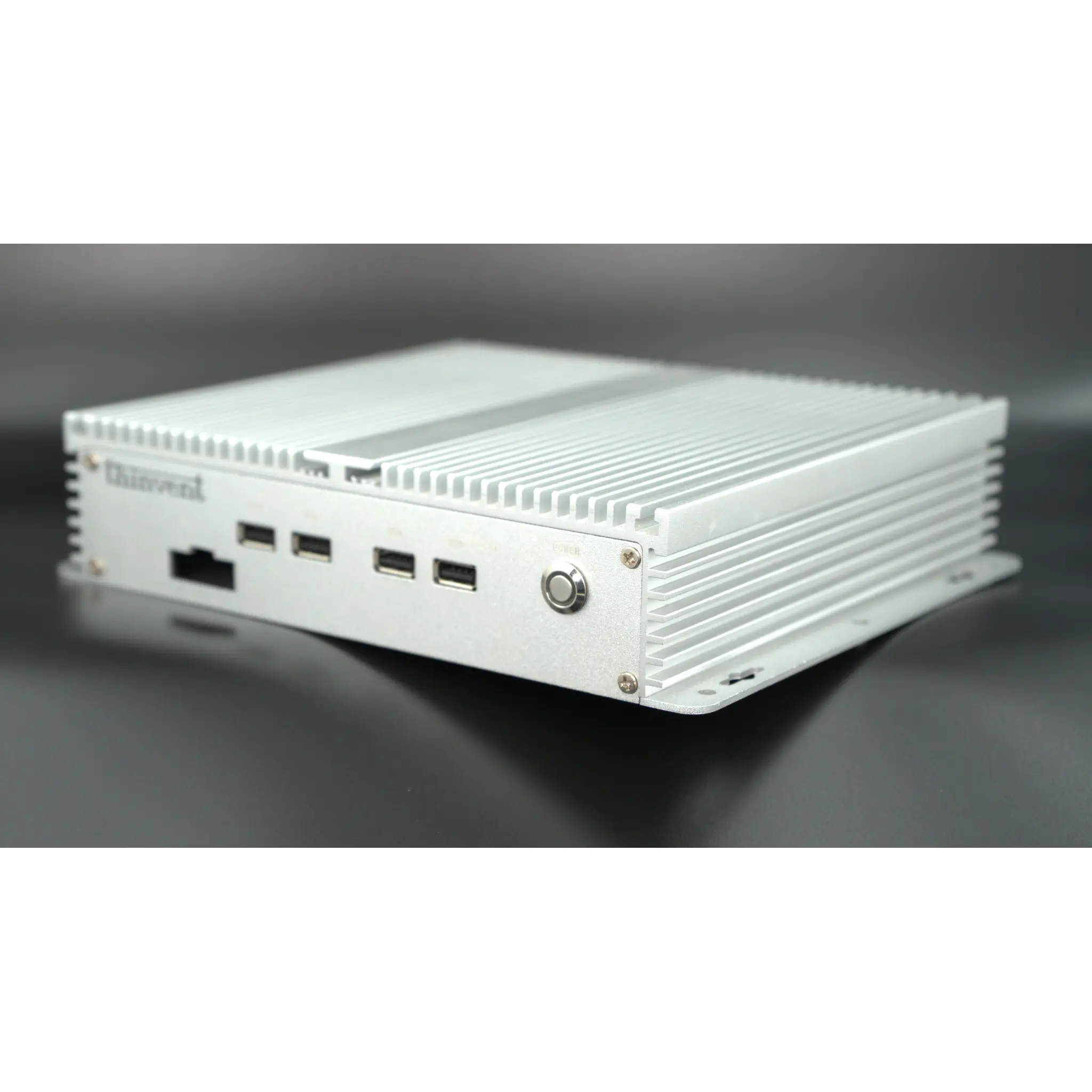
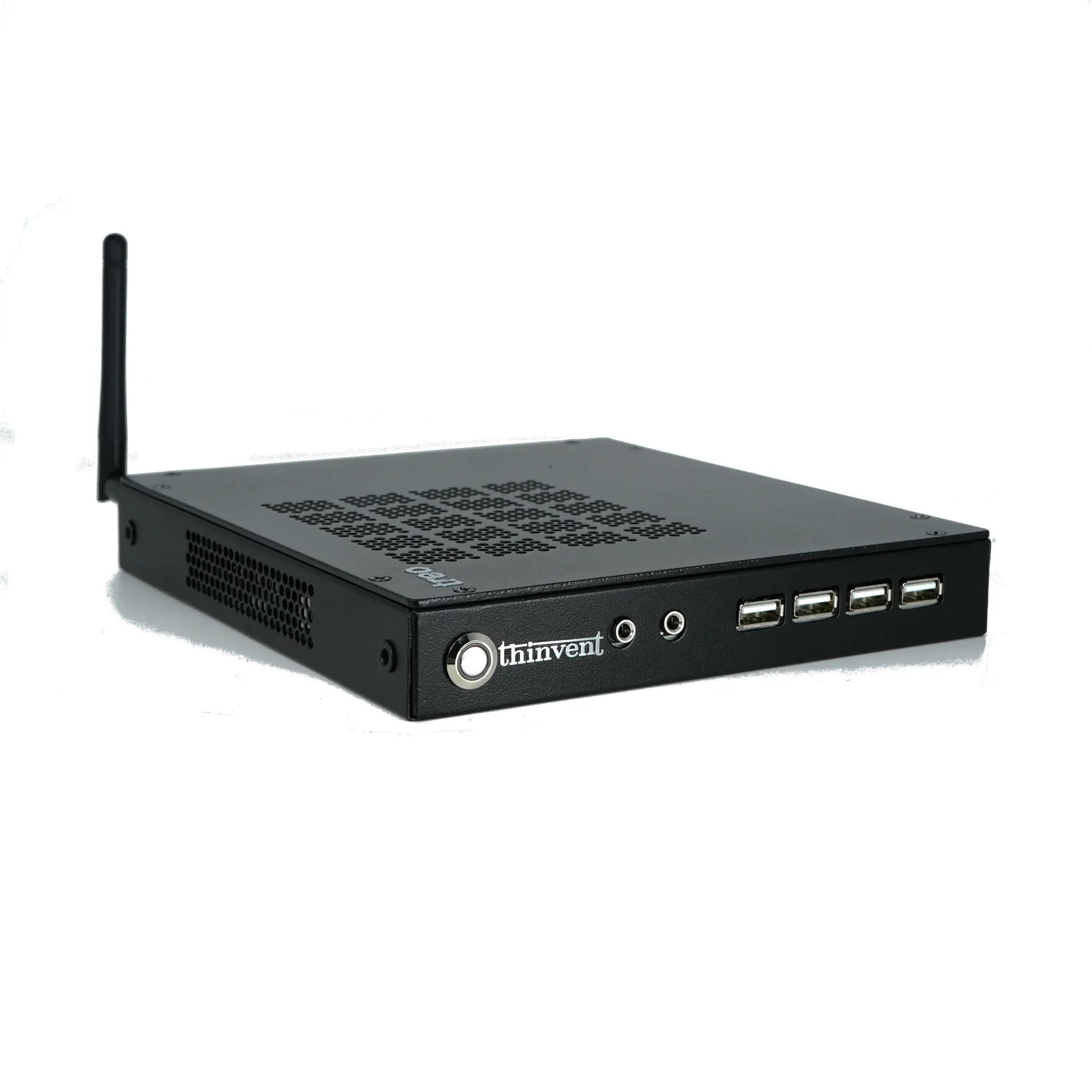
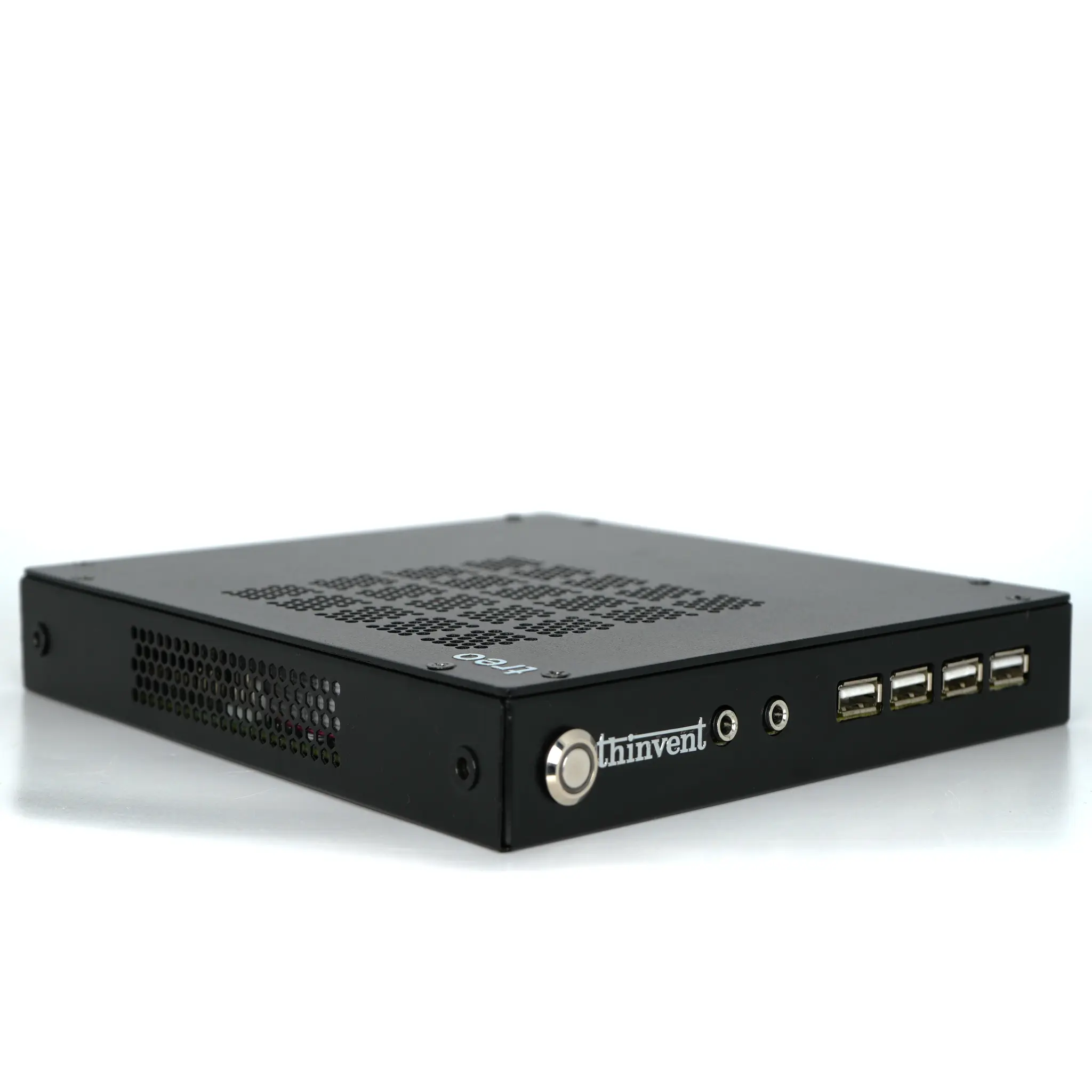
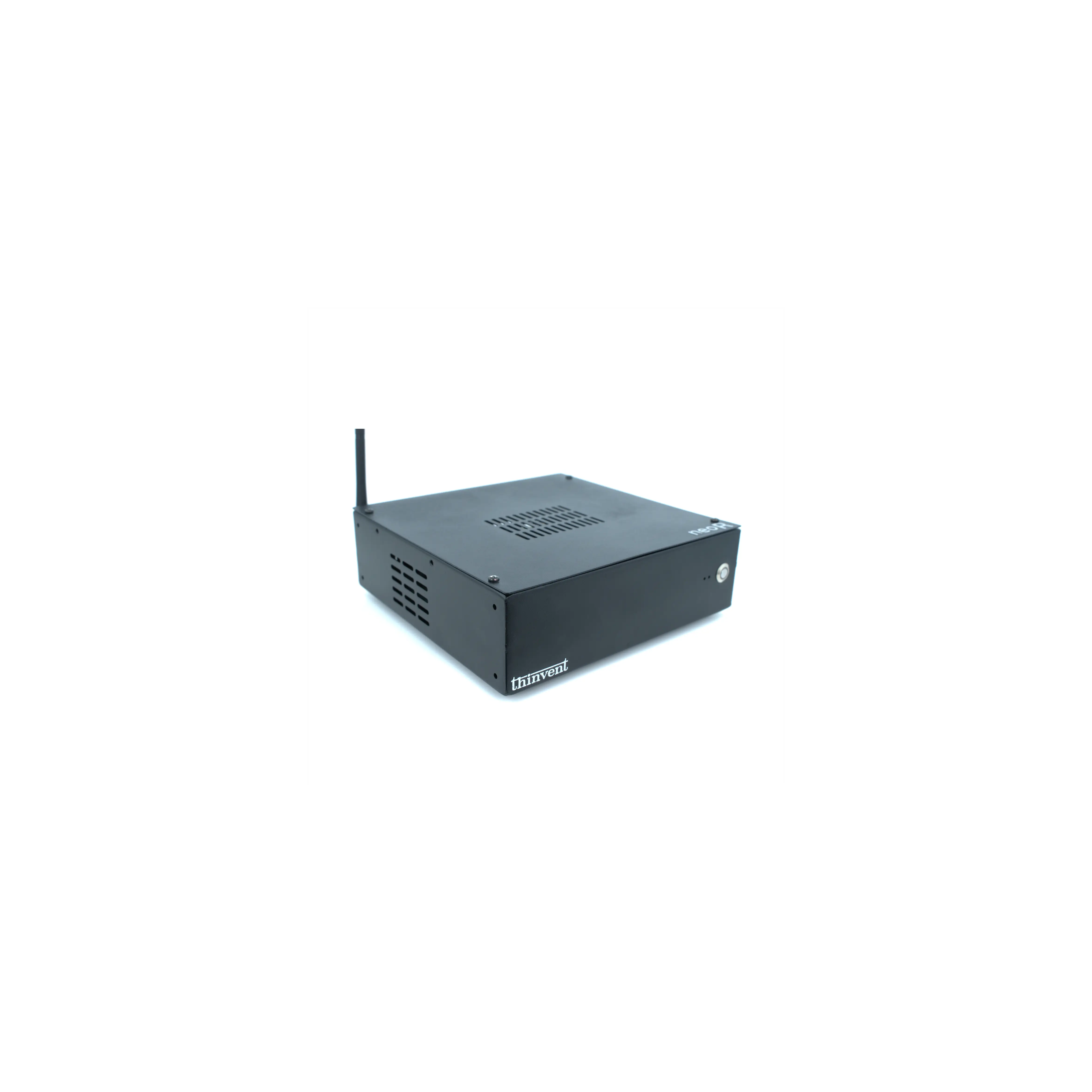
Industrial PCs (IPC series) – Fanless, dust-resistant systems with Intel® Core™ i3 processors, up to 16 GB DDR4 RAM and 1 TB SSD, ideal for arcades, kiosks and 24×7 entertainment terminals.
-
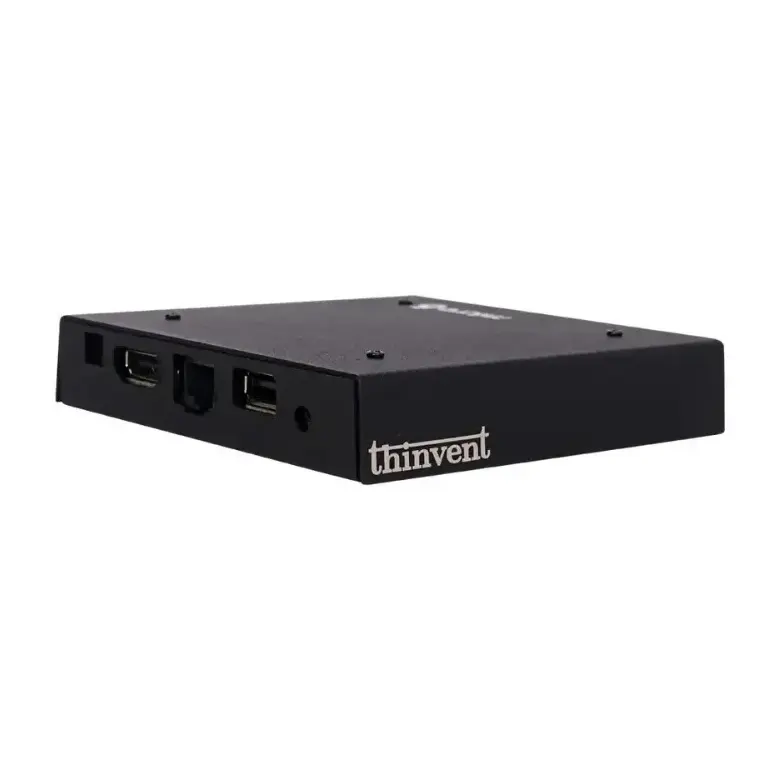
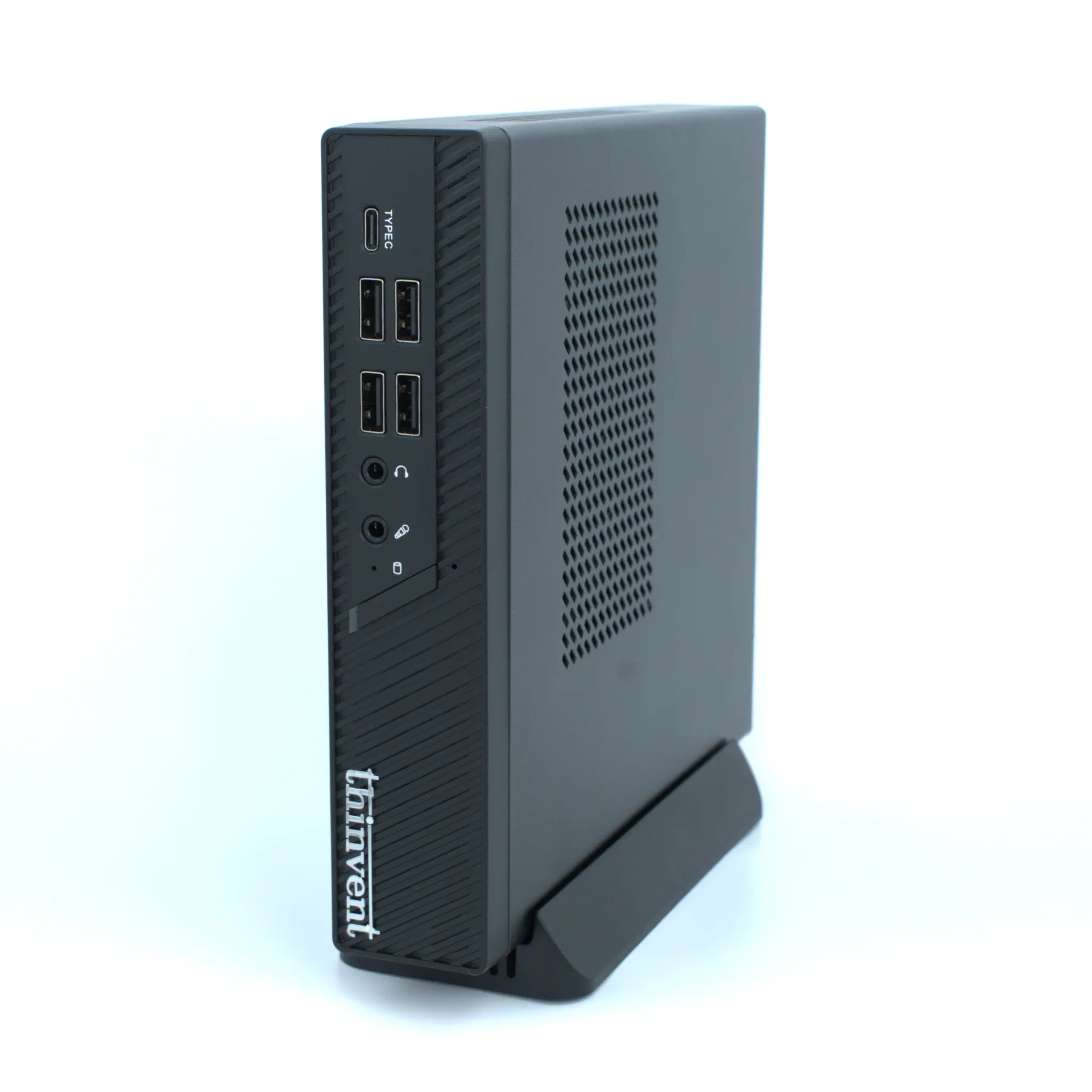
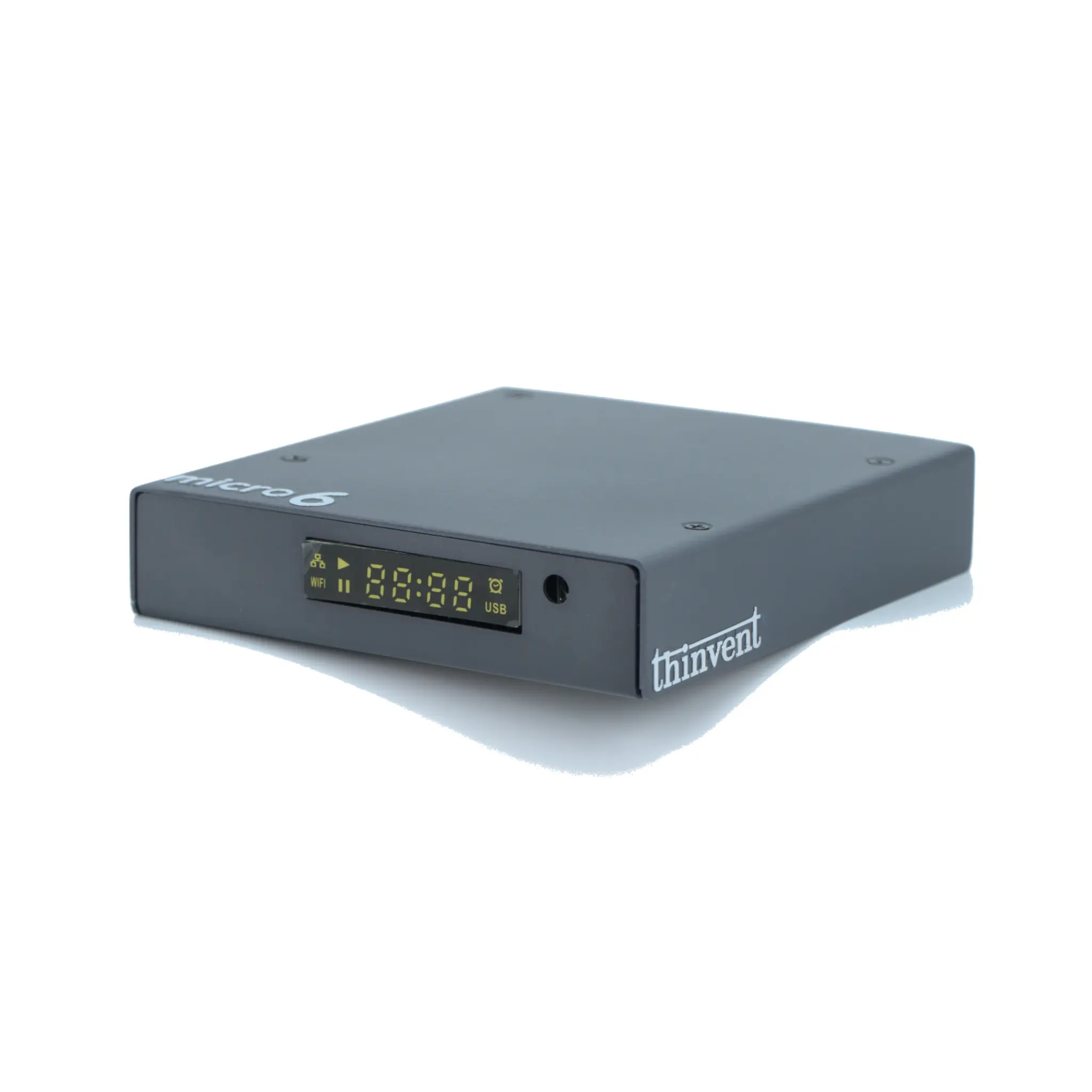
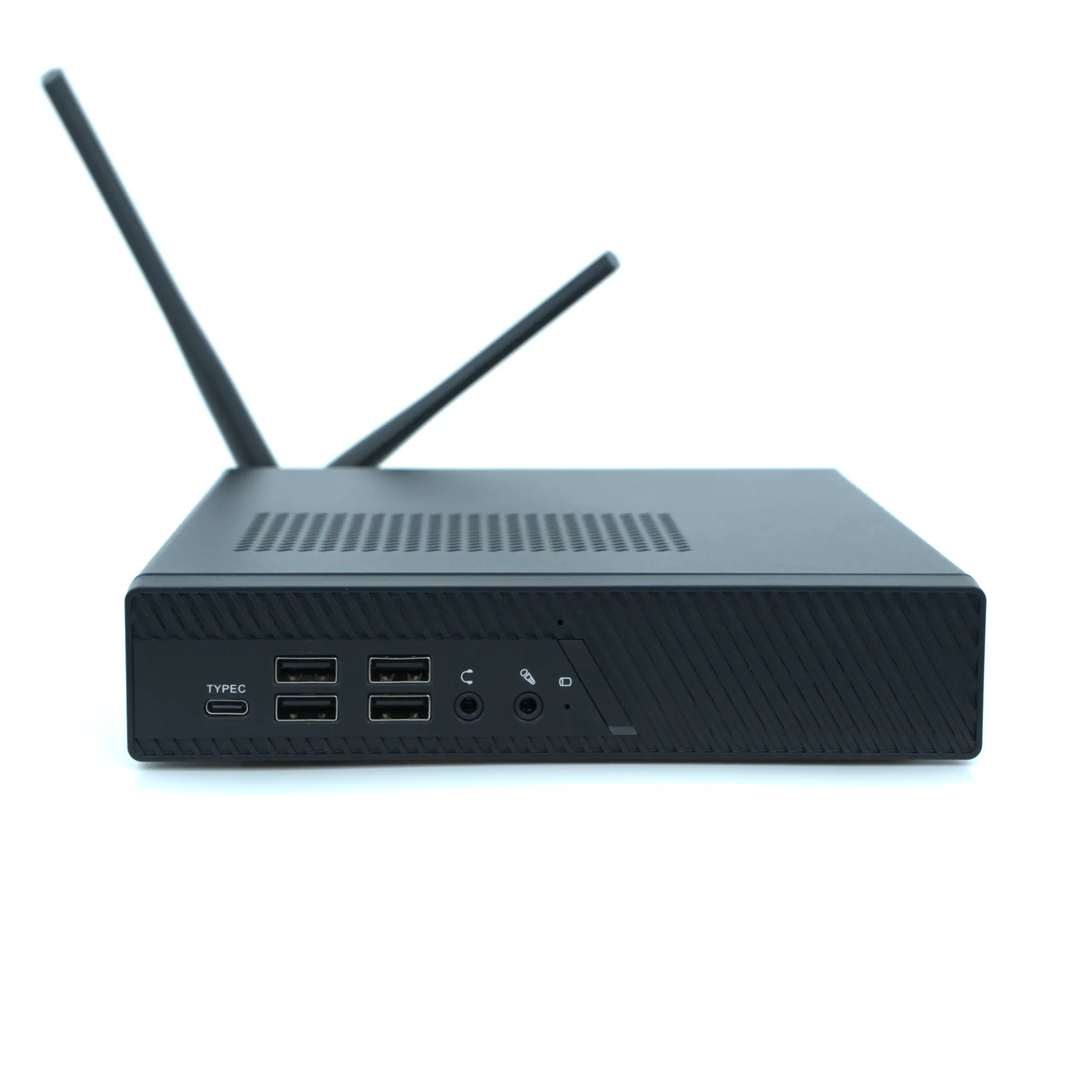
Mini PCs – Small, energy-efficient Intel® and ARM-based computers for media playback, browser gaming and digital signage.
-
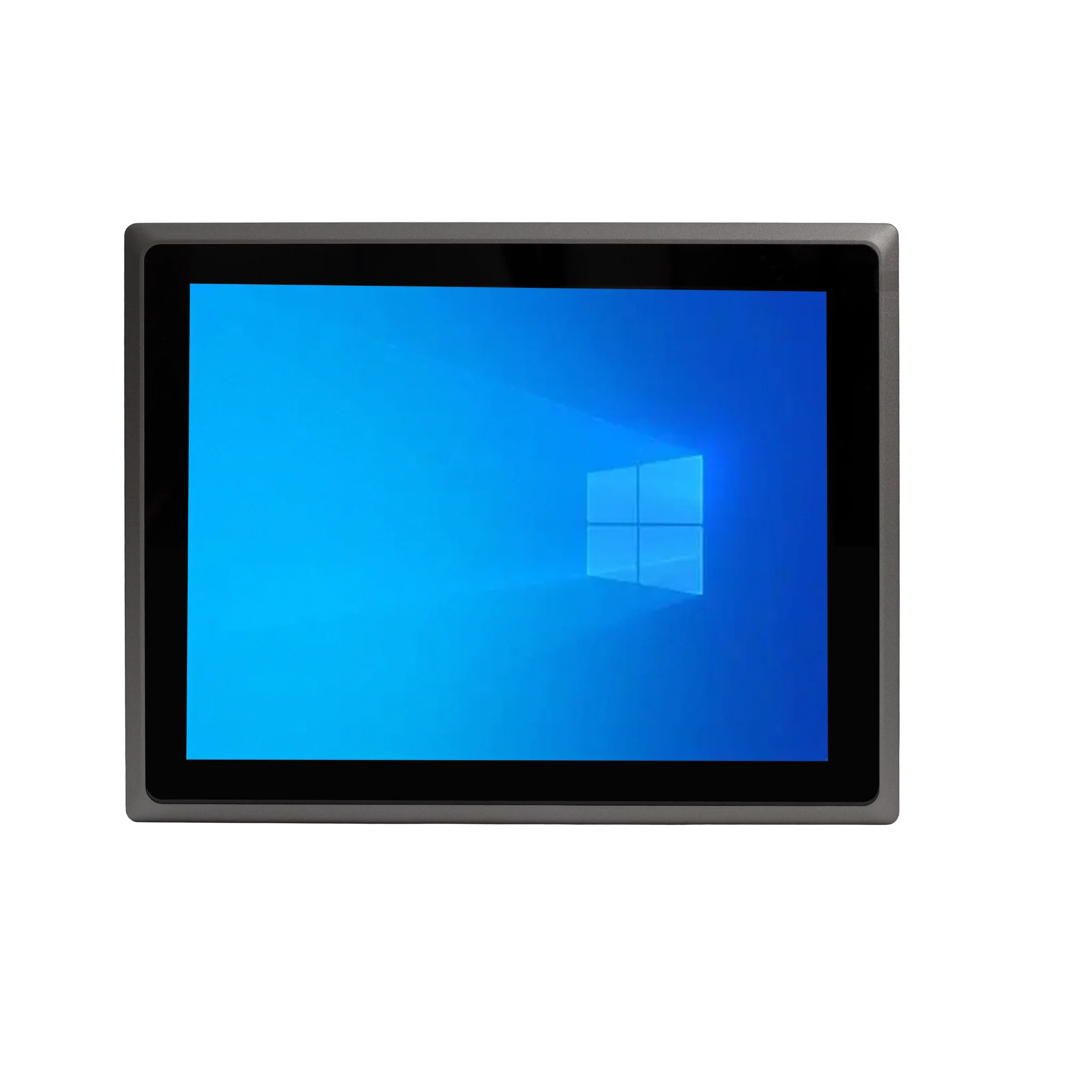
All-in-One PCs – Integrated 21.5" and 23.8" screen computers that eliminate the need for a separate monitor, perfect for reception areas, gaming zones and information kiosks.
-
Thin Clients – Centralised computing endpoints for multi-seat gaming cafés and training labs.
All Thinvent systems support Windows 11 Pro, Ubuntu Linux 24.04 LTS, FreeDOS or Thinux™ Embedded Linux, and are designed for reliable, quiet, long-life operation.