How to Build Your Own Computer
Building your own computer, or DIY PC assembly, involves selecting compatible components and assembling them into a functional system. The core process includes choosing a processor (CPU), motherboard, memory (RAM), storage (SSD/HDD), power supply (PSU), and a case. For industrial and commercial applications, the requirements often prioritize reliability, low power consumption, and fanless cooling for silent, maintenance-free operation in harsh environments. This guide focuses on the key considerations for assembling a robust system suitable for business use.
Key Specifications and Technical Details
The foundation of any build is the processor and motherboard. For energy-efficient and compact systems, modern Intel processors like the N-series (e.g., N100) are excellent choices. They offer multiple cores (e.g., 4 cores), high clock speeds (up to 3.4 GHz), and integrated graphics, all within a low thermal design power (TDP) envelope. This allows for fanless cooling designs. Pair this with a compatible industrial-grade motherboard that supports sufficient RAM (e.g., 16GB DDR4) and storage interfaces (SATA, M.2 for NVMe SSDs like 128GB or 256GB). Connectivity is crucial; ensure the system has Gigabit Ethernet, multiple USB ports (including USB 3.2 and Type-C), and display outputs like HDMI.
Use Cases and Applications
A custom-built computer using industrial-grade components is ideal for specific deployments. Common applications include digital signage controllers, thin clients for virtual desktop infrastructure (VDI), kiosks, point-of-sale (POS) systems, and embedded controllers in manufacturing or logistics. The fanless, solid-state design ensures durability in dusty, high-temperature, or vibration-prone settings where traditional desktop PCs would fail. These systems can run various operating systems, including Windows 11 IoT/Pro, Ubuntu Linux, or embedded OS versions, tailored to the software needs of the application.
Comparison: DIY vs. Pre-Built Industrial Systems
| Aspect | DIY Assembly | Pre-Built Industrial PC (e.g., Mini PC) |
|---|---|---|
| Customization | High - Full control over every component. | Moderate - Configurable options within a product line. |
| Time & Expertise | Requires significant technical knowledge and assembly time. | Minimal - Ready to deploy out of the box. |
| Reliability & Testing | User-responsible for compatibility and stress testing. | Factory-tested for stability and long-term reliability. |
| Form Factor | Depends on chosen case; can be bulky. | Often compact, sleek, and designed for specific mounts (Mini PC, All-in-One). |
| Support & Warranty | Individual component warranties; no single point of support. | Comprehensive system warranty and technical support from the manufacturer. |
| Ideal For | Enthusiasts, highly specific prototype needs. | Businesses requiring reliable, deployable solutions for commercial environments. |
Thinvent's Pre-Built Industrial Computing Solutions
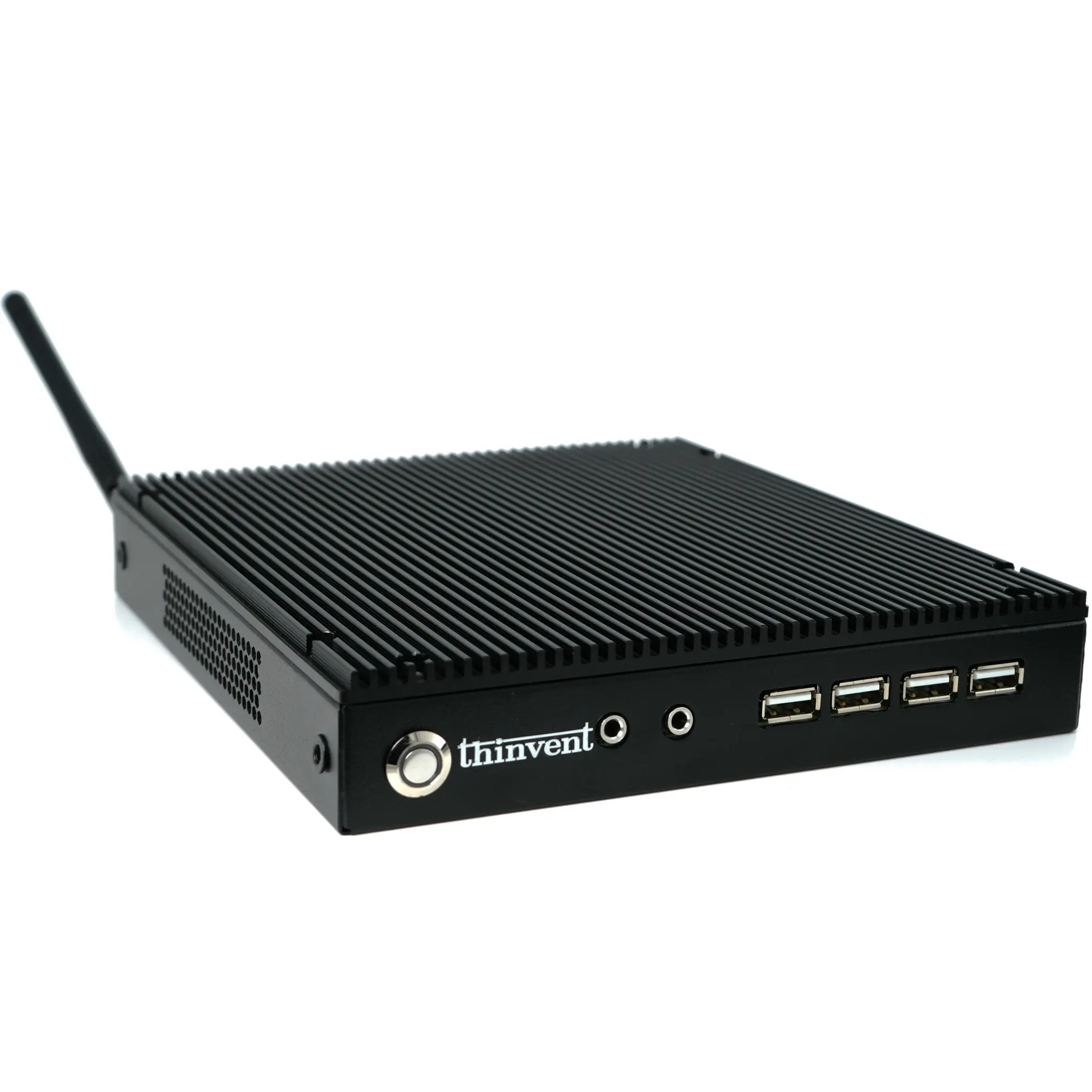
For businesses that require reliability without the complexity of a full DIY build, Thinvent offers a range of pre-configured industrial computers. Our products, like the Aero Mini PC featured on this page, incorporate the essential principles of a good build—selecting efficient processors, ample memory, and fast storage—into a tested, fanless chassis. They are perfect for applications where uptime, small footprint, and silent operation are critical. By choosing a Thinvent system, you gain a professionally engineered solution with dedicated support, allowing you to focus on your core business operations rather than hardware assembly and troubleshooting.